SET BY POSITION
IMPORTANT NOTES.
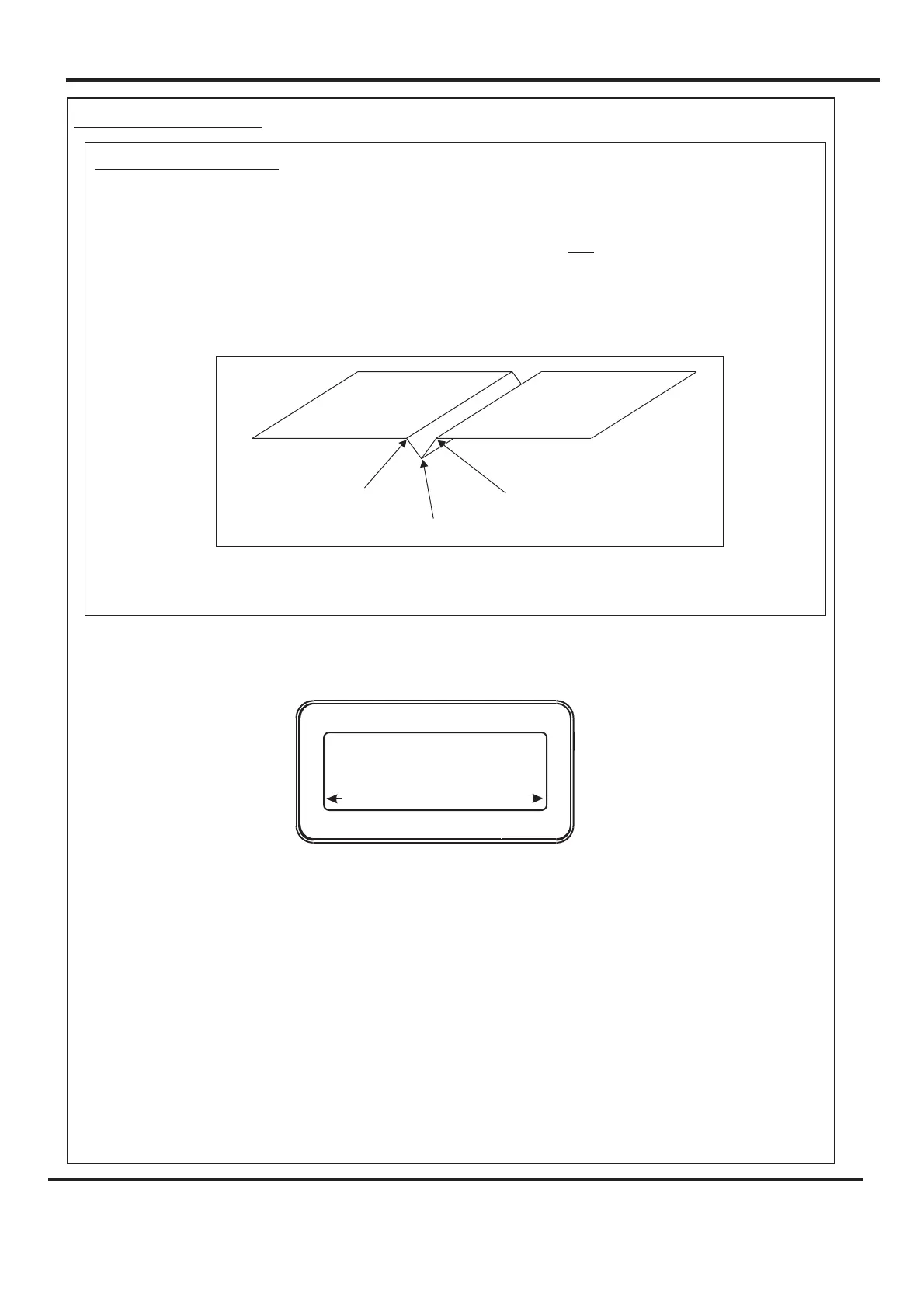
1. If the fold is too near, or on the center line of the crease; the fold will try to fold
diagonally across the crease profile and pull the fold out of square to the paper.
The best fold squareness is achieved when the fold is on the center line of the
crease, it should be to one side of the crease center line as shown below.
Thus for a crease setting of 100 for example, the fold should be set to a figure
slightly smaller or greater than 100.
2. When using all dimensions are from the leading edge of the paper
as shown in the example on page 27.
1. Switch the power ‘on’ by turning the Emergency stop button clockwise to release the
safety latch. The display is now switched on and will be as shown below.
If you have not been trained to operate this machine, we strongly advise that you move the
Selection Switch to the right to select . We recommend that you either seek training or
ask a trained operator to run the machine for you.
Move the Selection Switch to the left to select only if you have been trained to operate
this machine. If you have not been trained to operate this machine and you select ,
Morgana Systems Ltd accept no responsibility for personal injury, damage to the
machine or damage to materials being processed by the machine.
not
Set By Position,
No
Yes
Yes
IMPORTANT.
Page 23
SYSTEM
center line of crease
ideal fold line
ideal fold line
Operate This Machine
No
Yes
Are You Trained To
Digifold 5000P
Operating the Digifold



 To Next Page