Page 24
CREASING / FOLDING
Set By Posn.
Prog 1
Tota l 2 0
Reset
Setup
Adjust
Run
Batch Off
Prog 1
Tota l 2 0
Reset
Setup
Adjust
Run
Batch Off
Crease/Fold
Letter
Prog 1
Tota l 2 0
Reset
Setup
Adjust
Run
Batch Off
Prog 1
Tota l 2 0
Reset
Setup
Adjust
Run
Batch Off
Crease/Fold
(Crease/Fold)
Home
More
Set Process
Crease Only
Set By Fold
Letter, Concertina, Half on K1, Half on K2, Double, Engineer, Gate
Closed Gate Set By Posn.
Reset,
Set by Posn
Set Process
Crease & Fold, Crease Only, Fold Only Perf only).
Set Process,
Crease & Fold, Crease
Only, Fold Only Perf only
If the display contains any of the following words the machine is in the mode
of operation ( or
). Change to the mode of operation as follows.
(i) Move the Selection Switch up to select and hold momentarily.
(ii) Move the Selection Switch down, one click at a time, to select .
(iii) Move the Selection Switch to the right.
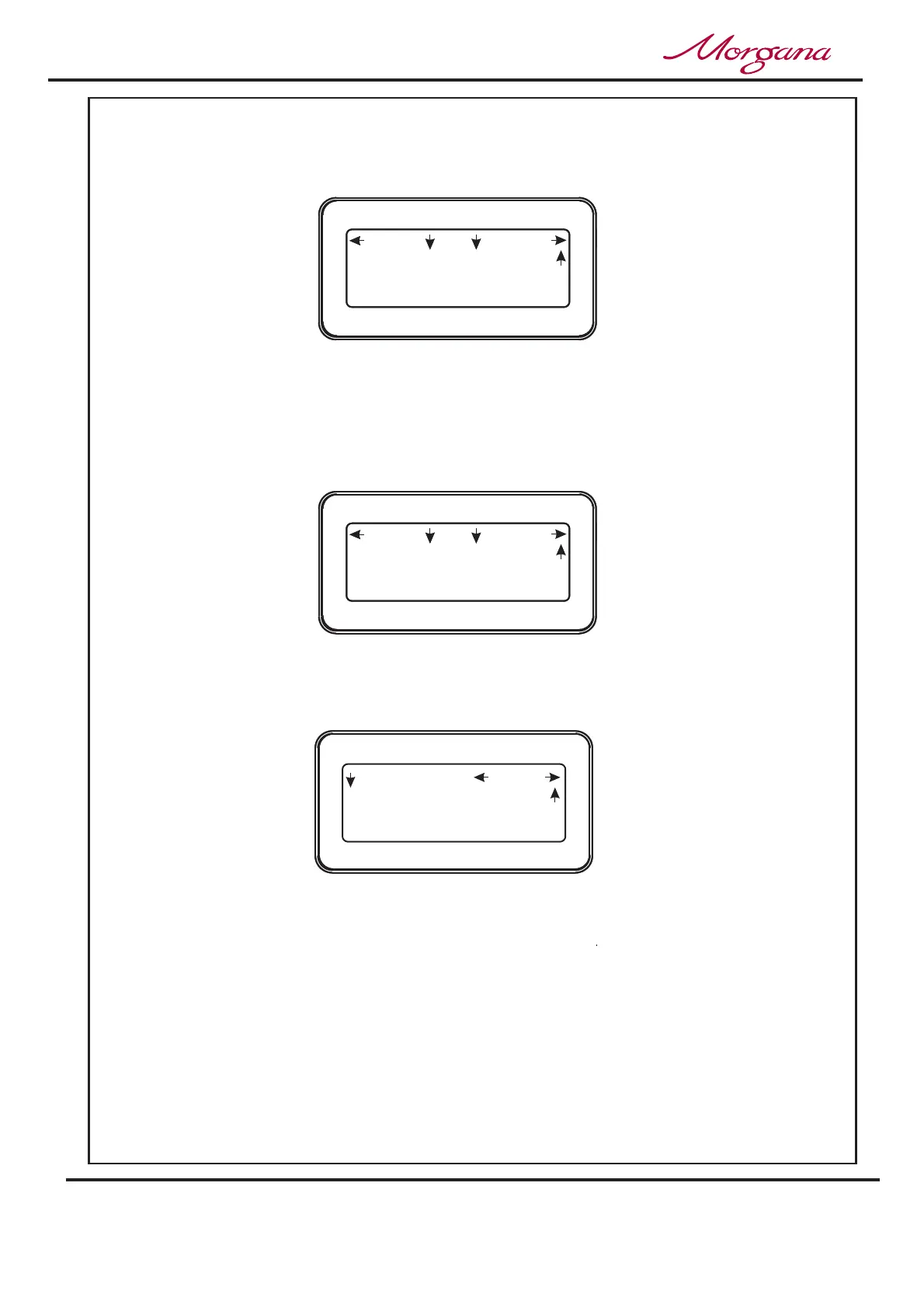
2. Following the arrows on the display unit; move the Selection Switch to the right
(one click at a time) until the display contains the words .
or
3. Move the Selection Switch down to select the required crease or fold
option can now be set by moving the Selection Switch down to the required setting and
then moving the Selection Switch to the right. The options are
or
A typical, (SET BY POSN.), display menu is shown below.
Setting the Process (
).
Operating the Digifold



 To Next Page