Page 29
SYSTEM
Adjusting the blade pressure (no paper required)
1.
3. Press the System Switch down.
4. Move the Selection Switch to the right, the machine will active and the blade will move
to top dead centre. The display will momentarily read
and then change to read
.
5. Using a 5mm allen key, unlock the socket head screws positioned at each end of the
creasing blade.
6.
.
With the machine switched (see page 18), move the Selection Switch to the left
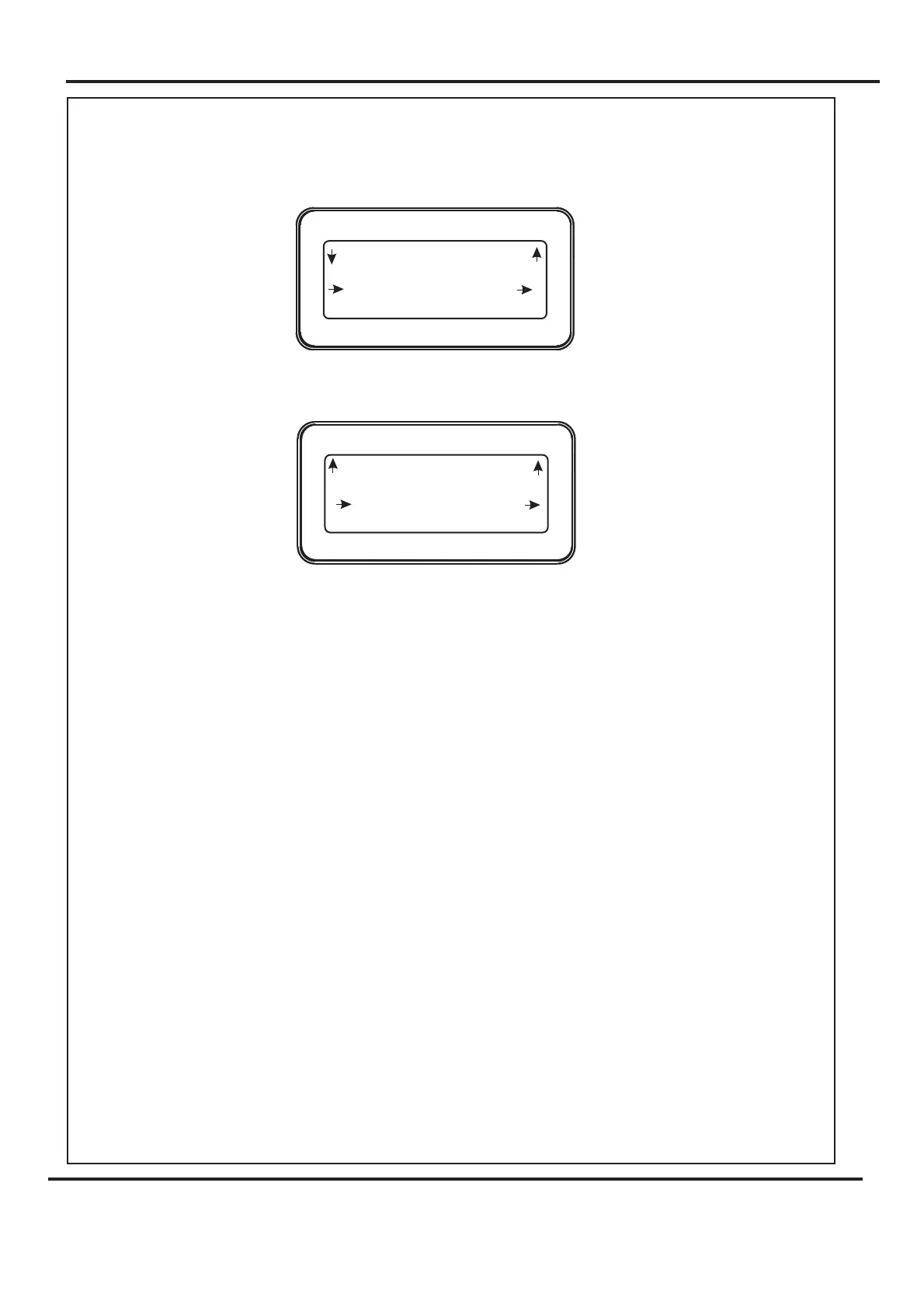
(one click at a time) until the display contains the words as shown below.
2. Move the Selection Switch down to .
Rotate the blade adjustment cams until they are just tight, and then back off slightly
before tightening the socket head screws
ON
Select Tools
Set Blade Pressure
Blade is moving to TOP DEAD
CENTRE Blade Pressure May Now Be Adjusted See
Operators Manual
The Blade Assembly
Inch Roller Drive
Home
Select Tools
Set Blade Pressure
Inch Roller Drive
Back
Select Tools
Set Blade Pressure
Digifold 5000P



 To Next Page