Page 22
CREASING / FOLDING
Adjusting the Fold Positions.
16. The fold positions can also be adjusted as follows:-
(i) From the start up menu move the Selection Switch to the left to select .
(ii) Move the Selection Switch to the left (one click at a time), selecting until the
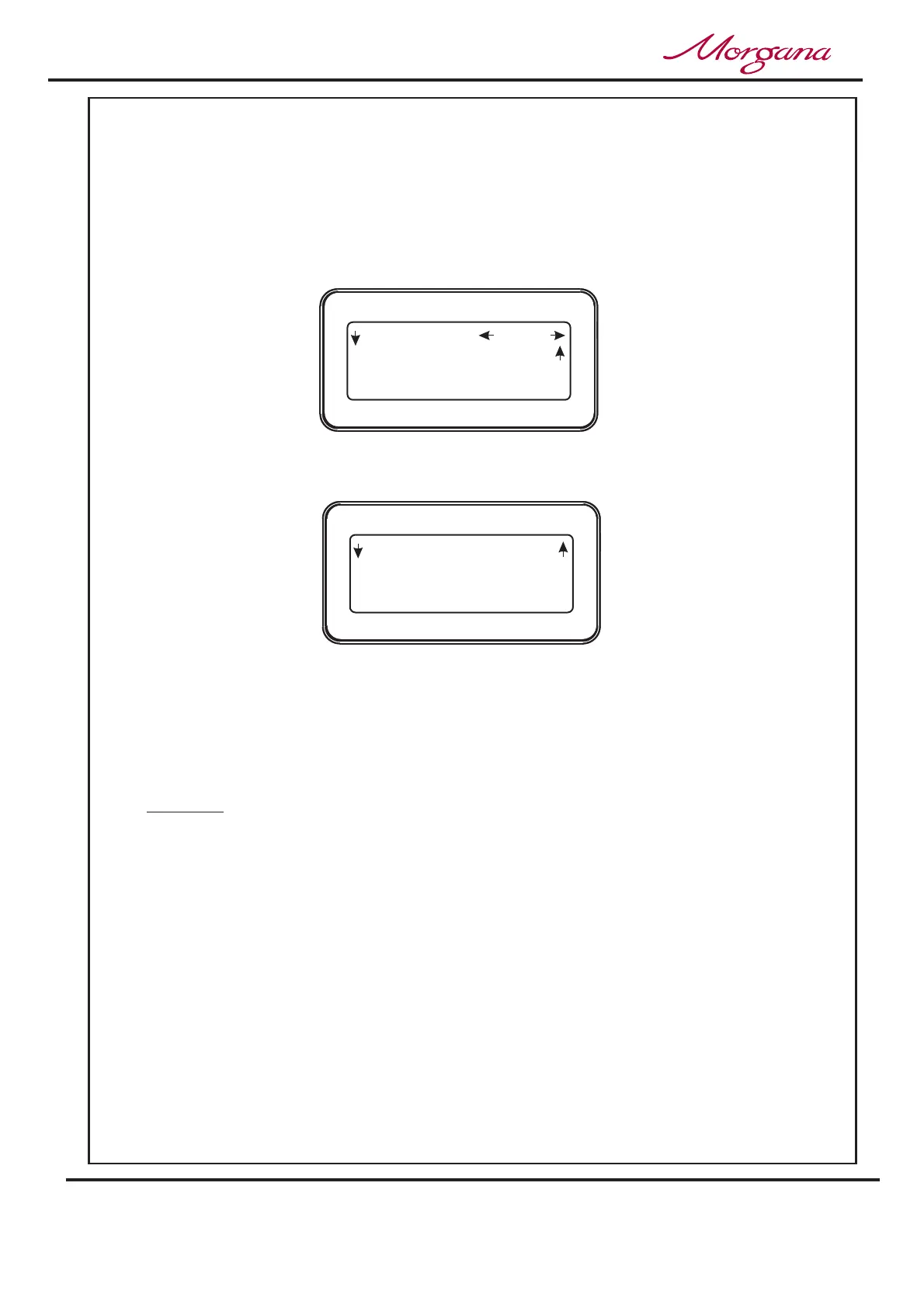
display contains the words as shown below.
(iii) Move the Selection Switch down to select the fold that needs to be adjusted.
(iv) The fold position can then be adjusted by rotating the Selection Switch (range of
adjustment -5.0 to +5.0)
(v) Move the Selection Switch up (one click at a time) selecting until the top level
display menu is shown.
Adjust
More,
Adj. Folds
Back
If a crease position is adjusted, the fold will move with it.
If a fold position is adjusted, then only the fold will move.
Adjust a fold only if the fold appears to be giving an out of square result or
cracking appears.
The fold is probably too close to the centre of the crease and will be trying to
fold from one side of the crease to the opposite side of the crease (see page 23
for explanation).
Adjust the ‘Paper Type’ (item 5 on page 19) to compensate for variations in
paper thickness and consistency.
NOTES:-
1st Fold 52.5
Home
More
Adj. Folds
2nd Fold 105.0
(1st 52.5 -1.5)
Back
Adj. Folds
2nd 105.0 +0.0
Operating the Digifold



 To Next Page