137
15.
TROUBLESHOOTING
The following table provides guidance for investigating issues that may occur during operation of the Surveyor
patient monitors. Contact Mortara Technical Service for further assistance.
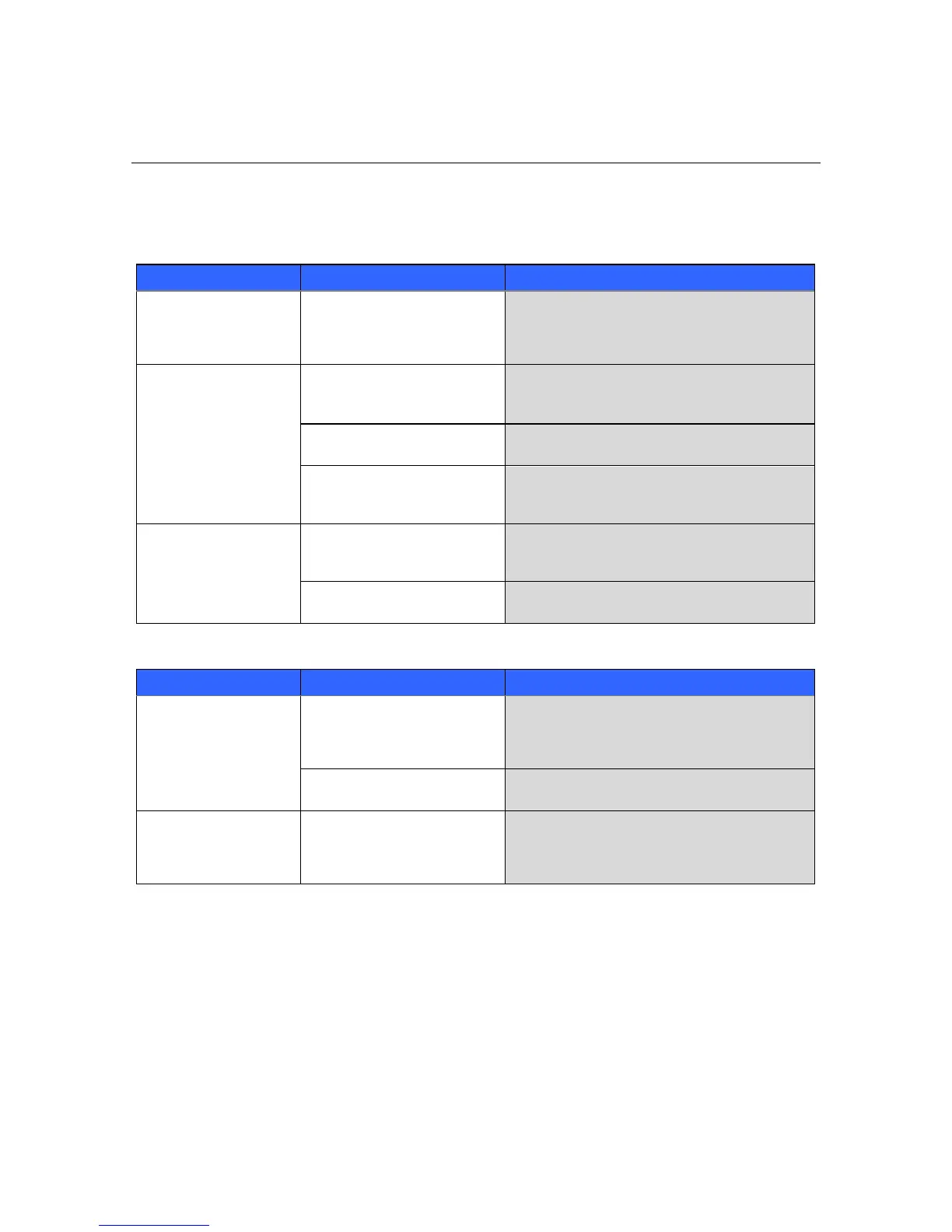
Power and Battery
The Surveyor patient
monitor is not working and
displays an error message.
Power cycle the Surveyor patient monitor and try
again. If problems persist, stop using the Surveyor
patient monitor and contact Mortara Technical
Support.
The patient monitor is
plugged in but does not
start up.
Verify that the power outlet is working; verify the
green LED on the front panel is illuminated.
The monitor is powered off
Press the power switch to power on the patient
monitor.
Power cycle the Surveyor patient monitor. If problem
persists, stop using the Surveyor patient monitor and
contact Mortara Technical Support.
The patient monitor will
not run once on battery
power.
Connect the Surveyor patient monitor to AC power.
Verify that the green LED is illuminated and the
Surveyor patient monitor powers up.
Battery will not hold charge
Replace the battery according to instructions in the
General Care & Maintenance section.
The touch screen is not
working properly.
Power cycle the Surveyor patient monitor and try
again. If problems persist, stop using the Surveyor
patient monitor and contact Mortara Technical
Support.
Touch screen may need calibrating
Attempt to calibrate the touch panel from the Service
menu.
The display is not working
properly.
Power cycle the Surveyor patient monitor and try
again. If problems persist, stop using the Surveyor
patient monitor and contact Mortara Technical
Support.


 To Next Page