46
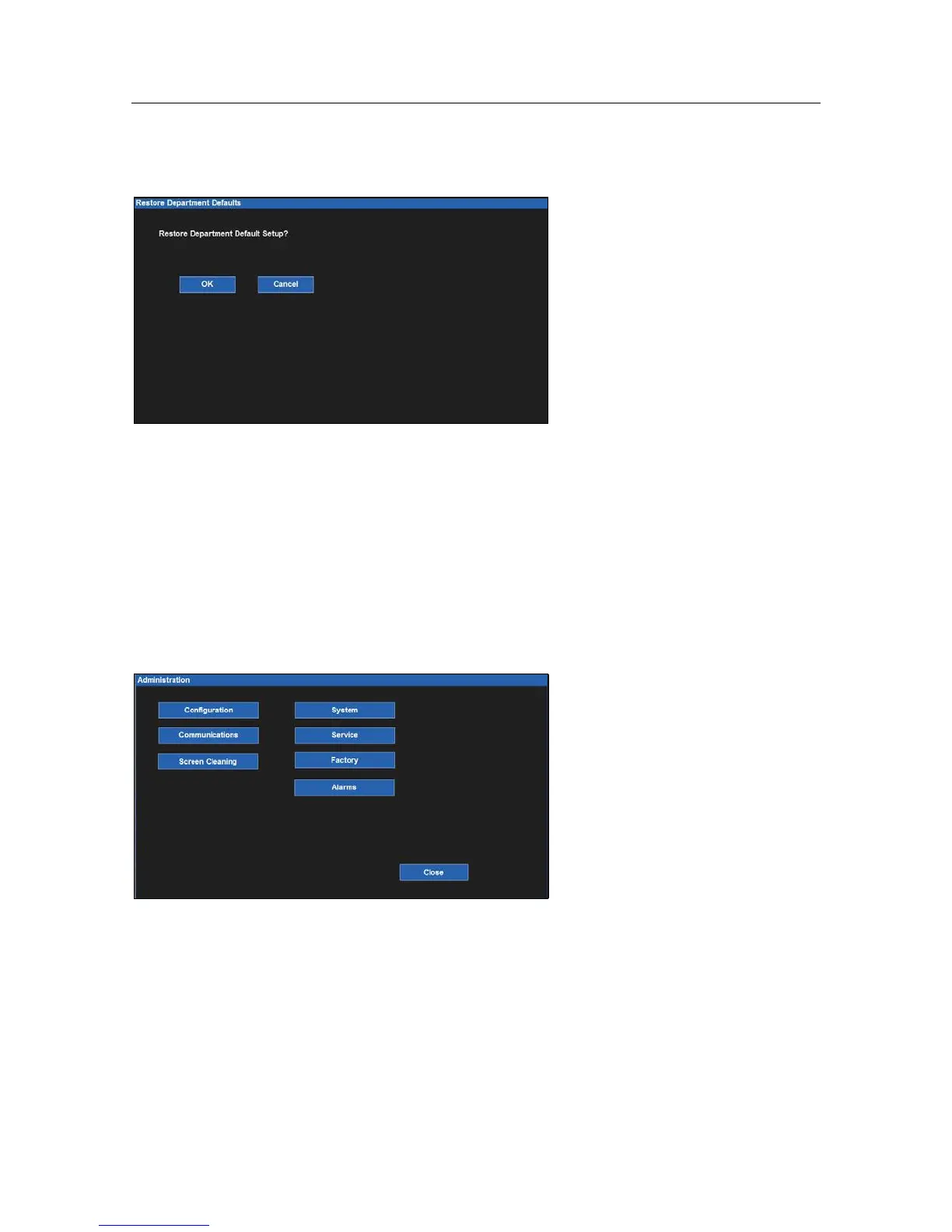
Restore Departmental Defaults
Restore Departmental Defaults
To restore the patient monitor back to the departmental default configuration:
1.
Select the Setup quick action key on the main screen to access the Setup dialogue.
2.
Select the Restore Departmental Defaults button.
3.
Select the OK button to enter OR select the Cancel button to cancel the changes.
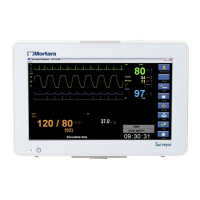
Administration
The Administration dialogue contains service and configuration related functions. The functions located on the left
of this dialogue do not require a password. The functions located on the right of this dialogue are password-
protected. Contact the system administration for further details.
Example Administration Dialogue


 To Next Page