47
Configuration
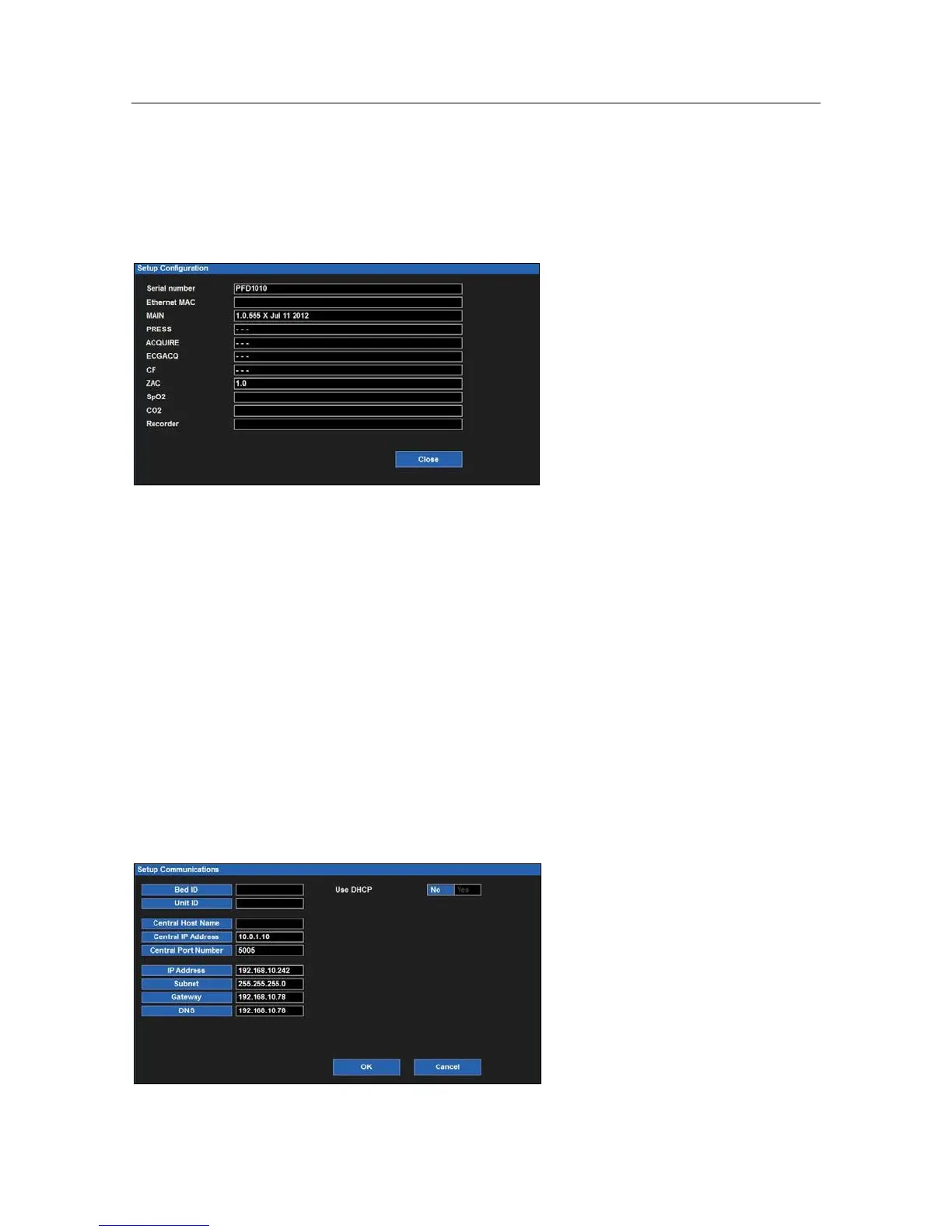
Selecting this item displays the setup of this Surveyor including its serial number, Ethernet MAC address, internal
software version as well as those of accessories and modules integrated with this system. There are no configuration
options here but this information is helpful for service personnel when analyzing the system for issues.
Example Setup Configuration Dialogue
Communications
Use this dialogue to configure the communication parameters of the Surveyor including the Bed ID, Unit ID as well
as the network parameters for both the Surveyor Central and this Surveyor patient monitor. This information is
typically defined by authorized installation and service personnel.
The communications are pass code protected. The pass code is:
Specific configuration parameters include:
Bed ID and Unit ID for interfacing with Surveyor Central.
TCP/IP network parameters including host name, IP address, and port number for Surveyor Central.
Whether dynamic host control protocol (DHCP) is utilized by the Surveyor to obtain IP address information
for the bedside monitor. If not, the user can define specific static IP addresses including IP address, subnet
mask, gateway address and Domain Name System (DNS) address information.
Example Setup Communications Dialogue


 To Next Page