50
Alarm Delay
This setting determines if the monitor uses a delay before providing alarm notifications. This feature is
intended to reduce erroneous alarm notifications.
To configure:
1.
Select the Setup quick action key on the main screen to access the Setup dialogue.
2.
Select the Administration button.
3.
Select the Alarms button to access the Administration: Setup Alarms dialogue.
4.
Locate the Alarm Delay label.
a.
Select Yes to enable the alarm delay.
b.
Select No to disable the alarm delay.
5.
Select the OK button to enter that change OR select the Cancel button to cancel the changes.
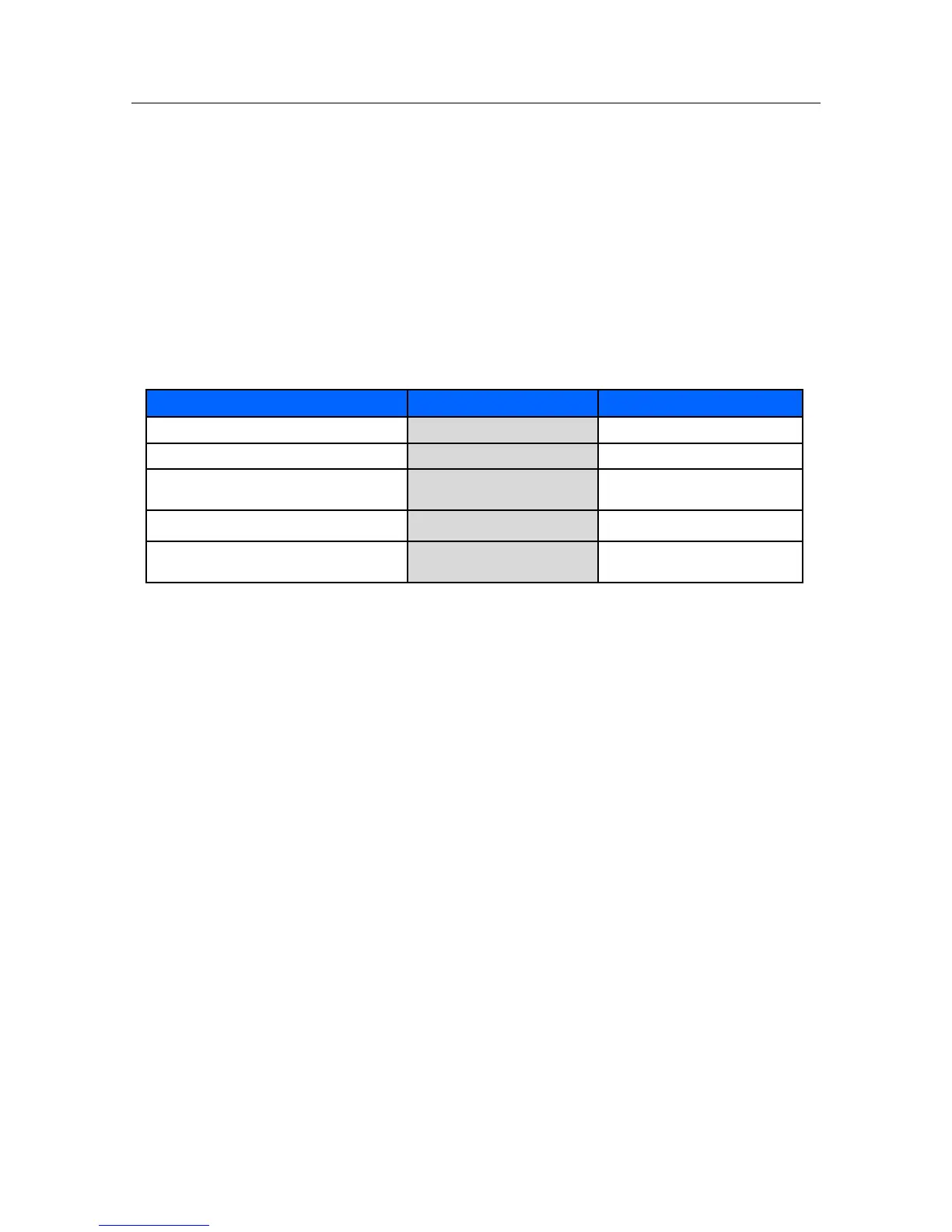
If enabled, the alarm delay values are based on the specific parameter and as follows:
Second Speaker Time (Minutes)
The Surveyor has a second speaker that provides additional audible notification when the initial audible
alarm is not acknowledged and silenced. The second speaker begins sounding approximately 1 second after
a pre-defined amount of time has passed if the initial alarm sound has not been silenced.
To configure the second speaker alarm time:
1.
Select the Setup quick action key on the main screen to access the Setup dialogue.
2.
Select the Administration button.
3.
Select the Alarms button to access the Administration: Setup Alarms dialogue.
4.
Locate the Second Speaker Time (Minutes) label.
Select the Up/Down arrow to rotate through the choices (Choices include 0 minutes, 1 minute,
2 minutes, and 3 minutes).
5.
Select the OK button to enter that change OR select the Cancel button to cancel the changes.
Administration Setup System Dialogue
The System dialogue is a password protected area intended for use by service and system administrative personnel
only. The Setup System dialogue is where the units of measure are configured for height, weight, and temperature.
This dialogue is also used to configure the print location, set the date and time, and to save departmental default
settings. Contact service or system administrator for further details.


 To Next Page