PAGE 13 AMP’D LIVE™ HIGHLIGHT FEATURES
How to Find Stuff
You have two ways to find stuff in Amp’d Live:
•
browse by category
•
search for a specific item
Browsing Amp’d Live
As you explore the Amp’d Live universe, you’ll notice
that it’s pretty easy to get around. Here’s how it works:
1. Press the center select key (
s
) to enter Amp’d Live.
2. Select an item from the
Category
list.
Depending on the item, there may be multiple pages
of choices.
Searching Amp’d Live
If you know exactly what you want to find, use
Search
:
1. Press the center select key (
s
) to enter Amp’d Live.
2. Press the left soft key, then select
Search
.
3. Select one of the three available drop down menus
(Type, Category, or Keyword).
4. Select the
Category
box, and choose the category
that you wish to search for your content.
5. Enter a description of the item.
6. Press
Search
.
If you don’t find what you want the first time, don’t give
up. Try again, using a different item description
or category.
Decode the Ratings
Whether you’re looking for adult content or something
less racy, all Amp’d Live items have a rating decal to help
you choose correctly.
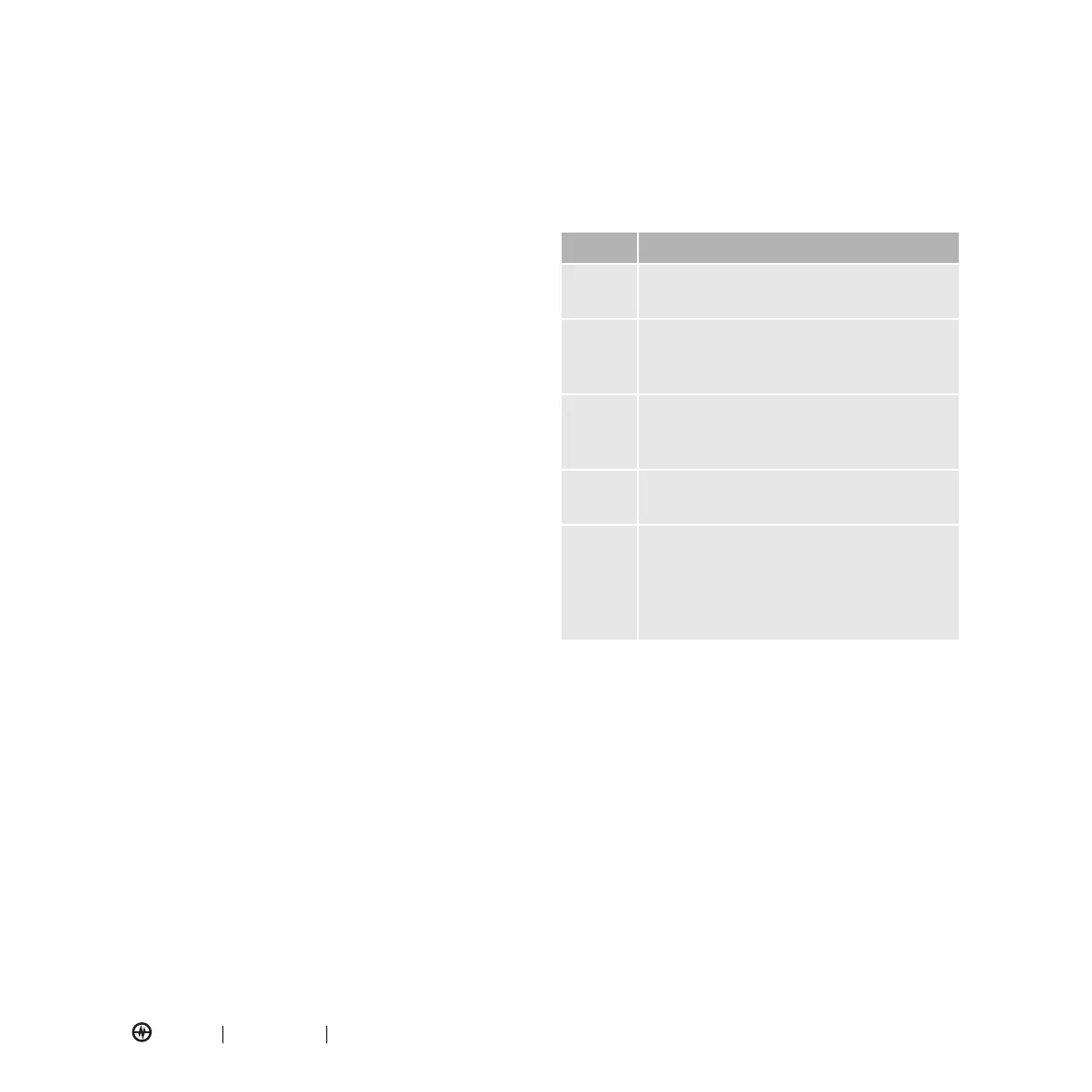
Rating Description
AA
All Audiences
—Grandma won’t
be offended.
GC
General Content
—May contain mild
language, violence, comic mischief, and/or
suggestive themes.
MC
Mature Content
—May contain strong
language, depictions of violence, sex, and/
or substance abuse.
AO
18+ Adult Only
—May contain uncensored
depictions of violence, nudity, or sex.
Parental
Advisory
—
Explicit
Content
Recordings identified with this warning
contain strong language or depictions of
violence, sex, or substance abuse. Parental
discretion is advised.



 To Next Page