PAGE 14 AMP’D LIVE™ HIGHLIGHT FEATURES
Making Purchases
Try Before You Buy
The Amp’d Mobile
Preview
feature lets you sample any
of our items before you buy. Here is how it works:
1. Press the center select key (
s
) to enter Amp’d Live.
2. Find an item you want to try.
3. Select
Preview
to check out the item. If you pick a
bundle, you can preview each item in the bundle.
4. If you want to purchase the item, select
Buy
.
-or
-
If you don’t want to purchase the item, or if you
want to check out some other choices before you
decide, press
Back
and continue looking.
Buy Stuff
Amp’d Live offers a variety of ways for you to load up on
entertainment. Mix and match to create your own blend
of permanent and temporary ownership.
• Own It (Download)
puts a copy of the item on
your phone so you can view or play it whenever
you
want, forever. Copy protection laws still apply,
so you may not be able to send the item to
your
friends.
• Buy Access (Subscription)
gives you unlimited
access to the item during your subscription period.
Subscriptions are billed monthly and are great for
sampling a variety of items. Just remember that the
subscription items change all the time (like an e-fine
or a premium TV channel), so you find something
you
must
have, you should buy that item and
download it permanently.
• On Demand (Streaming)
plays the entire item on
your phone, but only one time. It’s just like
pay-per-view from your cable or satellite TV service.
Note:
If a download is interrupted, you will not be
charged for the item. You can always go back and
purchase the item again.
Enjoy Your Stuff
After you download or subscribe to items, go to
My Stuff
to play your music, videos, browse through
purchased ringtones and wallpapers, enjoy your
subscriptions, and look for any pending downloads.
From the home screen, select the My Stuff icon (
D
).
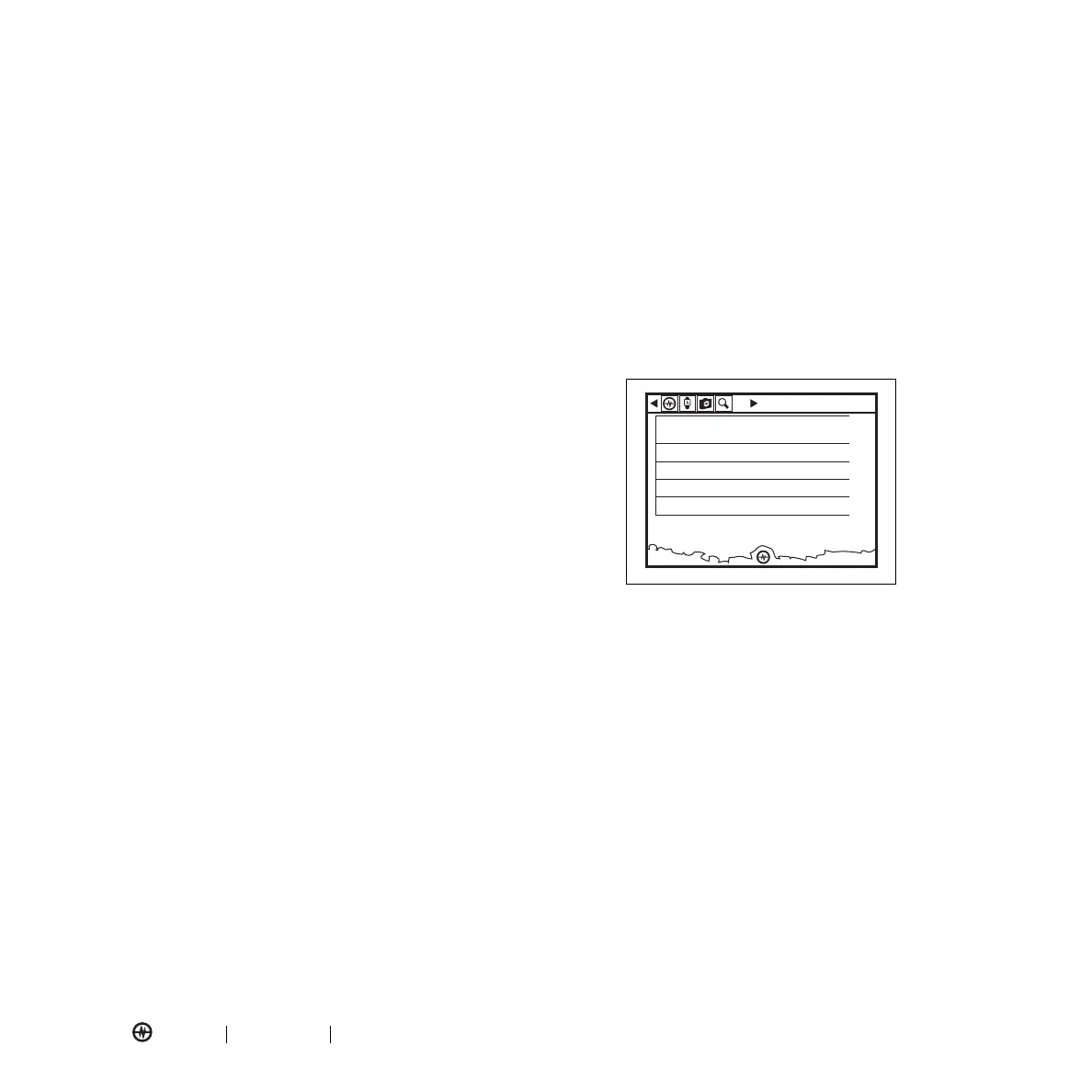
My Stuff Icon Bar
On the My Stuff screen, the icon bar across the top of
the screen lets you get to your stuff quickly! Now, you
are a key press away from accessing pending
downloads, search function, and getting right back to
the action.
If you have a prepaid phone, in Amp’d Live, you also
have a "My account" icon that gives you access to your
Power Meter, so you can check balances, add credit, and
manage your account. Just press Left or Right on the D-
pad and select from the available icons.
MENU
Music
AMP’D LIVE
My Stuff
Video
Tones & Graphics
Subscriptions
Pending Downloads



 To Next Page