To remove a Home screen, drag all apps, shortcuts, widgets, and folders off the screen. After you remove
the last item, the Home screen will be removed.
Customise your home screen
Organise it:
•
touch and hold an item you want to move, then drag it to the new location.
•
group icons into folders.
Change how it looks:
•
to see options for customising wallpaper, widgets and other Home settings, touch and hold a blank
space on the Home screen.
•
For an entirely new look and feel for your Home screen, you can install a different launcher.
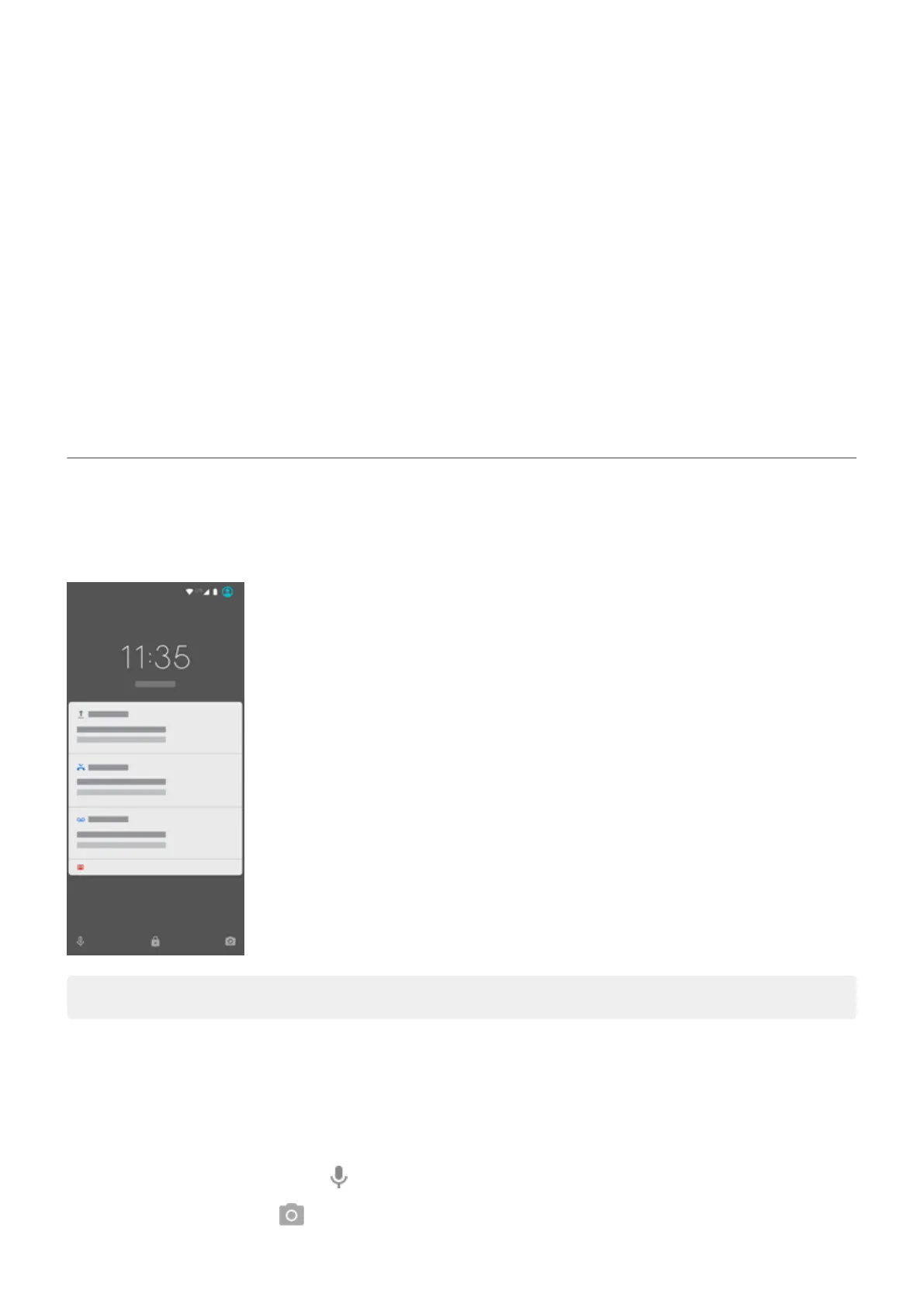
About your lock screen
The lock screen appears when you're using a screen lock and you power on your phone or turn on the
screen.
Tip: If you're using Moto Display, you'll see those notifications before you get to your lock screen.
From the lock screen, you can:
•
Make an emergency call.
•
View and respond to notifications. Double tap one to open it.
•
Open Quick settings. Swipe down from top of screen.
•
Start a voice command. Swipe right.
•
Open the camera. Swipe left.
Learn the basics
15



 To Next Page
 Loading...