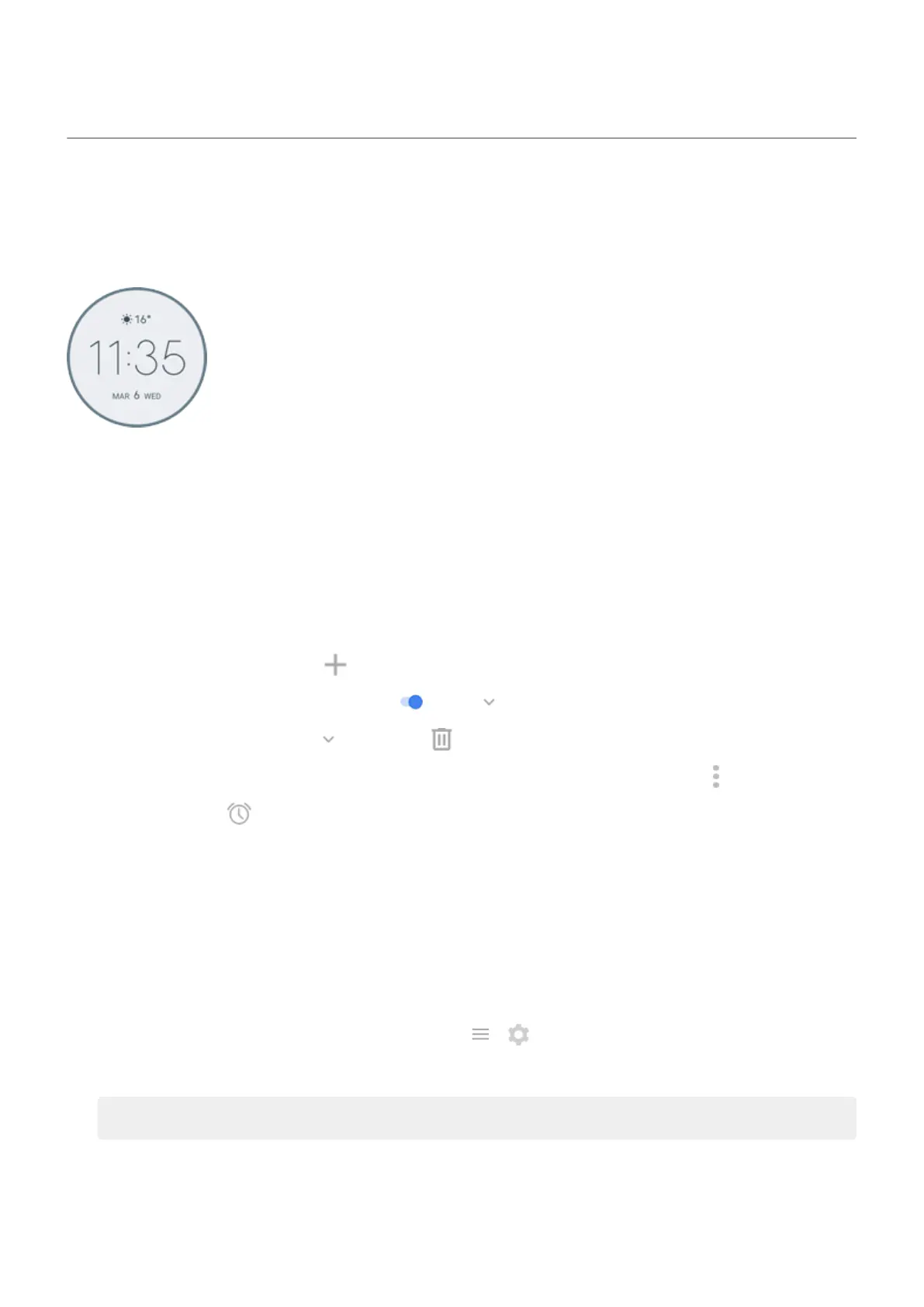
Use Time and weather widget
Add widget to Home screen
Put a clock on your home screen and get quick access to your alarms, calendar, weather and daily steps.
1. Touch & hold the home screen.
2. Touch Widgets.
3. Touch & hold the Time and weather widget then drag it to the Home screen.
Set or delete alarms
1. Touch the time.
2. Adjust alarms:
•
To add a new alarm, touch and set the time and ringtone.
•
To use an existing alarm, switch it on . Touch to view or edit its ringtone.
•
To delete an alarm, touch , then touch .
3.
To control general alarm settings, such as alarm volume and snooze duration, touch > Settings.
When an alarm is set, shows in the status bar.
Manage weather forecasts
Display current conditions for your location or for a city you select.
Show temperature and conditions for current location
1. Do one of the following:
•
Touch Add cities.
•
Or, touch the current temperature, then touch > .
2. Turn Current location on.
Tip: to switch between Fahrenheit and Celsius, touch Temperature unit.
Add location
Learn the basics : Discover useful tools
35



 To Next Page
 Loading...