CA Series User’s Manual Software Installation
3-2
Windows Vista (32-bit)
The Windows Vista (32-bit) drivers conform to the Win32 COMM API standard and support all
models in the CA Series. In the following instructions, the CA-114 is used as an example.
Installing the Driver
1. After turning the embedded computer on, log into Windows as Administrator.
2. Insert the Document and Software CD in your PC’s CD-ROM drive.
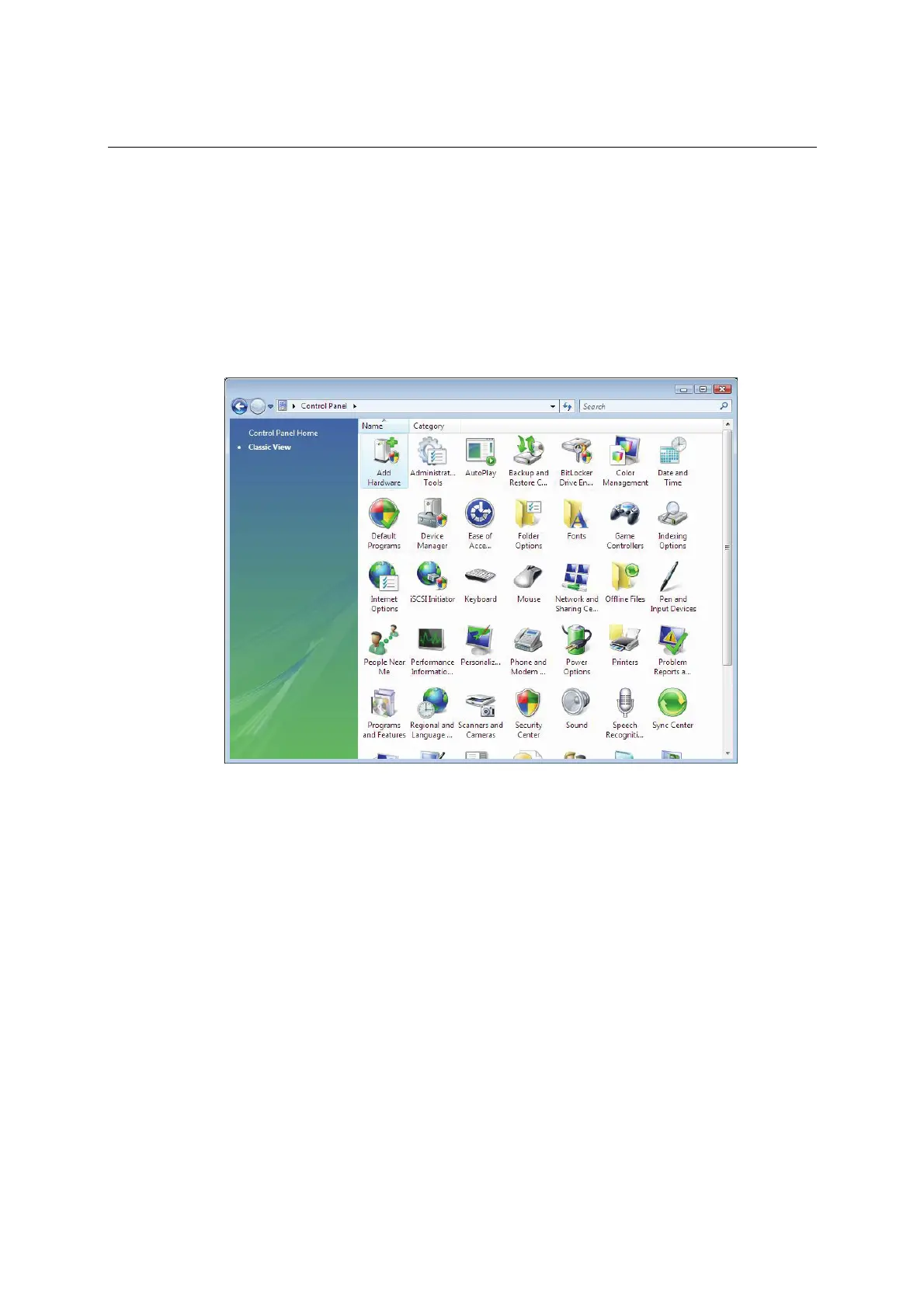
3. Select Add Hardware from Control Panel/Classic View.
4. A window will appear stating that Windows needs your permission to continue. Click
Continue.



 To Next Page