CA Series User’s Manual Software Installation
3-53
Uninstalling the Module
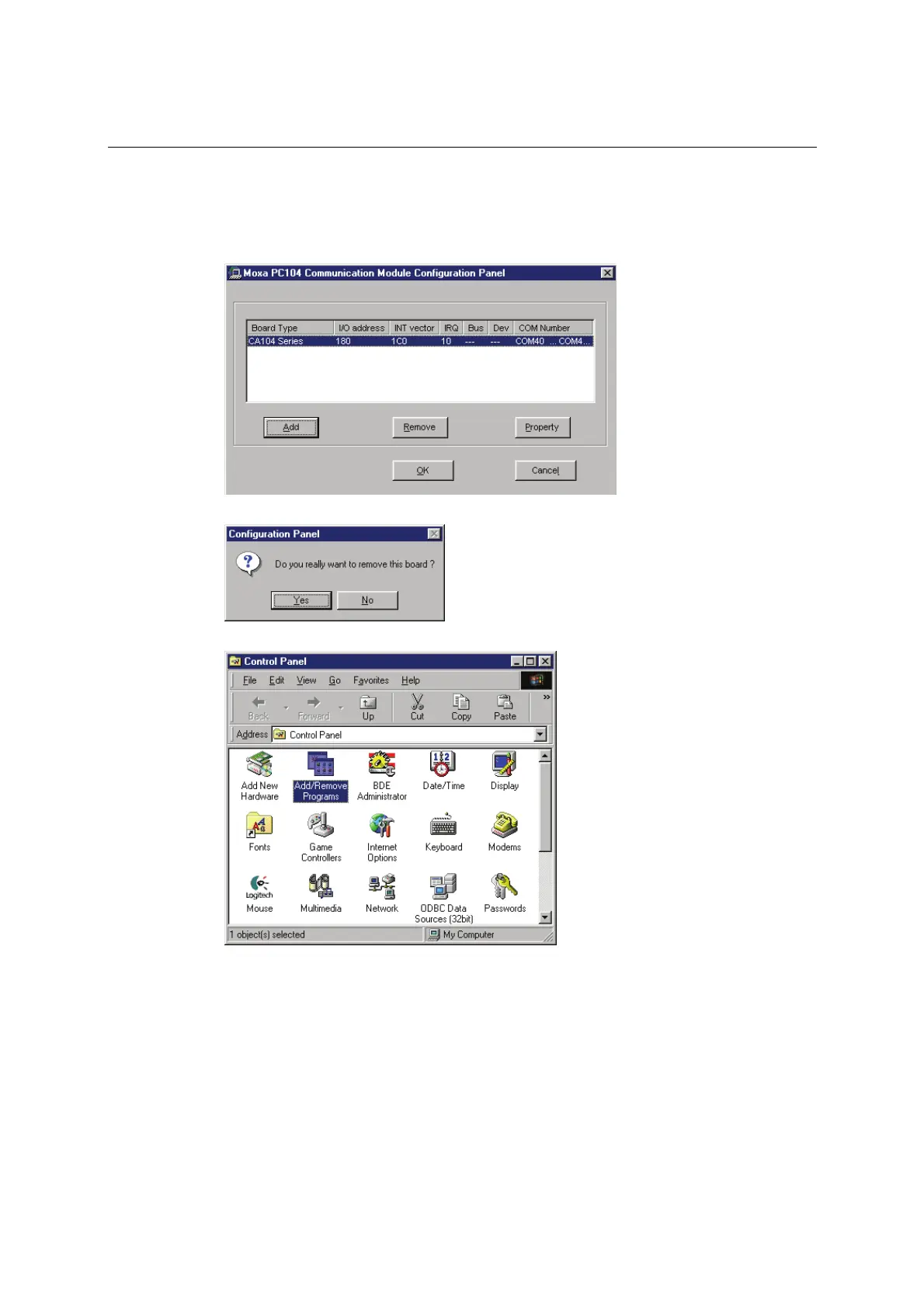
1. Open the configuration panel through Start Æ Programs Æ Moxa Utilities Æ MOXA
PC104 Communication Module Configuration Panel. Select your CA Series module and
click Remove.
2. A confirmation dialog will appear. Click Yes to uninstall the device.
3. To remove the driver from the system, open Add/Remove Programs in the Control Panel.



 To Next Page