CA Series User’s Manual Software Installation
3-56
DOS
MOXA DOS API-232 is a software package that can help you develop or debug serial
communications programs. This section will explain how to install the package, set up the driver,
and load or unload the driver. For additional information about the API-232 library and utilities,
please refer to Chapter 4.
The DOS drivers support the CA-104 V2, CA-104-T V2, CA-132 V2, CA-132-T V2, CA-132I V2,
and CA-132I-T V2. The CA-108, CA-114, and CA-134I models are not supported under DOS.
In the following instructions, the CA-104 is used as an example.
Installing the Driver
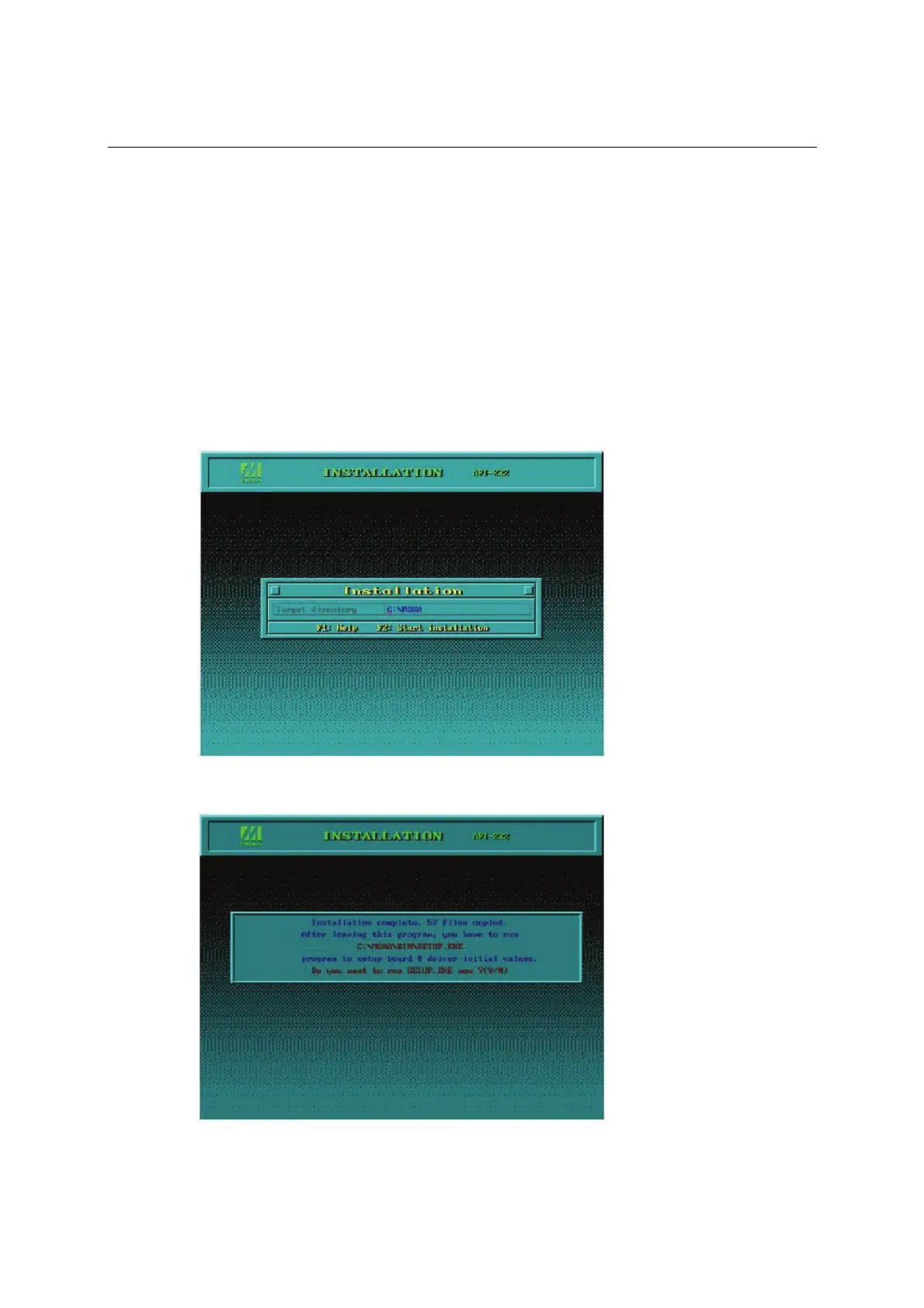
Run the installation program, DOSINST.EXE, in the DOS folder. Specify the target directory for
the API-232 files (e.g., C:\MOXA). Press F2 to start the installation.
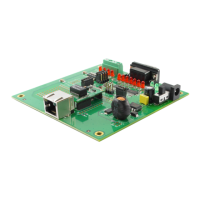
After installation is complete, you will be prompted to set up the board and driver initial values.
We strongly recommended that you do so.


 To Next Page