CA Series User’s Manual Software Installation
3-22
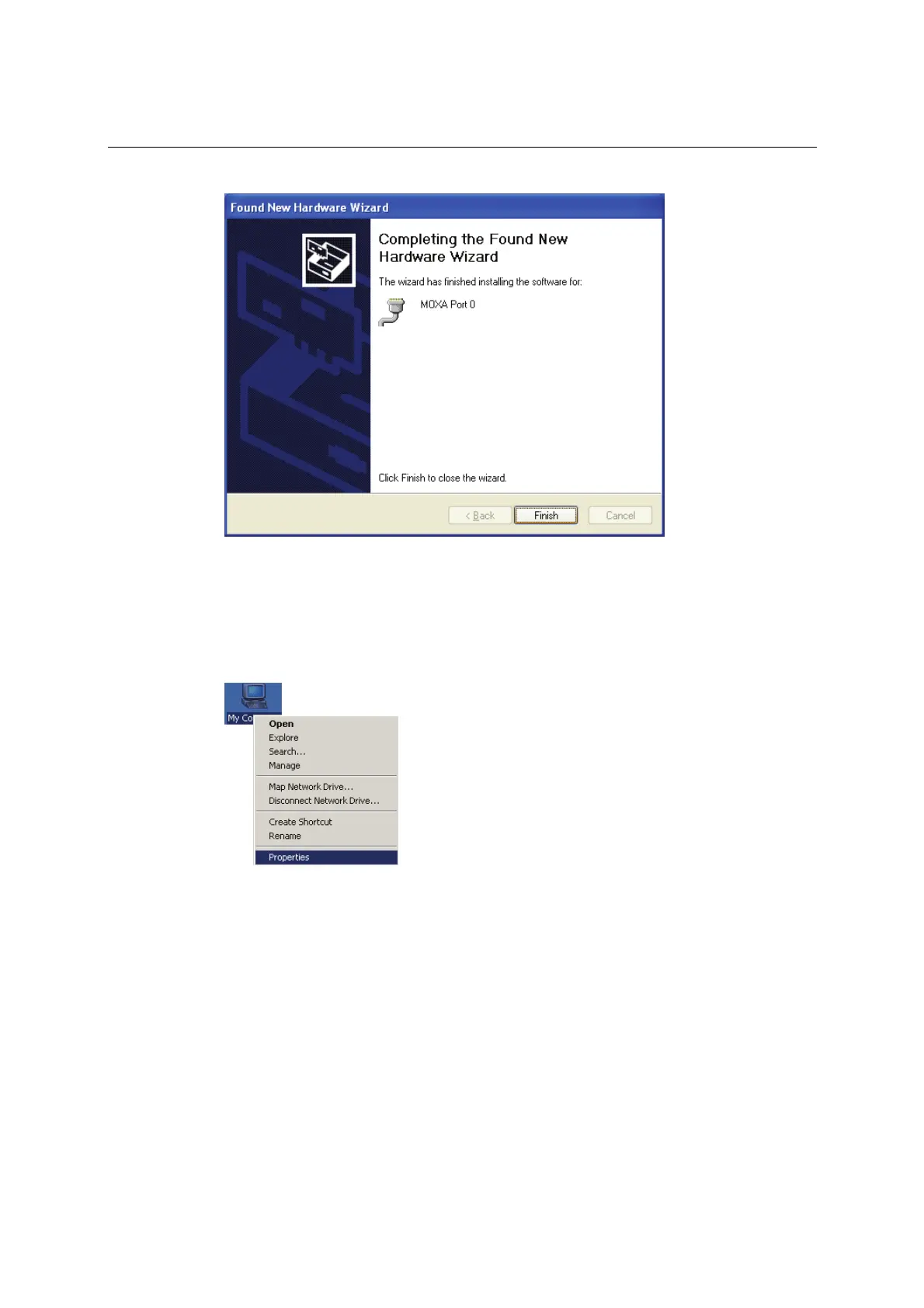
17. After the installation is complete, click Finish.
18. Repeat the installation process for the remaining serial ports.
Using Device Manager to Verify Installation
You can use Windows Device Manager to verify proper installation of the CA Series module. In
the following instructions, the CA-114 is used as an example.
1. Right-click My Computer and select Properties in the context menu.



 To Next Page