CA Series User’s Manual Serial Programming Tools
4-2
Serial Programming Library
The serial programming library assists you in developing serial communications programs for any
COM port that complies with the Microsoft Win32 API. It facilitates the implementation of
multi-process and multi-thread serial communication programs and can remarkably reduce
development time.
The library provides a complete set of functions as well as various sample programs for Visual
C++, Visual Basic, and Delphi. To view detailed descriptions of the available functions and
sample programs, go to Start Æ Program Æ PComm Lite and select PComm Lib Help,
PComm Porting Notes, or PComm Programming Guide. You may also refer to the sample
programs in the PComm directory.
PComm Utilities
This sections provides brief descriptions of the PComm utilities. For more information about these
utilities, please refer to the help files or to the API-232.txt file for DOS.
Installation
To install PComm, run Setup.exe from the installation diskette. Please note that the PComm
diagnostic and monitor utilities are for MOXA boards only. These two utilities will not work with
other serial boards.
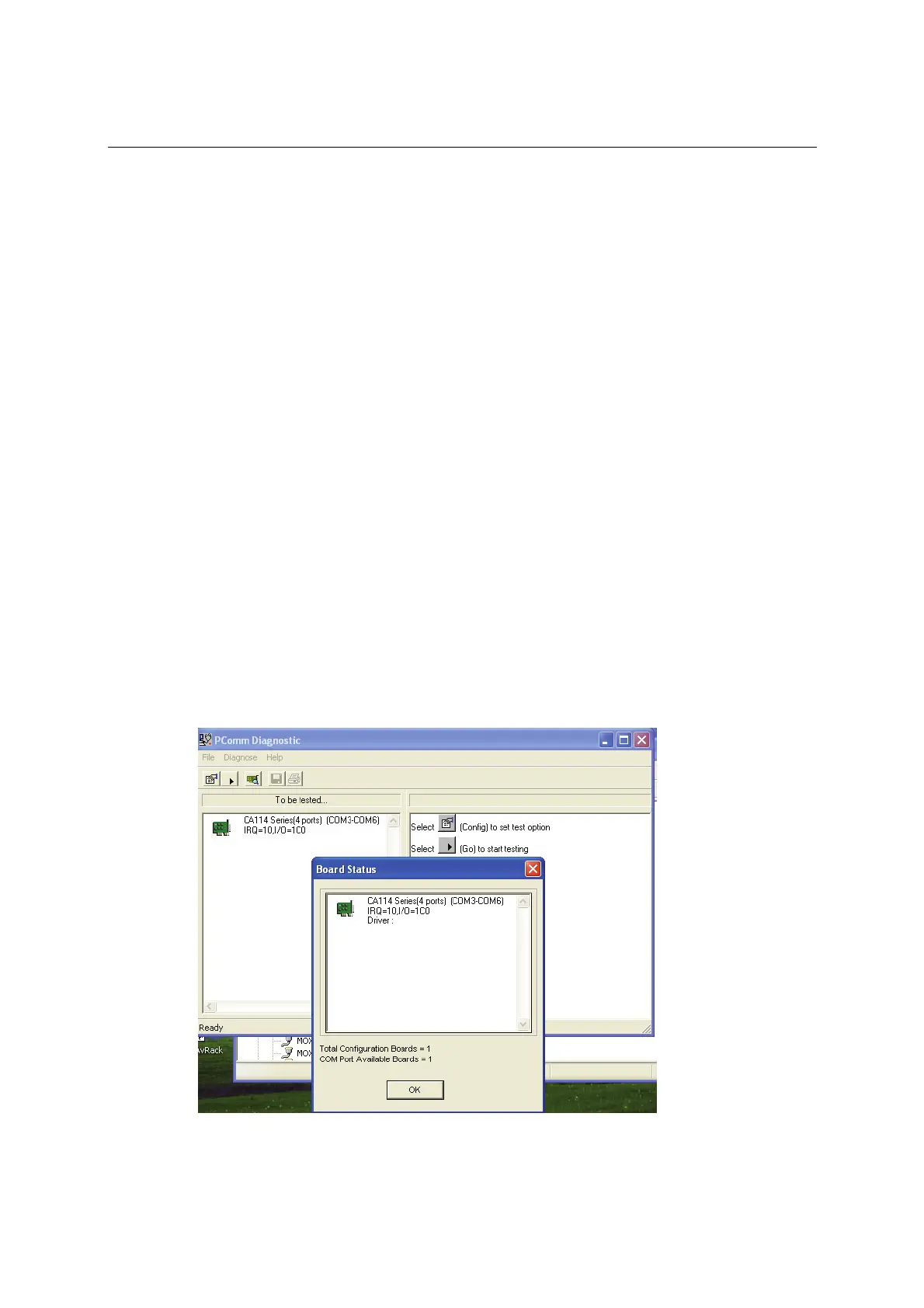
PComm Diagnostic
PComm Diagnostic is designed for MOXA boards only. It provides internal and external testing of
IRQ, TxD/RxD, UART, CTS/RTS, DTR/DSR, DTR/DCD, and other items. You can use PComm
Diagnostic to check the operation of both software and hardware.
To run the Diagnostic program, go to Start Æ Program Æ PComm Lite Æ Diagnostic.



 To Next Page