CA Series User’s Manual Software Installation
3-25
5. Click OK to approve the port settings. Click OK again to close the CA Series Properties
window and apply the new port settings.
Using PComm
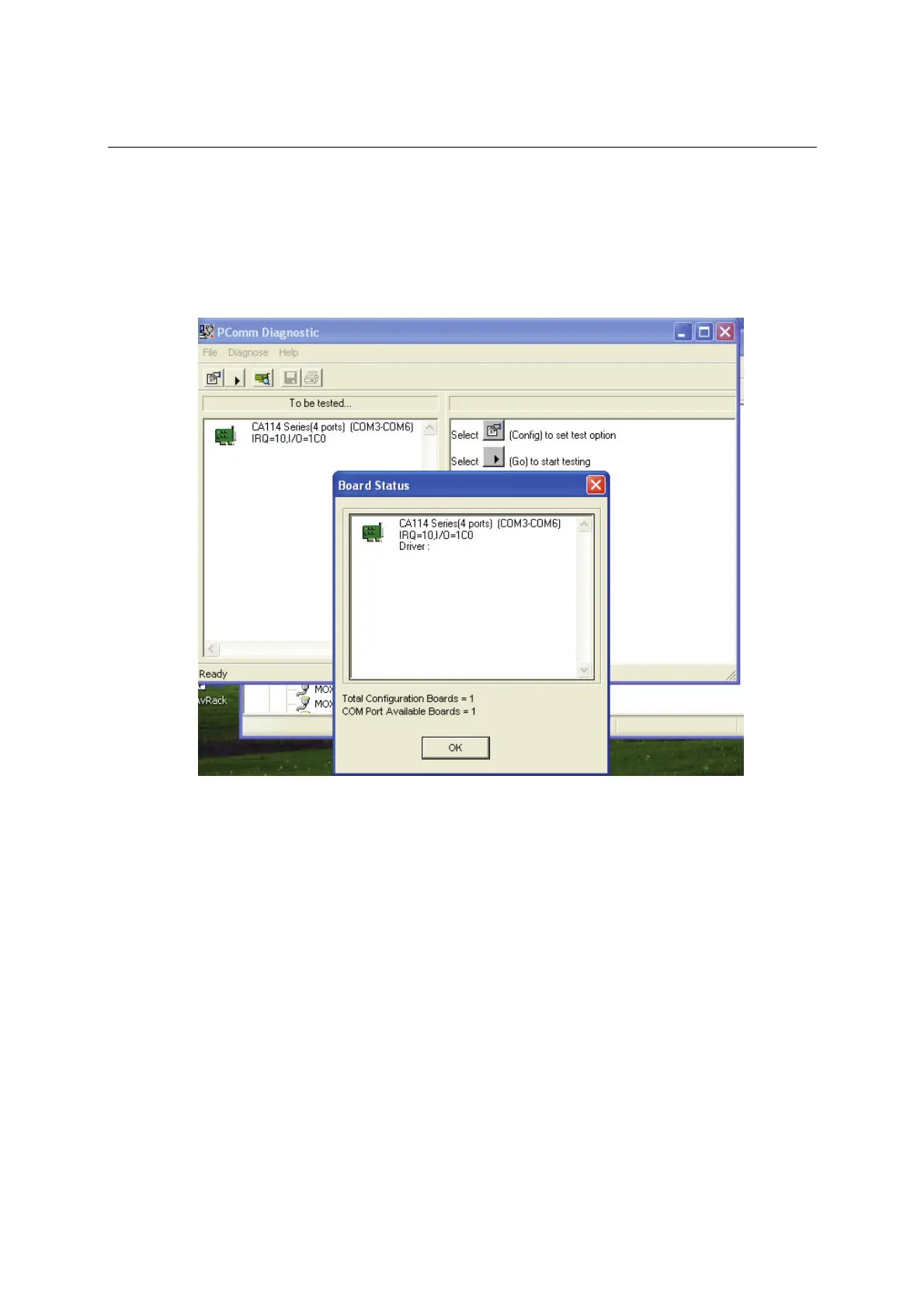
PComm Diagnostic is a useful program for checking the module’s status. It provides internal and
external testing of IRQ, TxD/RxD, UART, CTS/RTS, DTR/DSR, and other items. You can use
PComm Diagnostic to verify that the module and serial ports are working properly.
You can download the free version of PComm at Moxa’s website (www.moxa.com).
Using Event Log
You may refer to the Windows event log to verify operation of the module. To view the event log,
open Event Viewer, which is located under Administrative Tools in the Control Panel. Information
about the module will be located under the System category.



 To Next Page