CA Series User’s Manual Software Installation
3-38
Using Device Manager to Verify Installation
You can use Windows Device Manager to verify proper installation of the CA Series module. In
the following instructions, the CA-114 is used as an example.
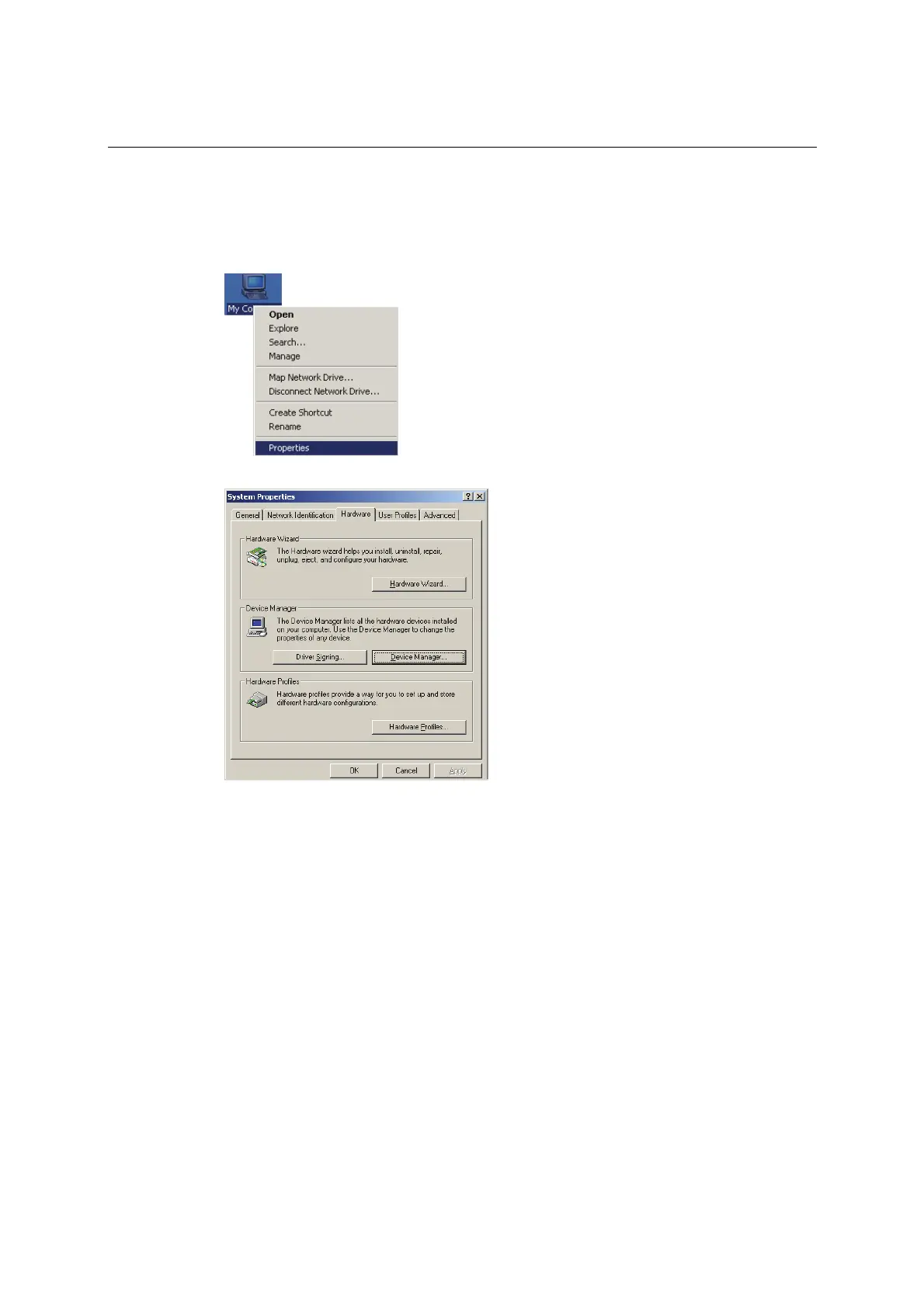
1. Right-click My Computer and select Properties in the context menu.
2. In the Hardware tab, click Device Manager.



 To Next Page