CA Series User’s Manual Software Installation
3-50
Windows 95, 98, ME
The Windows 95/98/ME drivers conform to the Win32 COMM API standard and support the
CA-104 V2, CA-104-T V2, CA-132 V2, CA-132-T V2, CA-132I V2, and CA-132I-T V2. The
CA-108, CA-114, and CA-134I models are not supported under Windows 95, 98, or ME.
In the following instructions, the CA-104 is used as an example.
Installing the Driver
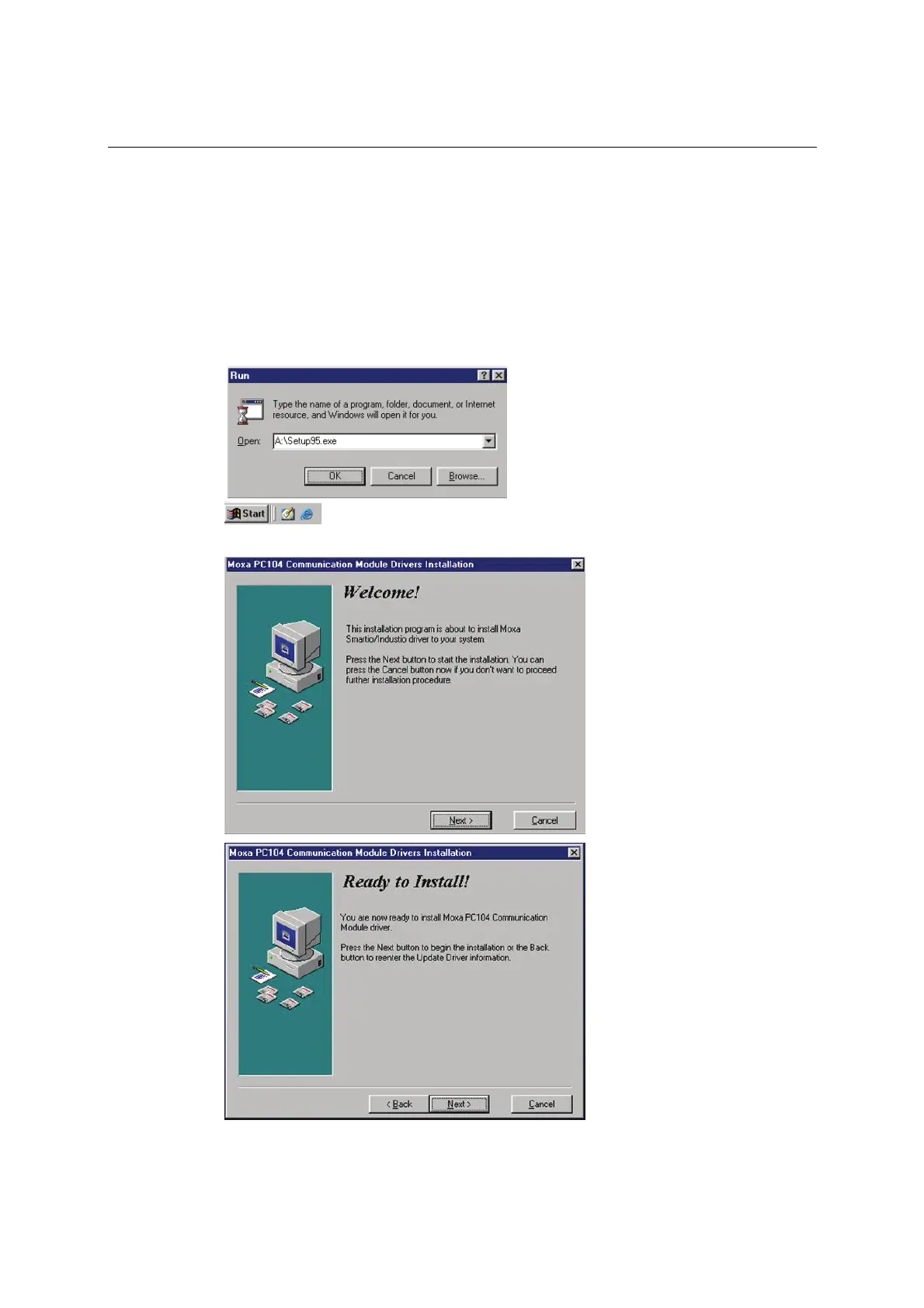
1. Insert the CA Series installation disk and run Setup95.exe through Start menu Æ Run.
2. Click Next to proceed through the welcome screens.



 To Next Page