CA Series User’s Manual Software Installation
3-57
Driver Setup
The following instructions are not intended to illustrate every function of the setup program. For
more detailed information, please refer to the help files by pressing F1 in the setup program.
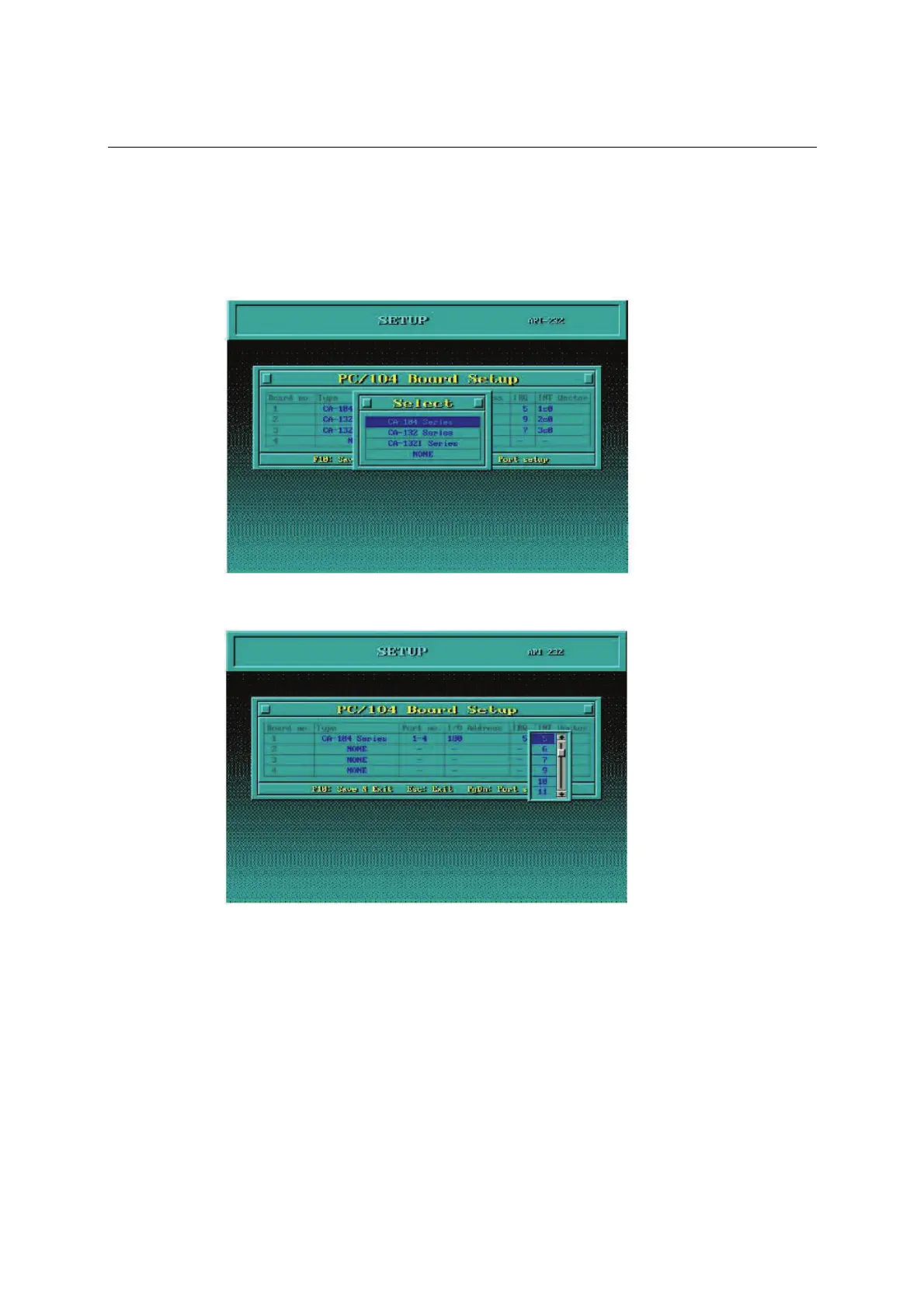
1. Run the setup program, BIN\SETUP.EXE.
2. Select your CA Series model and press Enter.
3. You must set the Port No., I/O Address, IRQ and INT Vector properly. These settings must
match your module’s hardware configuration.
4. Press PgDn to view advanced port setup options. Your module’s configuration will be
displayed along with other settings such as port number, buffer size, etc.
5. Verify the settings and make any necessary changes.



 To Next Page