CA Series User’s Manual Hardware Installation
2-4
I/O Base Address
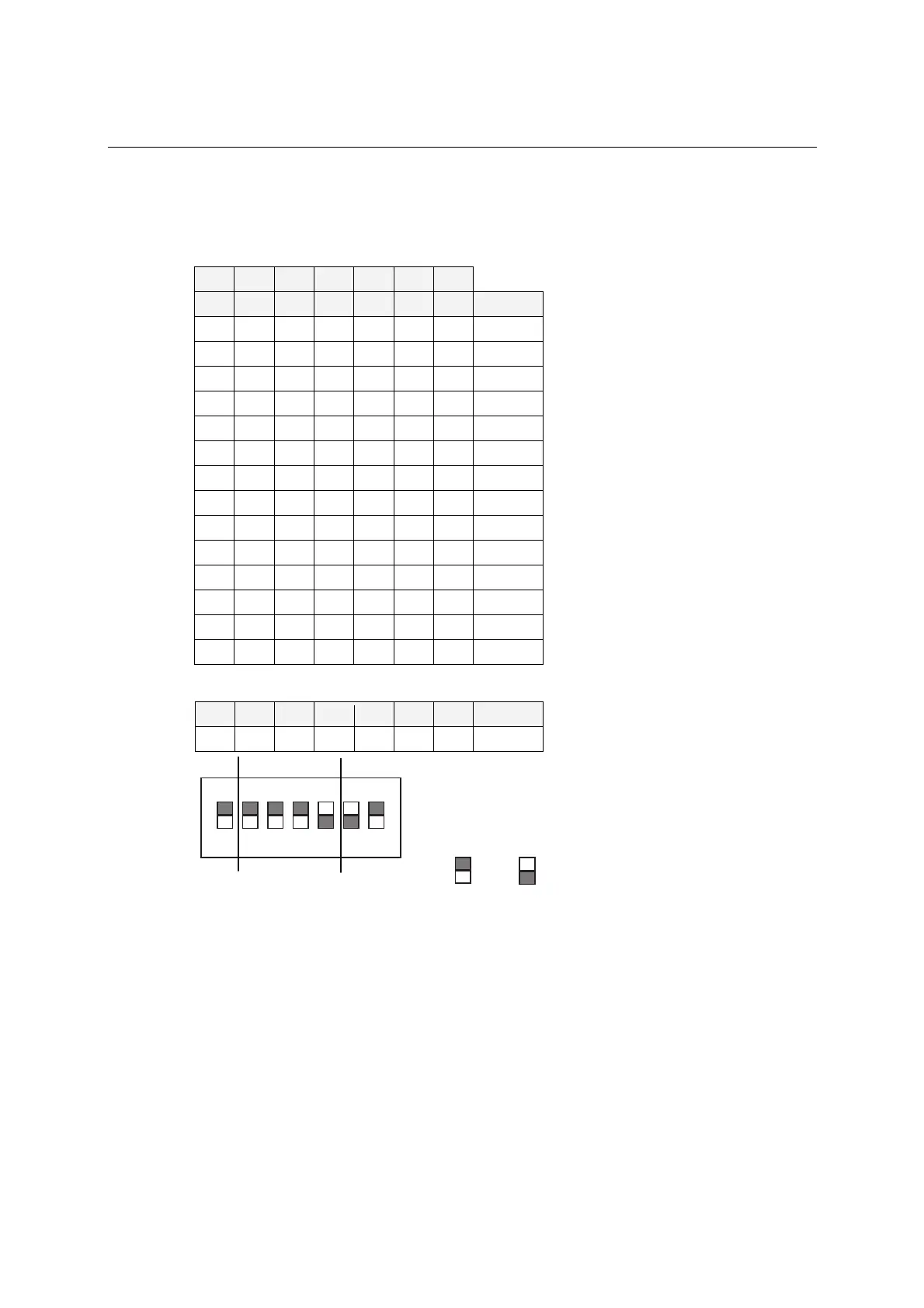
Use DIP switch SW1 to set port 1’s I/O base address. The other ports will be configured
automatically. The default I/O base address is 0×180 and allows settings from 0×000 to 0×3FF.
Some popular settings are provided below:
A3 A4 A5 A6 A7 A8 A9
8 1 2 4 8 1 2 Hex
ON ON ON ON ON ON ON 0×000
ON ON ON ON ON ON off 0×200
ON ON ON ON ON off off 0×300
ON ON ON ON off off off 0×380
ON ON ON off off off off 0×3C0
ON ON off off off off off 0×3E0
ON off off off off off off 0×3F0
off off off off off off off 0×3F8
off ON ON ON ON ON ON 0×008
off off ON ON ON ON ON 0×018
off off off ON ON ON ON 0×038
off off off off ON ON ON 0×078
off off off off off ON ON 0×0F8
off off off off off off ON 0×2F8
For example, an I/O base address of 0×180 should be set as follows:
A3 A4 A5 A6 A7 A8 A9 Hex
ON ON ON ON off off ON 0×180
ON
DIP
1234567
A3 A4 A5 A6 A7 A8 A9
081
= on, = off
The other serial ports will be set automatically to 0×188, 0×190, 0×198, etc.



 To Next Page