CA Series User’s Manual Software Installation
3-45
Windows NT
The Windows NT drivers conform to the Win32 COMM API standard and support the CA-104 V2,
CA-104-T V2, CA-132 V2, CA-132-T V2, CA-132I V2, and CA-132I-T V2. The CA-108,
CA-114, and CA-134I models are not supported under Windows NT.
In the following instructions, the CA-104 V2 is used as an example.
Installing the Driver
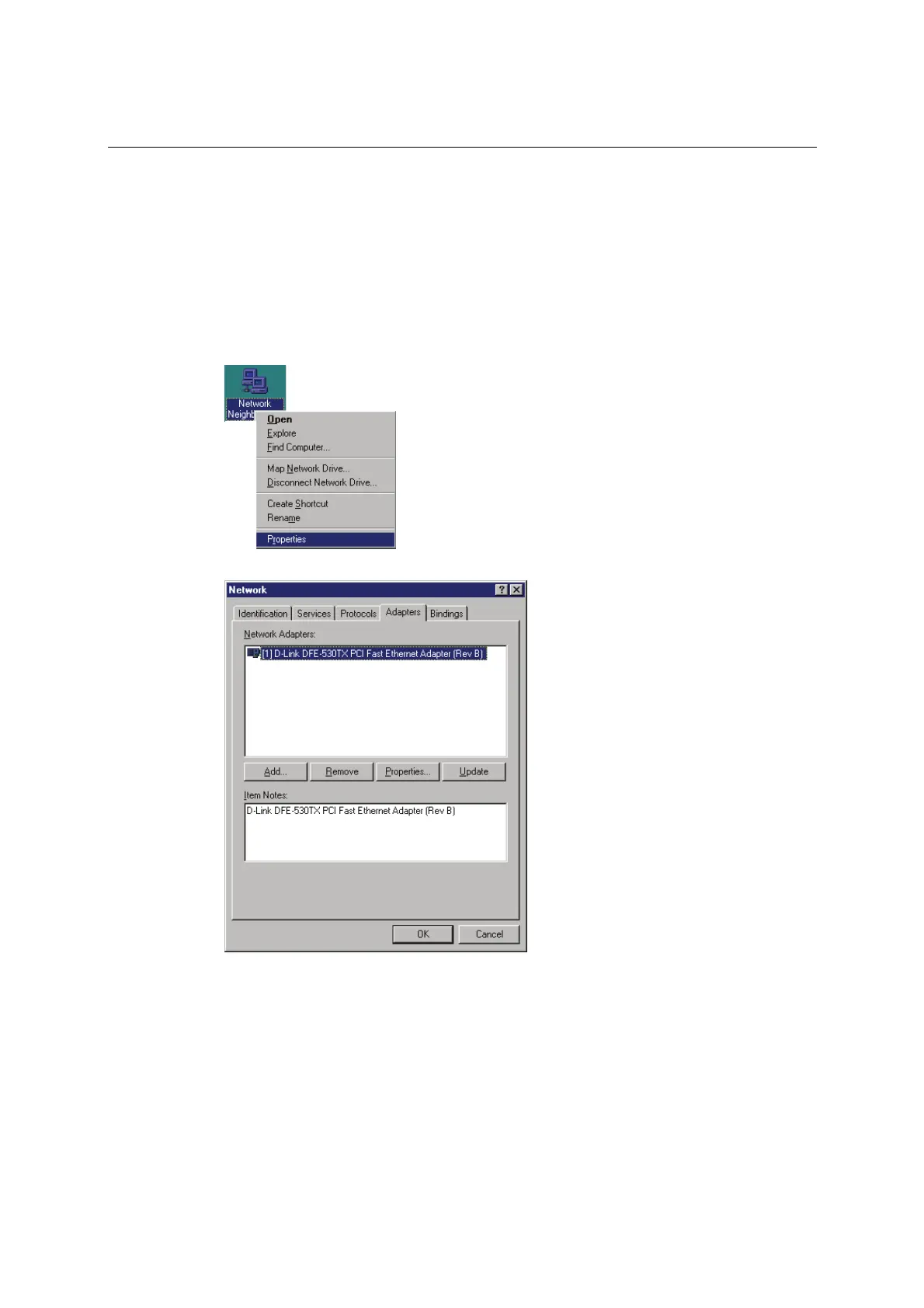
1. Right-click Network Neighborhood and select Properties in the context menu.
2. Under the Adapters tab, click Add….



 To Next Page