CA Series User’s Manual Software Installation
3-14
Windows XP, 2003 (32-bit)
The Windows XP and 2003 (32-bit) drivers conform to the Win32 COMM API standard and
support all models in the CA Series. In the following instructions, the CA-114 is used as an
example.
Installing the Driver
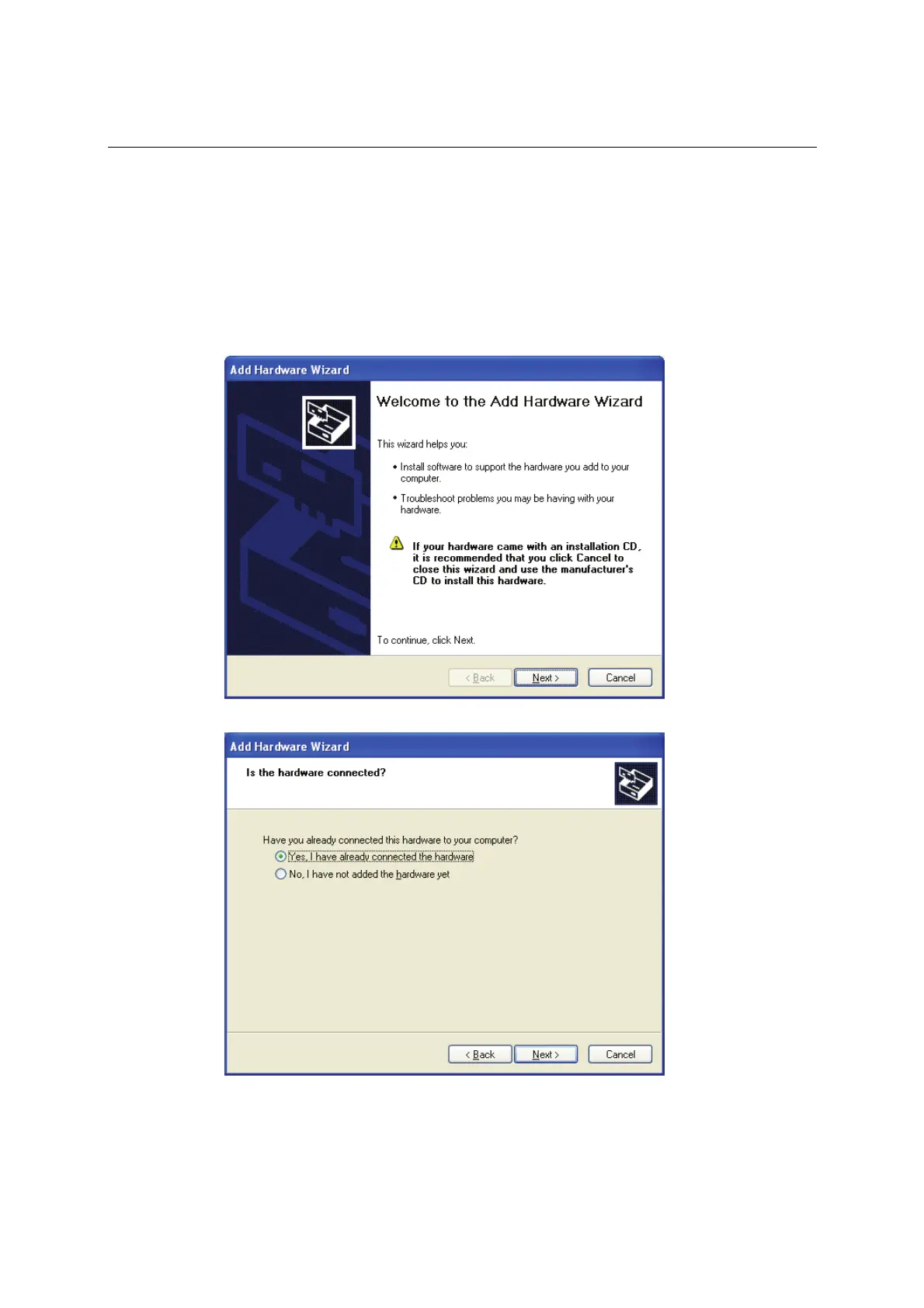
1. Select Add Hardware Wizard from the Control Panel. When the wizard opens, click Next to
continue.
2. Select Yes, I have already connected the hardware and click Next to continue.



 To Next Page