CA Series User’s Manual Software Installation
3-26
Disabling the Module
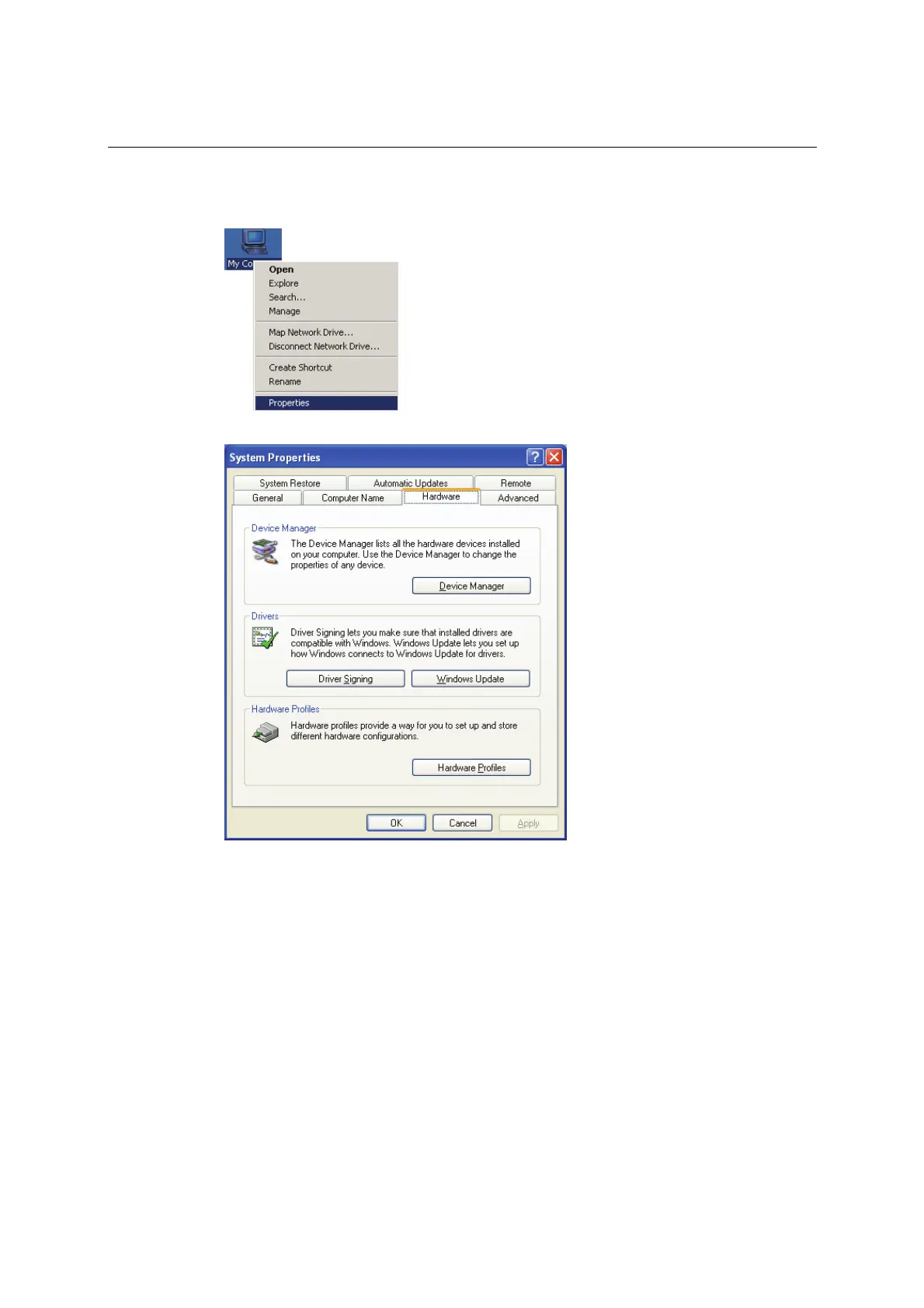
1. Right-click My Computer and select Properties in the context menu.
2. In the Hardware tab, click Device Manager.
3. In Device Manager, right-click your module under Multi-port serial adapters and select
Disable in the context menu. This will disable the module.



 To Next Page