CA Series User’s Manual Software Installation
3-39
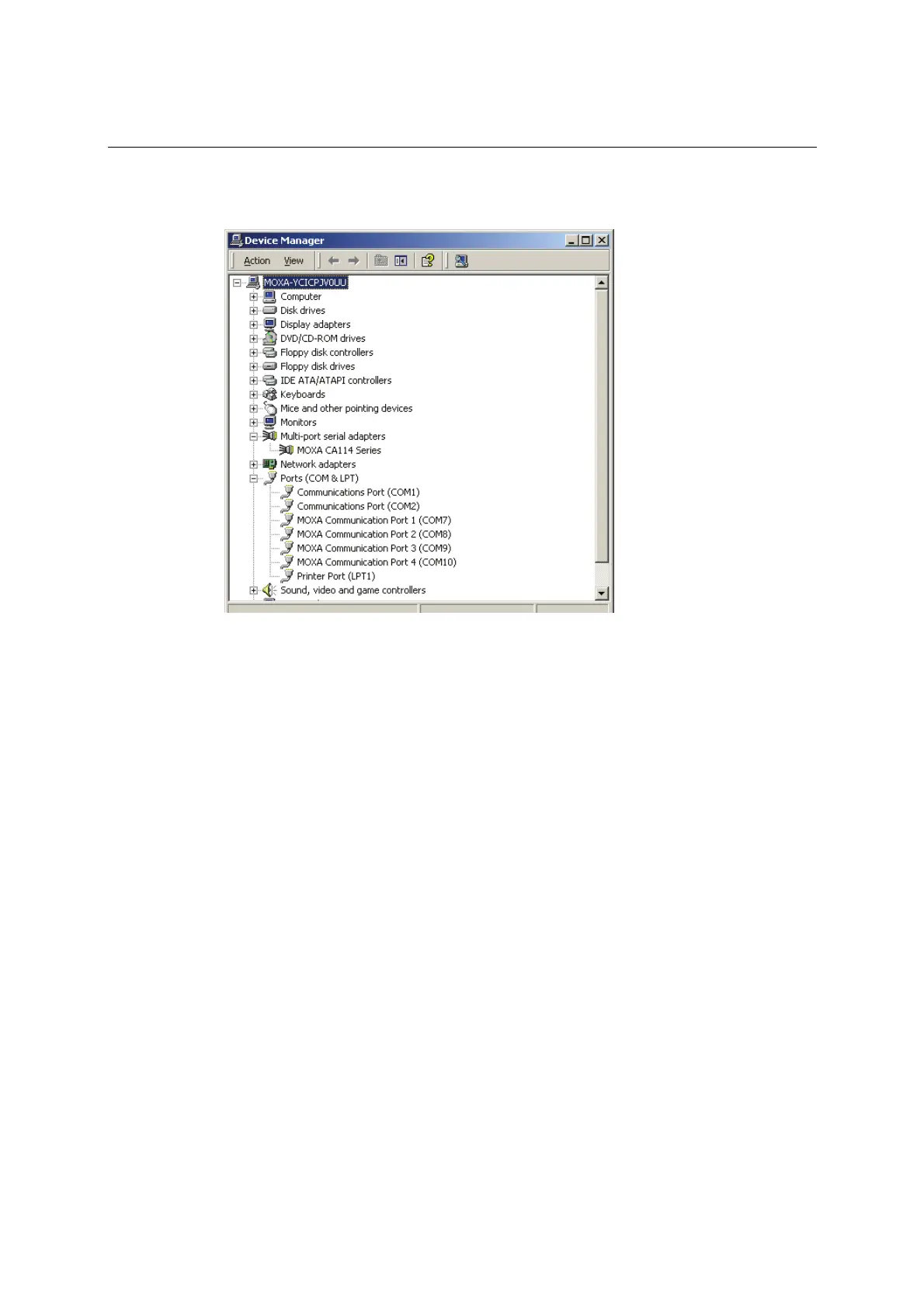
3. In the Device Manager window, you should see your CA Series module under Multi-port
serial adapters. You should also see MOXA communication ports under Ports (COM &
LPT).
4. If you see any special marks, such as a question mark or an exclamation mark, next to the
MOXA items, the installation of your module or serial ports was not successful. You can
check the Windows event log for details.



 To Next Page