CA Series User’s Manual Software Installation
3-35
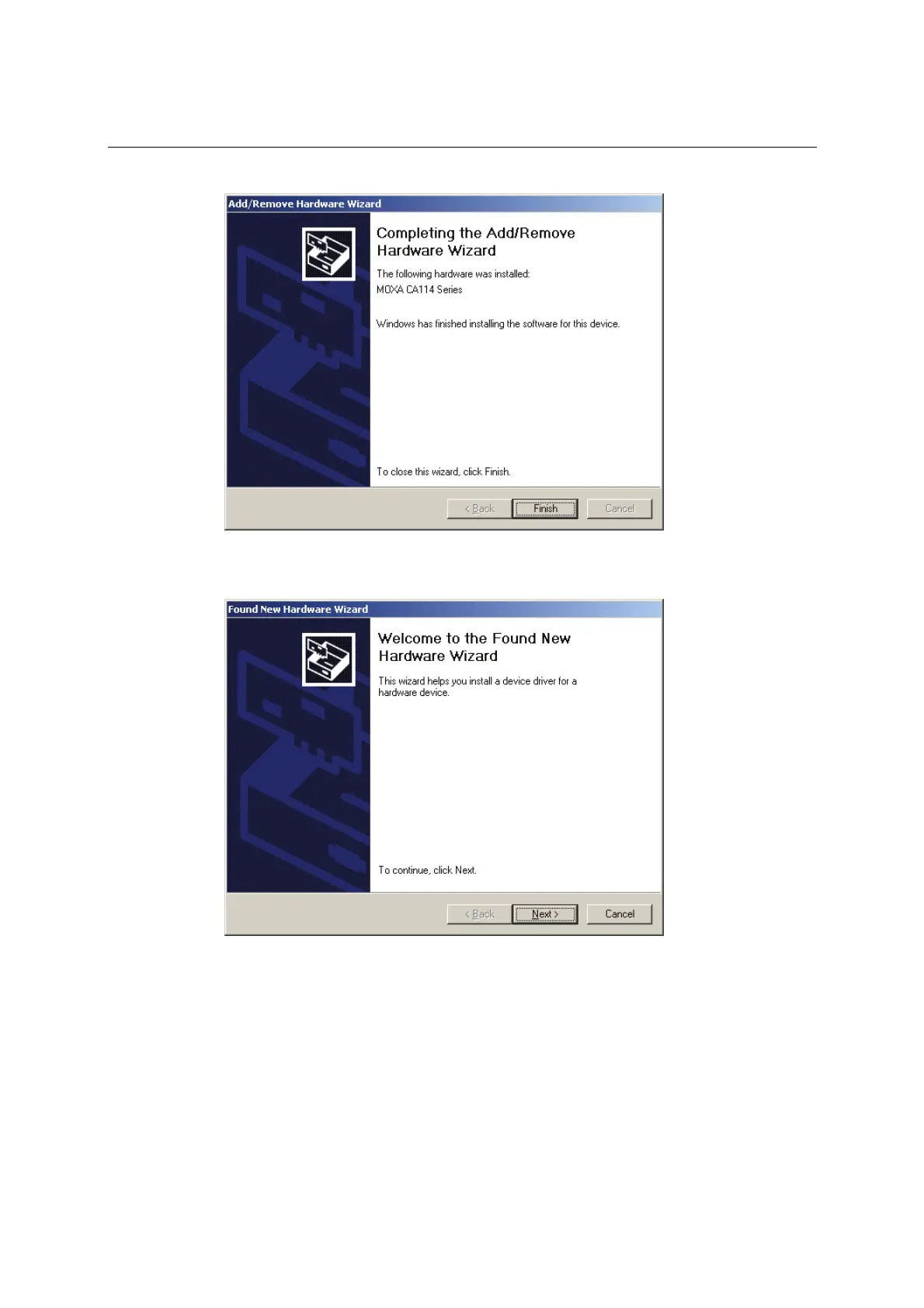
13. Windows will install the drivers. When the installation is complete, click Finish.
14. After the module is installed, you will be prompted to install the new serial ports. A Found
New Hardware Wizard window will open for the first serial port, port 0. Click Next to
proceed.



 To Next Page