MSAOperation
ALTAIR 4X
26
GB
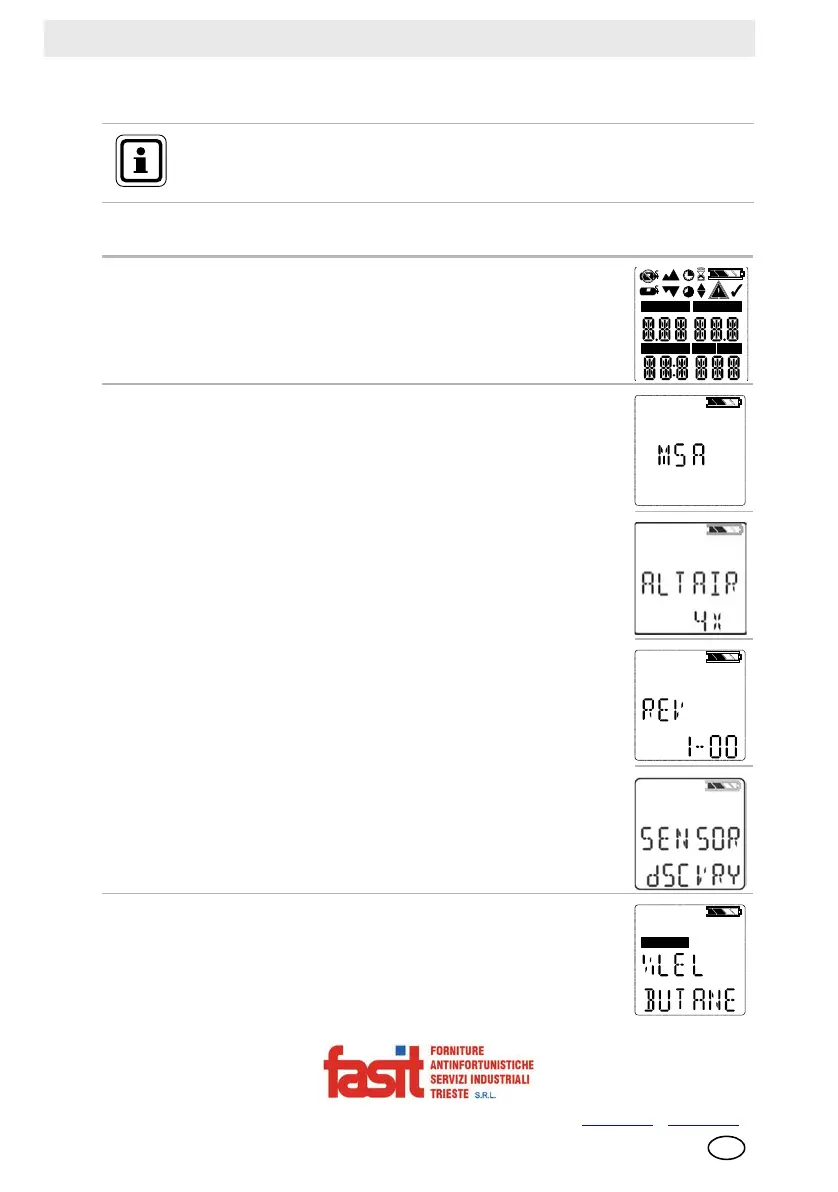
Screen Displays during Startup
Several sequences and screens occur during start up:
During the startup sequence, all automatic page display timeouts are
preset to a range from two to four seconds.
Device Self Test
The device performs a self test.
Device Name and Software version
Software version and device name display.
Combustible Gas Type
Name of Combustible Gas Type displays, e.g. BUTANE.
NOTE: Combustible gas type can be changed manually through
the SENSOR SETUP menu or the MSA Link software.
COMB/EX
O2
H2SCO
NO2
SO2
COMB/EX
FASIT Srl - Via Orsera 13/b - 34145 TRIESTE - ITALY - Tel +39 040 825604 - www.fasit.it
- info@fasit.it



 To Next Page