GB
MSA DESCRIPTION
ALTAIR 5 - Operating Manual 13
The instrument monitors gases in ambient air and in the workplace.
The ALTAIR 5 is available with a maximum of four sensors, which can display
readings for five separate gases (one Dual Toxic Sensor provides both CO and
H
2
S sensing capabilities in a single sensor).
The detector is available in a diffusion or pumped configuration. When using the
pump instrument, do not remove the pump cap (item 4 on figure 2-1).
The ALTAIR 5 IR is available with a maximum of five sensors, which can display
readings for six separate gases (one Dual Toxic Sensor provides both CO and
H
2
S sensing capabilities in a single sensor).
The ALTAIR 5 and ALTAIR 5 IR detectors are available with either a
monochrome or colour display.
While the instrument can detect up to 25 % oxygen in ambient air, it is approved
for use only up to 21 % oxygen.
The alarm levels for the individual gases are factory-set and can be changed
through the instrument Setup Menu. These changes can also be made through
MSA Link Software. Ensure that the latest version of the MSA Link software has
been downloaded from MSA’s website www.msanet.com
.
2.2. Device Hardware Interfaces
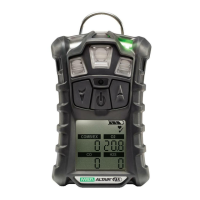
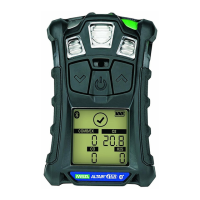
Instrument operation is dialog driven from the display with the aid of the
three function buttons (see Figure 2-1).
2.2.1 Button Definitions
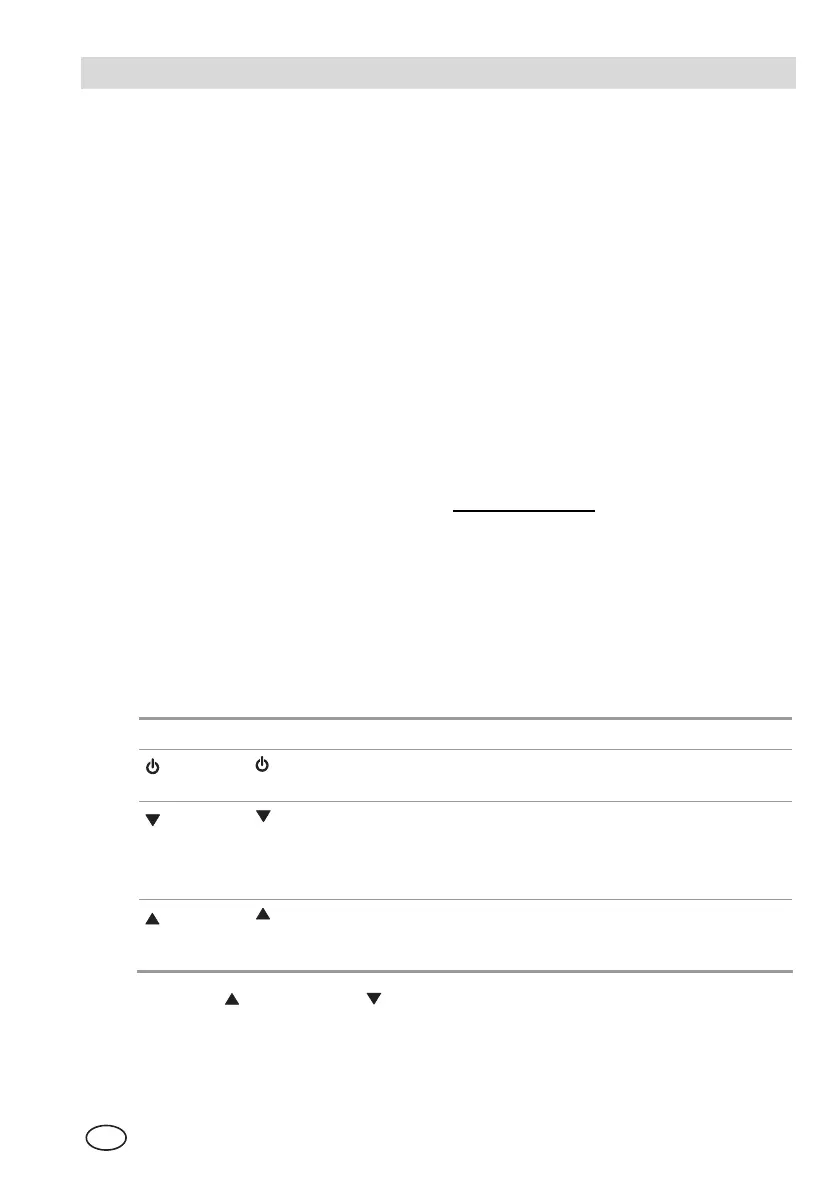
The ALTAIR 5 and ALTAIR 5 IR uses three buttons for user operation. Each
button can function as a "soft key", as defined immediately above the button.
Button Description
The button is used to turn instrument ON or OFF and to confirm user
action selections.
The
Button is used to page down through data screens or to
decrease the values in Set-up mode.
Holding this button for 3 seconds while in Normal Measure Mode will
activate
the InstantAlert alarm.
The
button is used to reset peak, STEL TWA and alarms (where
possible) or perform calibration in measuring mode. It is also used as
page up or to increase the values in set-up mode.
When the button and the button are pressed simultaneously while in normal
measure mode, the Options Setup Mode displays.



 To Next Page