GB
MSA OPERATION
ALTAIR 5 - Operating Manual 31
3.4. Instrument Setup
The instrument allows the user to access and modify the following parameters
through direct button interface:
• Calibration Options
• Alarm Options
• Instrument Options
These menus can be accessed only from the measure page by pressing and
holding the
and
buttons simultaneously until you are prompted for a
password.
The operation is as follows:
(1) Turn the instrument ON and wait until the measure page appears.
(2) Press the
and
buttons simultaneously.
• The default password is "672".
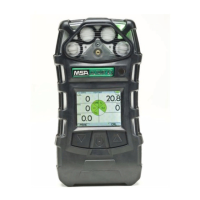
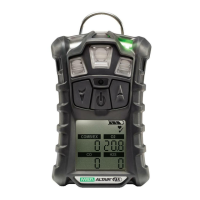
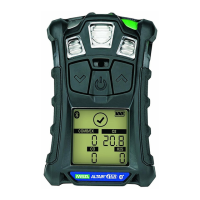
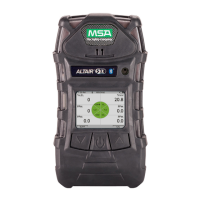
Monochrome display Colour display
PASSWORD PASSWORD
000
000
(3) Enter the first digit by pressing the or button and confirm with the
button.
• The cursor jumps to the second digit.
(4) Enter the second as well as the third digit.
• Incorrect password: instrument returns to the Main Page.
• Correct password: user can set the instrument options.
The password can be changed with a PC through the MSA Link software.
The following Options are available by pressing the
and
buttons:
• Calibration Options - see chapter 3.4.1
• Alarm Options - see chapter 3.4.2
• Instrument Options - see chapter 3.4.3


 To Next Page