GB
OPERATION MSA
30 ALTAIR 5 - Operating Manual
3.3. Measurement Mode (Normal Operation)
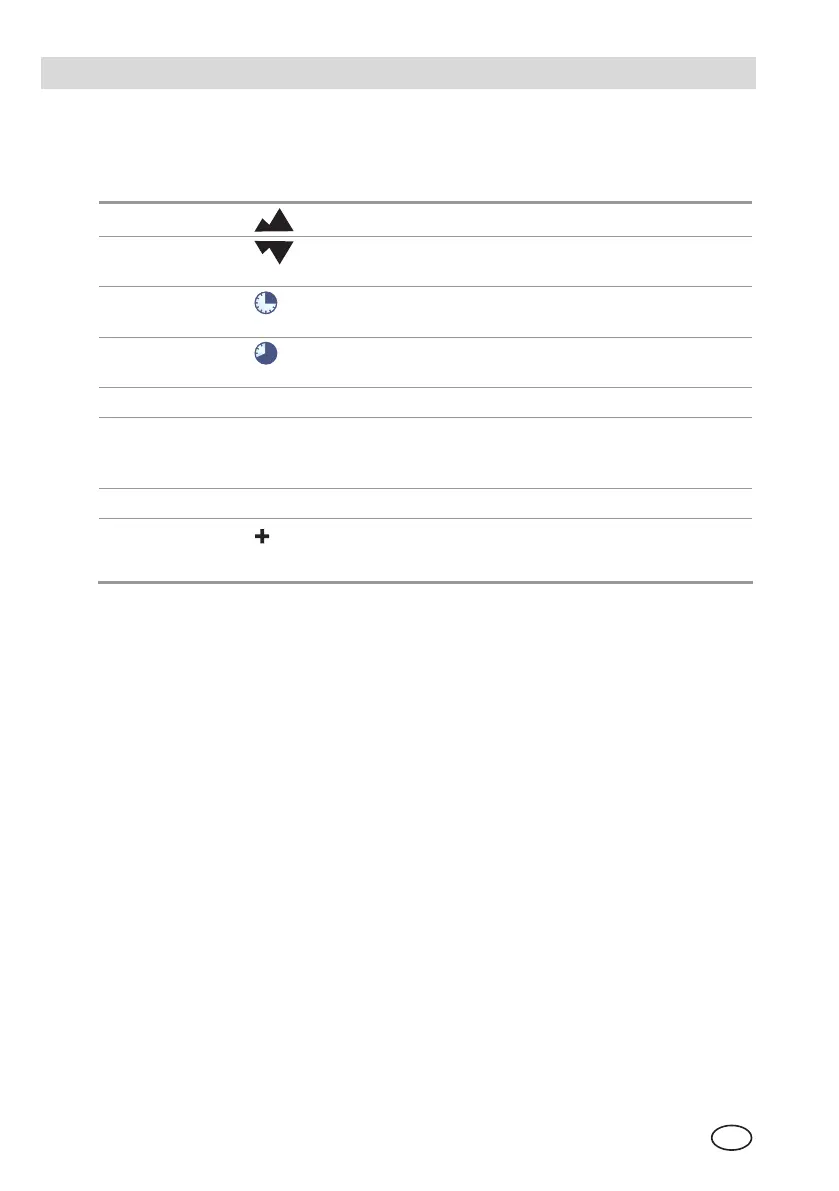
The following options pages can be executed from the Normal Operation screen
(for further information see chapter 7.5):
Peak Page
This page shows the peak readings for all sensors.
Min Page This page shows the minimum reading for the oxygen
sensor.
STEL Page
This page shows the calculated STEL readings of the
instrument.
TWA Page
This page shows the calculated TWA readings of the
instrument.
Date Page
This page shows the date.
Last Cal Date This page shows the date of the last calibration. If the
instrument does not have a valid calibration, it will
display "LAST CAL INVALID".
Cal Due
This page shows the set date for the next calibration
Motion Alert
Once Motion Alert has been enabled in the Instrument
Settings, this page allows the Motion Alert Feature to
be activated or deactivated.
Using the three instrument buttons, the user can navigate through each sub-
menu in a top/down sequence.
Refer to chapter 2.4 and 7.5 in the appendix for assistance on navigating through
these screens.


 To Next Page