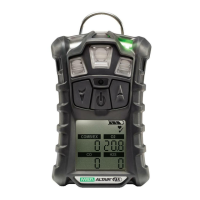
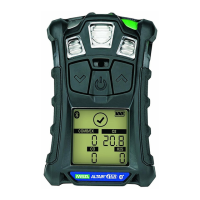
GB
DESCRIPTION MSA
16 ALTAIR 5 - Operating Manual
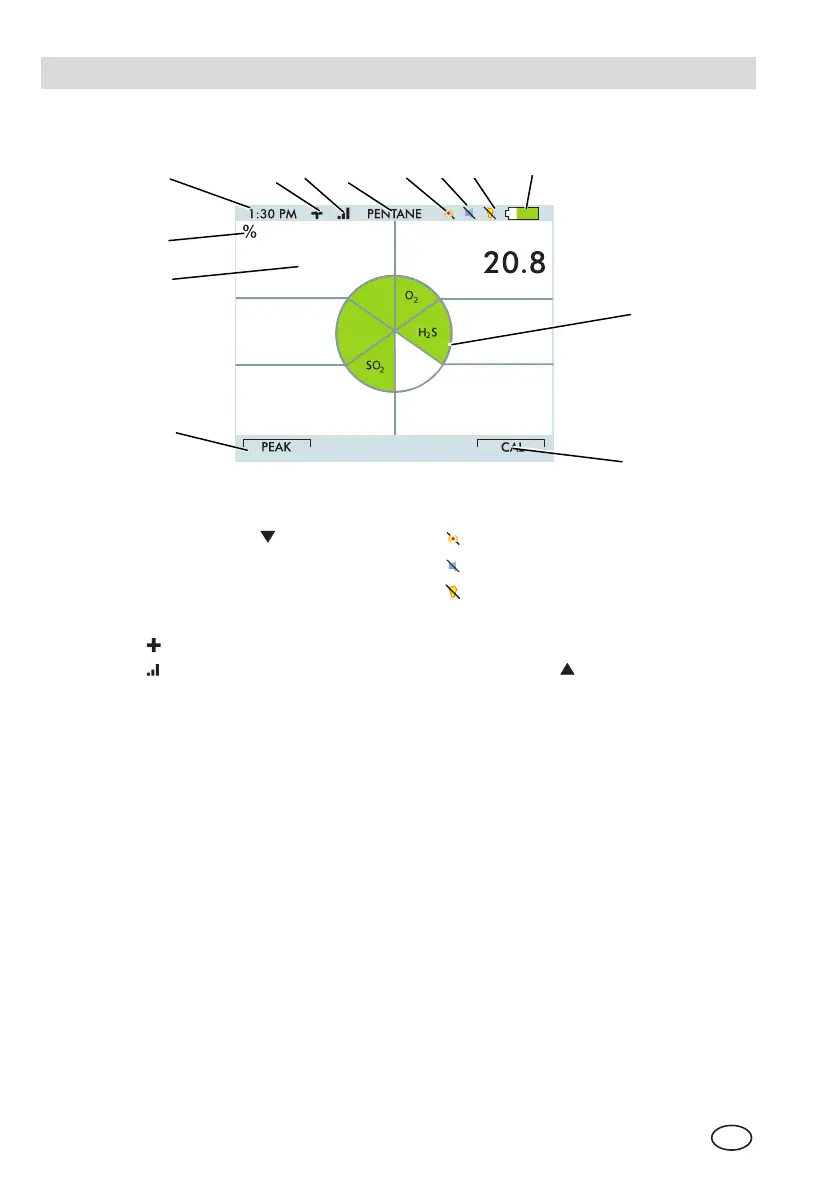
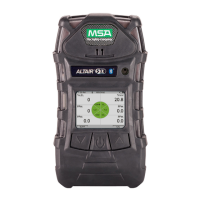
2.3.2 Colour Display
COMB
CO
0
0
0.0
PPM
PPM
Vol%
0
PPM
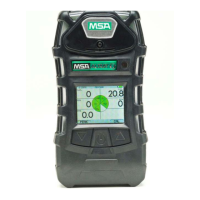
Figure 2-3 Colour display
1 "Soft Key"
8
Vibration off
2 Numeric Indicator 9
Horn off
3 Gas Concentration Units 10
LED off
4 Current Time 11 Battery Condition
5
Motion Alert symbol ON 12 Gas Type
6
Wireless strength signal 13 "Soft Key"
7 Combustible Gas type
2.3.3 Battery Life Indicator
The battery condition icon continuously displays in the upper right-hand corner of
the colour display and in the lower right hand corner of the monochrome display.
A bar represents the charging level of the battery,
if the battery is discharged only the battery icon outline remains.
12
3
1
2
4
5 7 8 9
11
10
6
13


 To Next Page