6
Operating job computer on the field
Regulating the application rate
2. - Start application
⇨ In manual mode:
The sprayer starts the application.
⇨ In automatic mode:
The sprayer is ready for application.
As long as the sprayer is not moving, the following icon appears on the work screen,
depending on the “Sprayer off below” parameter:
3. If you are in automatic mode, start driving and exceed the minimum speed for automatic
regulation (parameter: “Regulation off below”).
⇨ As long as the sprayer is not regulating, the following icon appears on the work screen,
depending on the “Regulation off below” parameter:
⇨ As soon as the minimum speed is exceeded, the sprayer will begin regulating.
⇨ You have started application.
Regulating the application rate
Depending on the sprayer equipment, the application rate regulation system can control the opening
of the control valve.
Work modes
You can regulate the application rate manually or you can leave the regulation to the job computer:
▪ In manual mode, you can control the opening of the control valve with two buttons.
▪ In automatic mode, the job computer regulates the degree of opening of the control valve such
that the target rate defined for the application rate is reached.
Use the following function keys to operate the function:
Switches the mode between manual and automatic.
You will learn how to operate the system in the following sections.
Changing the application rate in manual mode
When the field sprayer is in manual mode, the application is not regulated according to a specified
rate. The application rate must be set manually instead.
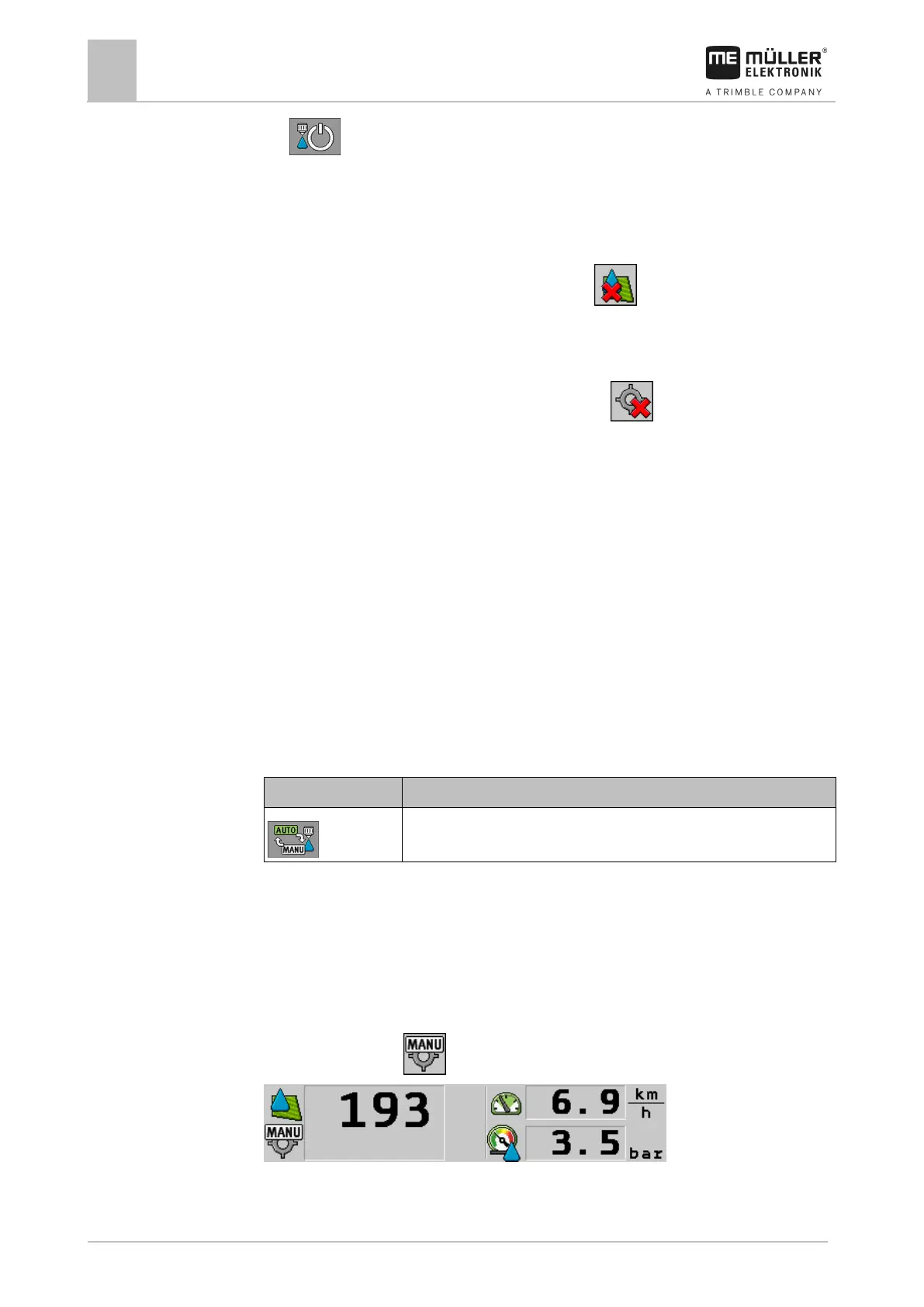
The application rate must be regulated manually when the following icon appears in the spray data
area of the work screen:
Application in manual mode
Please note that the pressure is also automatically changed when you change the application rate.



 To Next Page
 Loading...