Video Grabber User Manual - v. 1.19 (FW 1.29)
4.2. Configuration page
Access to the Configuration page is password-protected. The login details are as follows:
Username: grabber
Password: vgbr2014
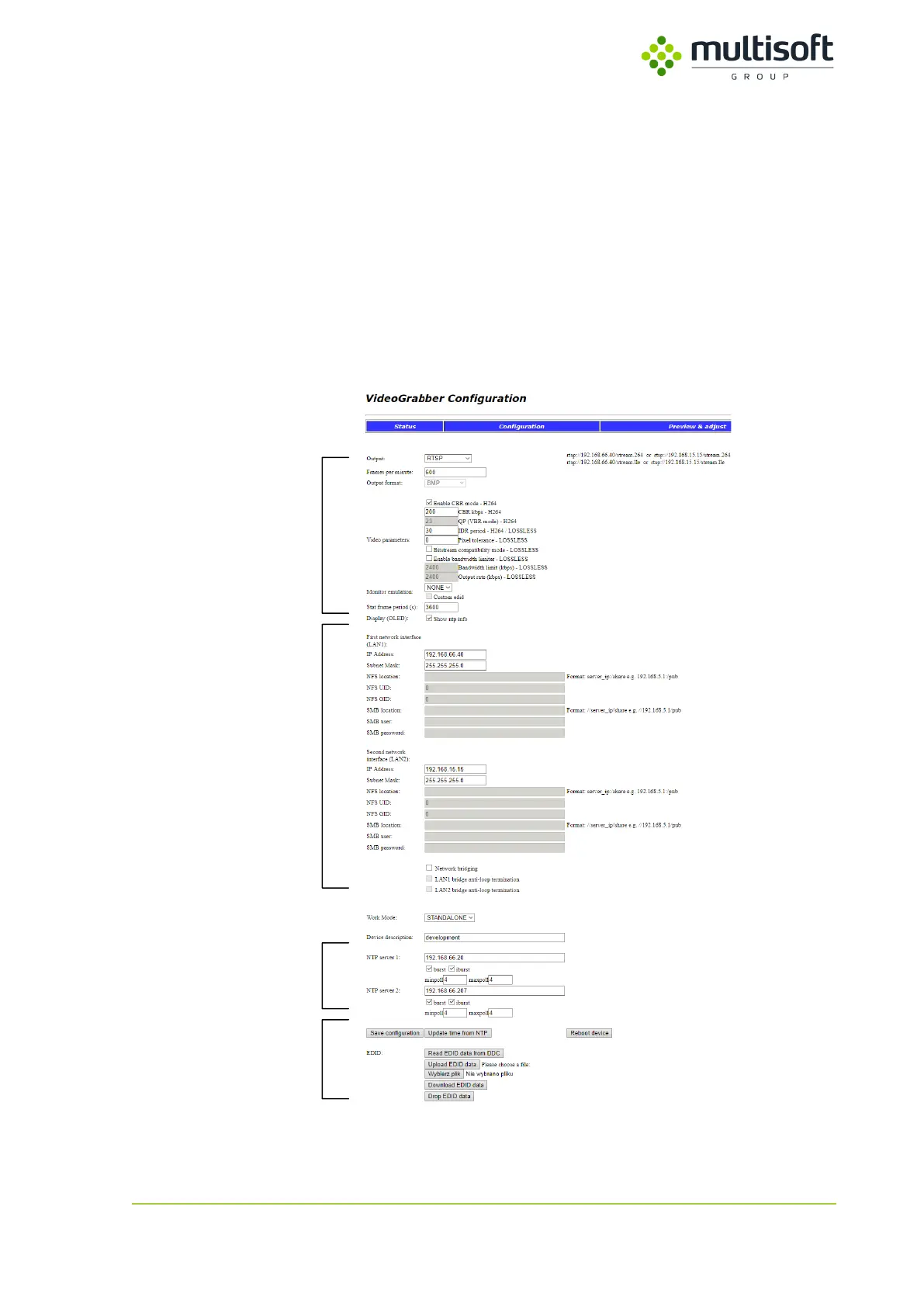
The Configuration page can be divided into four main sections:
1. Output – settings related to the output format of the captured video signal
2. Network – settings related to network configuration (incl. remote shares locations)
3. NTP – settings related to NTP time synchronization
4. Admin – functional buttons that allow user to perform certain administrative actions (e.g.
reboot, force firmware update etc.)
Figure 14: Configuration page in the Video Grabber web interface.



 To Next Page