Video Grabber User Manual - v. 1.19 (FW 1.29)
4.1.2. Device status
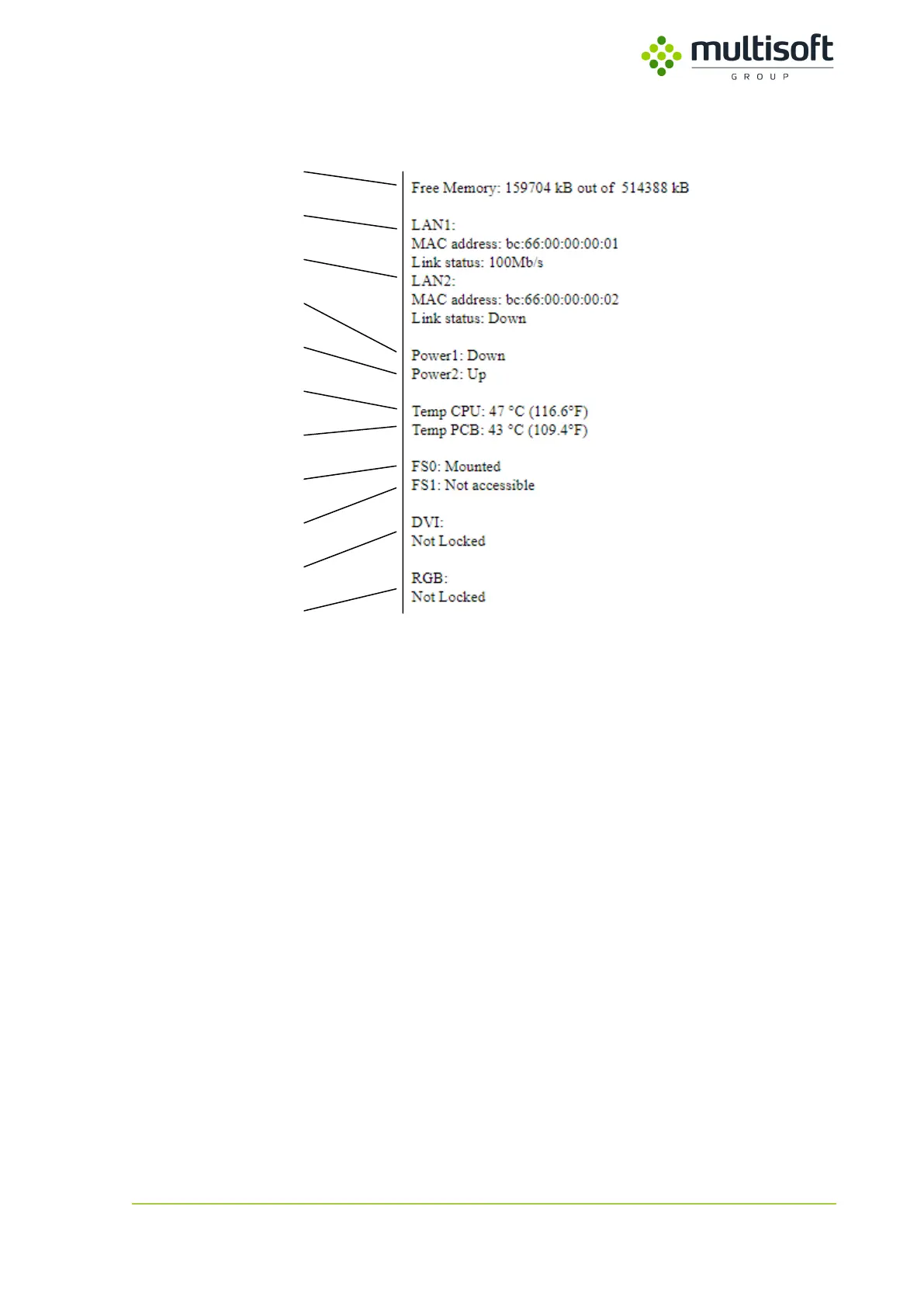
Figure 11: Device status section on the status page
In the second section of the Video Grabber’s status page one can find general status information:
1. Free Memory – the amount of free RAM on the device in kilobytes.
2. LAN1 – Information on the LAN1 port
a. MAC address – media access control address of LAN1 port
b. Link status – status of the LAN1 port. If the link is active then maximum transmission
speed is shown. If the link is not active then the status is labeled as ‘Down’.
3. LAN2 – information on the LAN2 port
a. MAC address – media access control address of LAN2 port
b. Link status – status of the LAN2 port. If the link is active then maximum transmission
speed is shown. If the link is not active then the status is labeled as ‘Down’.
4. Power1 – status of the PWR1 power supply port.
a. Up – power supply is connected and working
b. Down – power supply is either not connected or not working
5. Power2 – status of the PWR2 power supply port
a. Up – power supply is connected and working
b. Down – power supply is either not connected or not working
6. Temp CPU – temperature of the CPU
7. Temp PCB – temperature measured on the PCB
8. FS0 – status of the first remote file system (NFS1 / SMB1)
Shown only in case NFS or SMB protocol is used
a. Mounted – remote file system is mounted
b. Not accessible – remote file system is not mounted



 To Next Page