Video Grabber User Manual - v. 1.19 (FW 1.29)
4.2.4. Administration
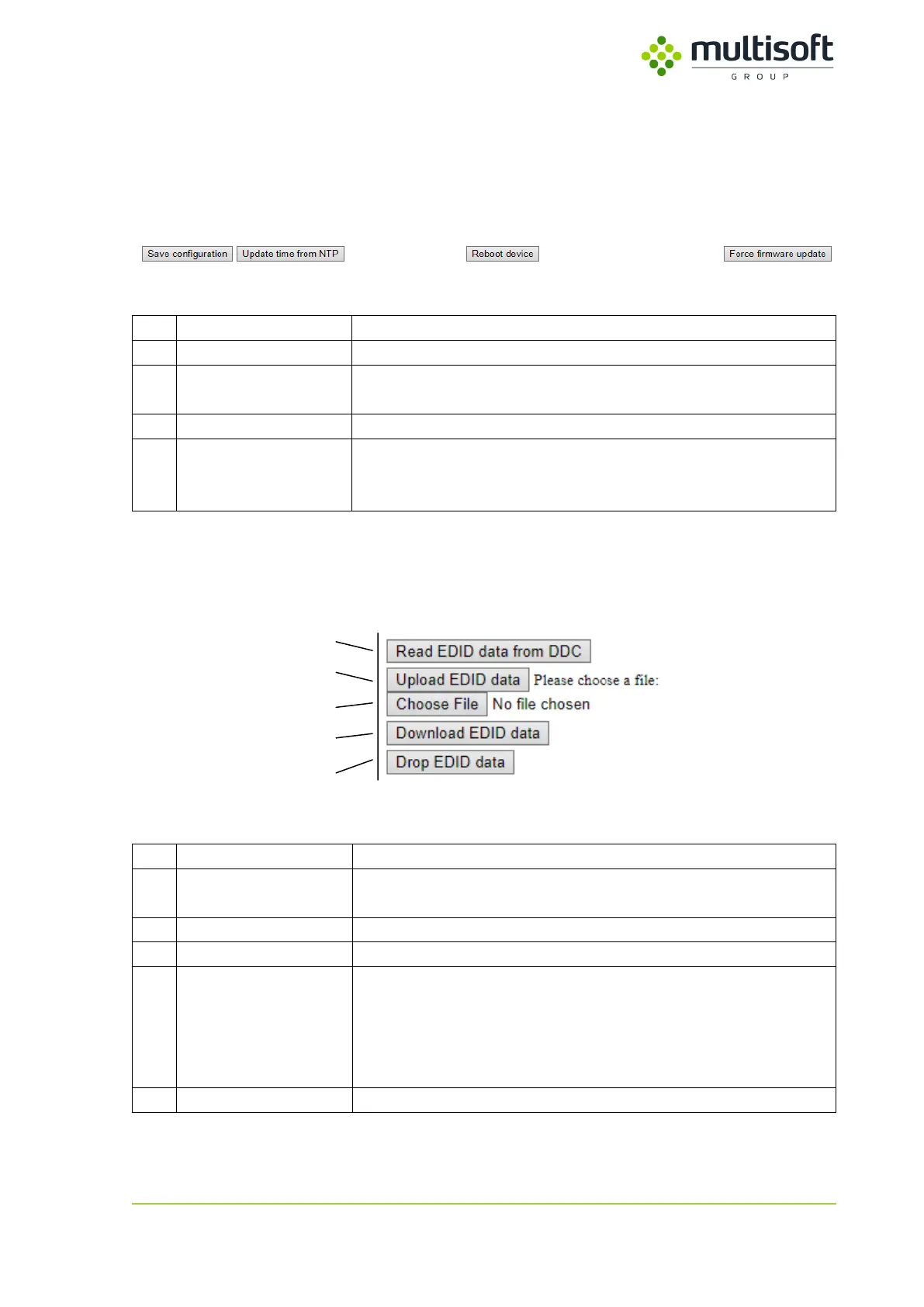
Administration section of the Configuration page consists of 4 buttons that allow user to perform basic
administrative tasks.
Figure 30: Administration section of the Configuration page.
Saves and applies settings currently set on the Configuration page.
Updates Video Grabber’s time with the time of currently set system
peer.
Triggers reboot of the Video Grabber
Triggers reboot of the Video Grabber and makes it start in ‘firmware
update mode’. See 6, p. 64 for details on Video Grabber firmware
update procedure.
4.2.5. EDID related functions
The last section on the Configuration page is related to EDID (Extended Display Identification Data).
Figure 31: EDID section of the Configuration page
EDID data will be read from the DDC provided by the monitor and
saved on the Video Grabber
Uploads a file (3) containing EDID data to the Video Grabber
Used for choosing EDID file for upload (2)
EDID data will be downloaded from the Video Grabber and saved as
a file in a chosen location. Such file can then be uploaded to the
different Video Grabber.
This option is only working if Video Grabber has non-default EDID
data.
Resets the EDID data to the default settings



 To Next Page