7). “Display TS”
To switch to the Maintenance Display, briefly press the “PAR” button.
In the "Display TS" it is possible to read additional service parameters, read and reset fault codes, set the frequency of
warnings about maintenance.
A maintenance warning occurs when the parameter becomes zero. After a service, you must manually enter the mileage
until the next service, as well as the date of its passage.
The presence of items in the menu depends on the selected diagnostic protocol.
-17-
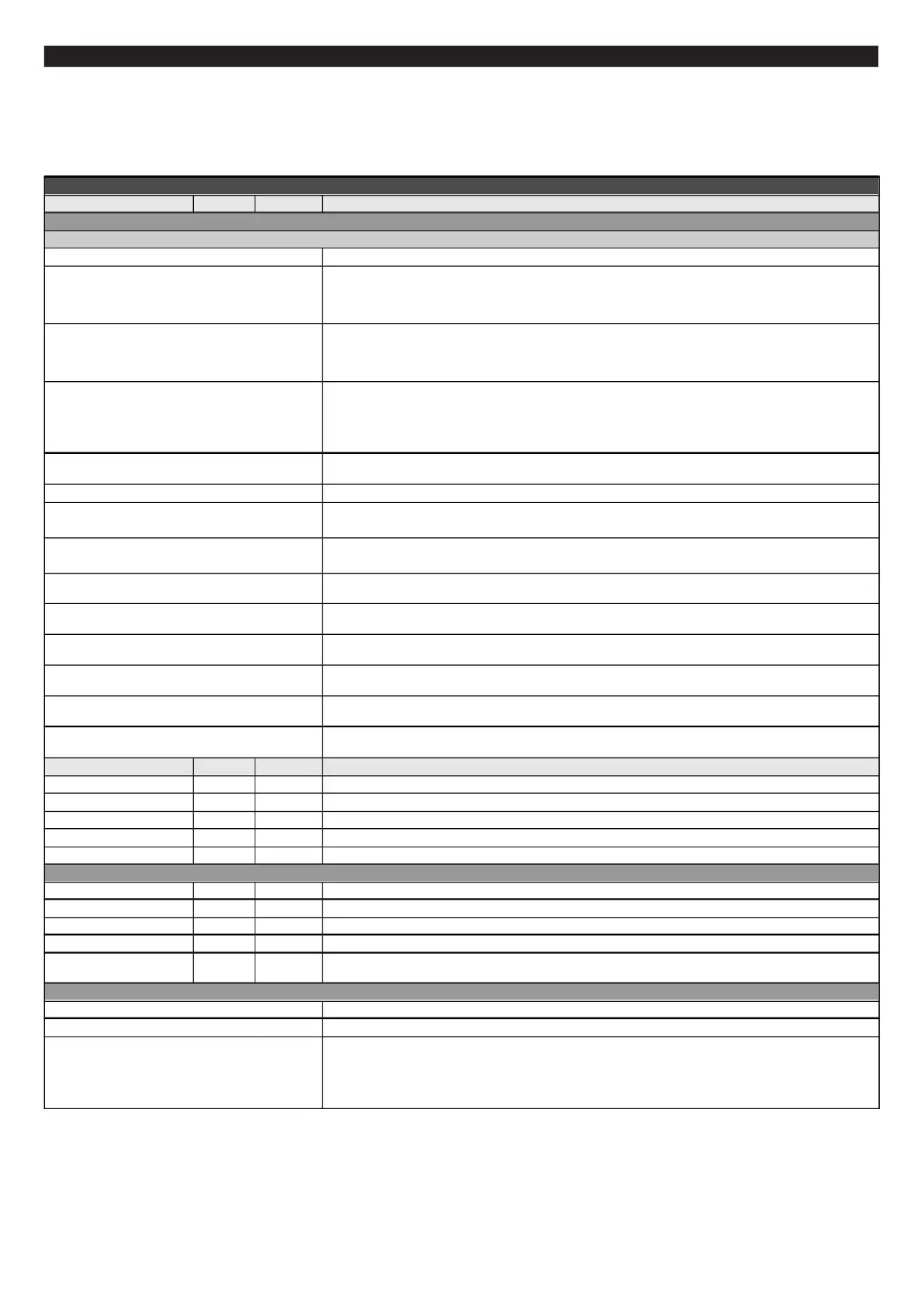
Display TS
Parameters Units Value Description
ECU
ECU trouble сodes Takes readings of the ECU fault codes
Trouble Codes Reset
Faults recording
Faults Log
1…7 Lines with saved faults (fault number, date and time) and freeze frames (up to 7 faults/lines).
Clear Faults Log Deletes all saved faults data.
Add.parameters
Service records
Diagnostics Reset
Occured Faults
Occ.Faults reset
Hystorical Faults
Profiles Speed
Profiles Eng.temp
Min.batt.volt. Volt 6...20 Displays minimum voltage of the battery (normaly at the moment the engine is started).
Min air temp. Displays the minimum day air temperature.
Max air temp. Displays the maximum day temperature.
Batt.charge Volt 6...20 Average battery voltage when the engine is on.
T max
Service Interval
TS eng.hours h 0…3000 Engine hours before the next service interval
TS km*1000 th.km 0...99
TS Date dd.mm.yy 0…9,9
Use Setup Maximum device temperature (per day)
TS eng.hours Turns on/off engine hours based service interval.
Manufacturer`s info Displays information about the manufacturer and the software version.
Demo mode Demonstration of features and functions.
Turn on serv.mode
Tr. codes/ Diagnost.
(whilst in this menu the trip computer stops calculating and recording values of your trip)
Deletes current fault codes. To perform this function make sure that the water vehiecle's ignition is in on
position, the engine is off and the conection between the ECU and the trip computer is established.
Available for J1939, Korvet 10/11, Honda
Enables faults logging. It's very simple to use the fault log in case of infrequent faults which either clear
themselves or the user erases them. When fault codes reappear it is possible to read current faults and
simultaniously see the history of these faults in the fault log as well as the relating freeze frame (if the
ECU enables it).
After an ECU fault is detected, the log keeps records of the fault code, date and time. If the protocol and
the ECU enables to view the freeze frame then the freeze frame is retrieved and recorded in the log.
If a new trouble code doubles the one already recorded it is not listed again (initial trouble codes are
saved)
Retrieves all ECU parameters available within the chosen diagnostics protocol (unsupported parameters
are displayes as dashes), bits and status flags of switches, ADC of sensors.
Retrives diagnostic information from the ECU: saved system faults, counters (maximum rpm,
overheating, oil pressure, number of engine starts, engine run time), engine ID etc.
Clears the history log from service records.
Only for Yamaha and Honda
Saves trouble codes retrieved from the ECU.
Only for Evinrude
Deletes all trouble codes from the ECU.
Only for Evinrude
Fault log stored in the ECU of the motor.
Only for Evinrude
RPM log with information on ranges and running time of usage.
Only for Evinrude
Temperature log of the first and second engine cylinders, EMM (by time).
Only for Evinrude
°С
°С
°С
Mileage before service interval, Thousands km
Time before service interval day :month:year.
°С
> Yes
No
To turn on the maintenance mode (sleep mode: the display turns off, the device does not respond to the
keyboard), it is necessary to select this line when the ignition is switched off and press the "SET"
button. Use the mode if you want to protect the device from use and reconfiguration if the vehicle is
unattended with children or during maintenance.
To turn off the maintenance mode, press and hold for at least 5 seconds. the "PAR" button.


 To Next Page
 Loading...