9). Problem solutions
If you experience problems in the operation of the device or in order to restore the factory settings, it is recommended to do a hard reset:
1. Turn off the power to the instrument.
2. With the power off, press the “SET” button and, without releasing it, apply power to the device.
3. After the inscription “Reset all settings Perform? Set - yes”, confirm the reset by short pressing “SET”.
-25-
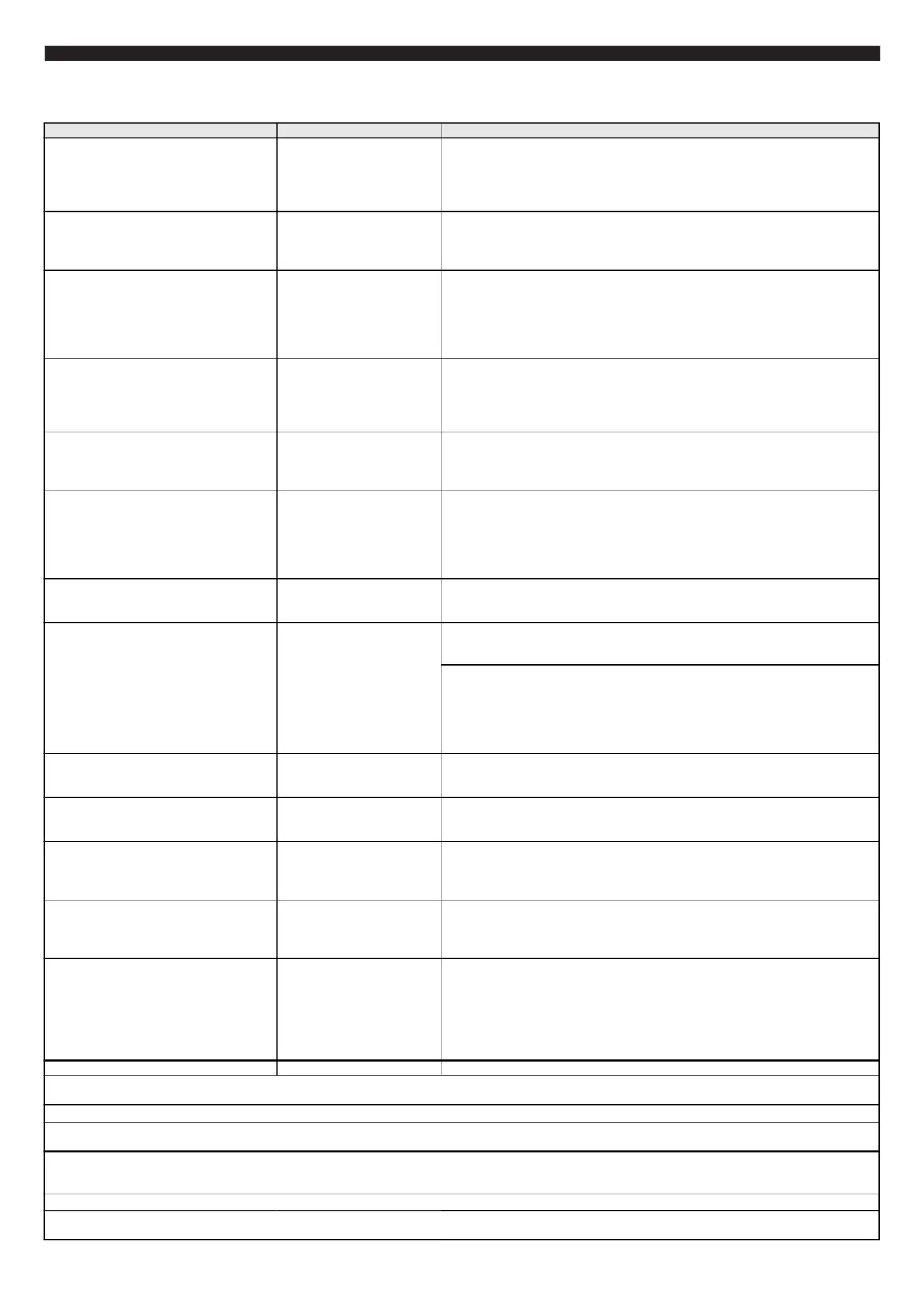
Problem Cause Solutions
Set the tachometer correction 1, 2 or 4: "Settings Display - Correction - Tachometer"
Fuel consumption is shown incorrectly. Set consumption corrections according to the instructions.
No power supply Check that there is constant battery voltage at the trip computer terminals.
After each refueling, manually enter the amount of refuelled fuel.
Error codes fail to reset The engine is running Stop the engine, turn on the ignition and reset the errors.
The moment when the communication is being established, a delayed reaction of the trip computer to the keyboard is possible which is not a malfunction.
Some minor defects may appear on the screen like tiny red, green or blue spots. They do not affect the performance of the trip computer.
Correct operation is not guaranteed in case of malfunctions of the ECU sensors of the motor, as well as in case of malfunctions of the ECU itself.
When the engine is running the parameters
related to the operation of the engine are not
displayed: RPM, fuel consumption, engine
temperature, etc. Except "Univ" and "Carb"
protocols.
The trip computer cannot
establish communication with
the ECU via the diagnostic line
Make sure that the trip computer is correctly and securely connected to the specified
contact of the diagnostic pad. Check the model of your control unit. Correct operation
is provided only for the ECUs specified in the instructions.
When the ignition is turned on the
parameters related to engine operation are
incorrectly displayed: engine temperature,
throttle, etc.
The communicaion exchange
protocol is incorrectly identified
.
Choose the correct comunication exchange protocol. If the result is still
unsatisfactory use the universal mode of operation.
When the ignition is turned on, the
parameters related to fuel consumption are
not displayed.
The "Consumption ECU" mode
is not selected, or there is no
connection to the injection plug
in the "Consumption Injection"
mode.
Select the "Settings Display - Sources - Consumption ECU".
For the "Consumption Injection" mode, establish connection to the ignitions plug.
Connect to another plug wire.
For carburetor engines when working via the "Carb" protocol fuel consumption cannot
be not viewed (there are no necessary sensors).
When the ignition is switched on, neither
RPM nor fuel consumption are shown in the
"Universal" and the "Consumption Injection"
modes, the average parameters are not
calculated either.
No connection of the trip
computer with the injection plug
of the vehicle
Make sure that thetrip computer is correctly and securely connected to the injection
plug.
Connect to another injection plug wire.
The engine revolutions are displayed
incorrectly in the "Universal" or "Inj.
Revolutions" modes, (differ by 2 or 4 times).
Revolutions correction has not
been carried out for vehicles
with parallel or paired injection
When the ignition is on the speed and
mileage are not shown.
The "Speed Sensor" setting is
selected while the connection
of the trip computer and the
speed sensor is not
established or the speed
sensor is incompatible.
Set the "ECU Speed" or "GPS Speed" mode.
When the "Speed Sensor" (speed from the speed sensor) is set, check the
correctness and reliability of the connection of the trip computer to the Multitronics
GPS speed sensor.
The trip computer calibrations
are not valid
The trip computer does not turn on after the
ignition switch is turned on.
The "Ignition" wire is not
connected.
Connect the "Ignition" wire according to the electrical diagram and activate the
setting "Settings Display - Sources - Lock - Phys."
Use the virtual ignition switch "Settings Display - Sources - Lock - Virt.". The device
will be switched on after the engine is started.
If you need to turn on the trip computer without starting the engine, go to the
"Settings Display - Control - Virtual lock" and select the "On" option.
The device does not turn on after starting
the engine.
Insufficient sensitivity of the
virtual lock
Adjust the sensitivity of the virtual ignition lock of the trip computer: "Settings
Display - Sources - Lock Level".
When the trip computer is connected to the
on-board network, nothing is shown on the
display
When selecting the "Tank FLS" or "Tank
FLS ECU" mode, the remaining fuel level in
the tank of the vehicle is incorrectly
displayed
The tank calibration has not
been performed.
Perform a linear tank calibration for a full and empty tank. In the case of a non-linear
FLS, select the "Tank Calibrated" mode, set the proper correction of the fuel
consumption indication and perform a non-linear calibration of the FLS readings.
In the display mode of the calculation tank
"Calculated Tank", the remaining fuel level in
the tank is constantly displayed - "0 liters".
To use the "Calculated Tank"
mode manual input of refuelled
fuel amount is required.
The program tends to "freeze" during
operation.
Loss of communication with
the ECU.
Interference from high-voltage
ignition circuits of vehicles.
Disconnect and connect the device again, if the device still does not respond to the
keyboard, perform a general reset of the device. Check the reliability of the
connection of the contacts in the diagnostic connector.
Check the resistance of the high-voltage wires with the tester, replace them in case
of a malfunction. Check the spark plugs, remove carbon deposits or replace bad
sparks.
Part of the engine fault codes may not be deciphered by the trip computer, but displayed as a code only. For information on decoding such errors see the
manufacturer's documentation.
Due to a small gap between the protective glass and the display of the device, under some conditions, temporary fogging may occur, which disappears as the
device warms up. This feature is not a malfunction and does not lead to a malfunction of the device or its failure.
Correct operation of the device for the "RPM" and "Fuel Consumption" parameters in the universal mode with direct fuel injection (GDI) and K-Jtronic
engines is not guaranteed.


 To Next Page
 Loading...