Contents
1. Supported engines and displayed parameters 3
2. Installation and connection 5
2.1. Cables and connectors
2.2. Multitronics CL-950E connector pinout
2.3. Types of diagnostic connectors
2.4.1. Connection sequence of one Multitronics CL-950E 6
2.4.2. Connecting and installing NMEA2000 7
2.4.3. Building your NMEA2000 network 8
2.4.4. Building the NMEA2000 network with several computers 8
2.5. Connection of Multitronics GPS speed sensor (option) 9
3. Possible locations of connectors and sensors 10
4. Setting up the trip computer
4.1. Choosing the protocol 11
4.2. Calibration of speed and traveled distance 11
4.3. Calibration of fuel consumption 11
4.4. Displaying the fuel level 12
4.5. Reading and reset of fault codes 13
5. The Parameters display
5.1. List of available parameters 14
5.2. The Parameters hot menu 15
5.3. Countdown 15
5.4. Roll and trim 15
5.5. The display with 5 parameters 16
6. The Average display 16
7. The Service Interval display 17
8. The Settings display
8.1. Controls 18
8.2. Correction 19
8.3. Sources 20
8.4. Limits 21
8.5. Time 21
8.6. Display 22
8.7. Sound notifications 23
8.8. Average parameters 24
8.9. Hot lists cleanup 24
9. Problem Solution 25
10. Technical specification 26
11. Package contents 26
12. Dimensions and labeling 26
13. Transportation and storage 26
14. Maintenance 26
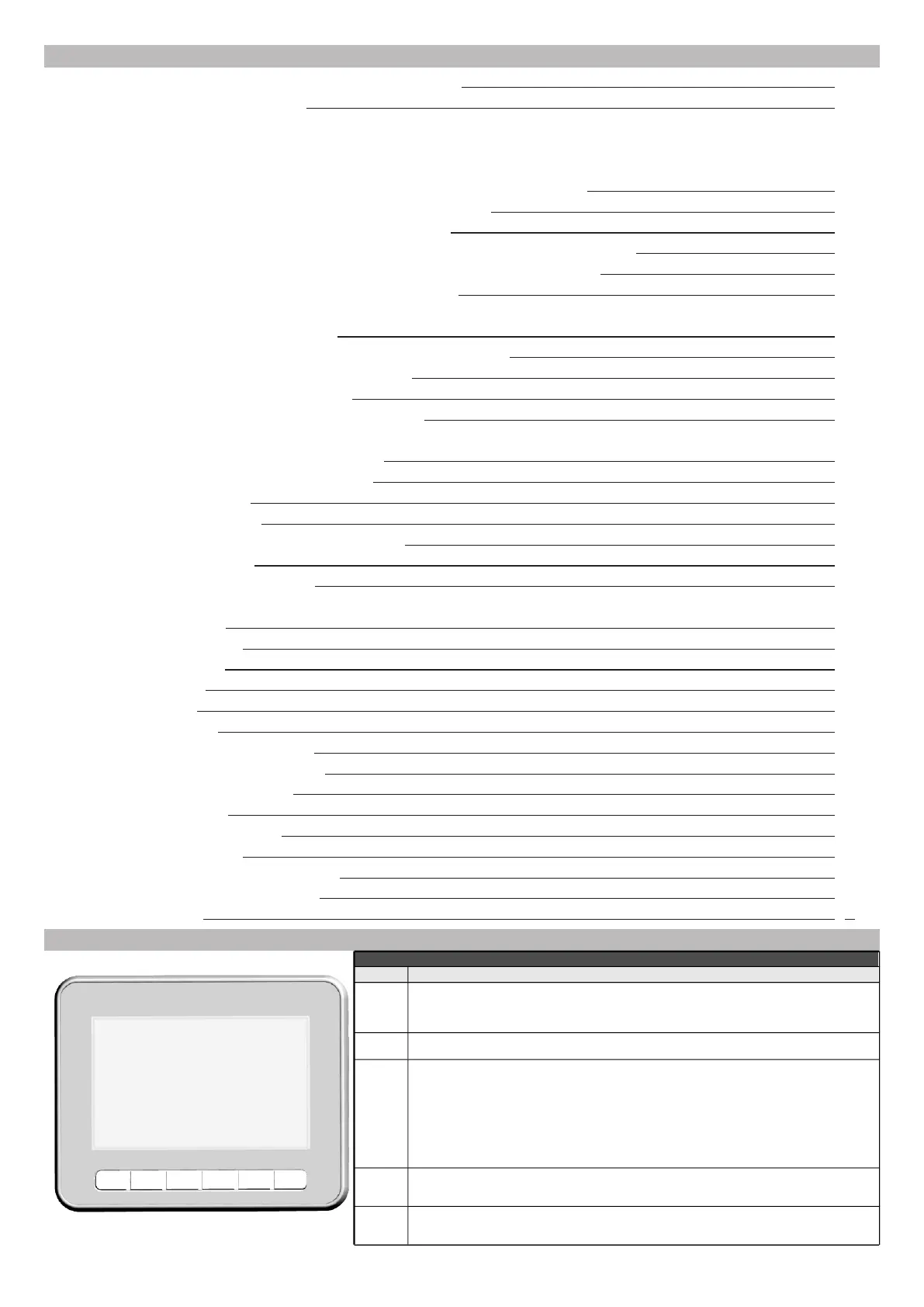
Button layout
-2-
F ESC PAR
<
<
SET
Button assignments
Button Assignment
F
ESC
PAR
SET
Press and release (less than 2 sec)
- To call out the "Hot Menu"
Press and hold
(more than 2 sec)
- To adjust the screen brightness, cyclic switch (for "Parameters Display" and "Average Display")
- To undo the action;
- To exit to the previous menu
Press and release (less than 2 sec)
To cyclic switch between the displays: "Parameters"/ "Average" / "Service Interval"
"Parameters Display": momentary engine performance parameters (fuel consumption, engine coolant
temperature etc.).
"Average Display": average parameters for a given time period (trip, 24 hours).
"Service Display" : service interval reminder, fault codes reading and clearing.
Press and hold (more than 2 sec)
To switch to the "Settings Display ": setting the on-board computer, protocol choice, warnings, display
etc.
>
<
To move UP/DOWN the menu;
- To choos various parameters combinations in the "Parameters Display";
- To increas and decreas the editing parameter in the "Settings Display".
To change the type of the "Parameters Display" (digital, graphic, arrow) Enter the sub-menu;
Command to change the selected parameter;
To confirm the change of a parameter


 To Next Page
 Loading...