Page35of41
IMC01 Banknote Counter User Manual
Version 1.06
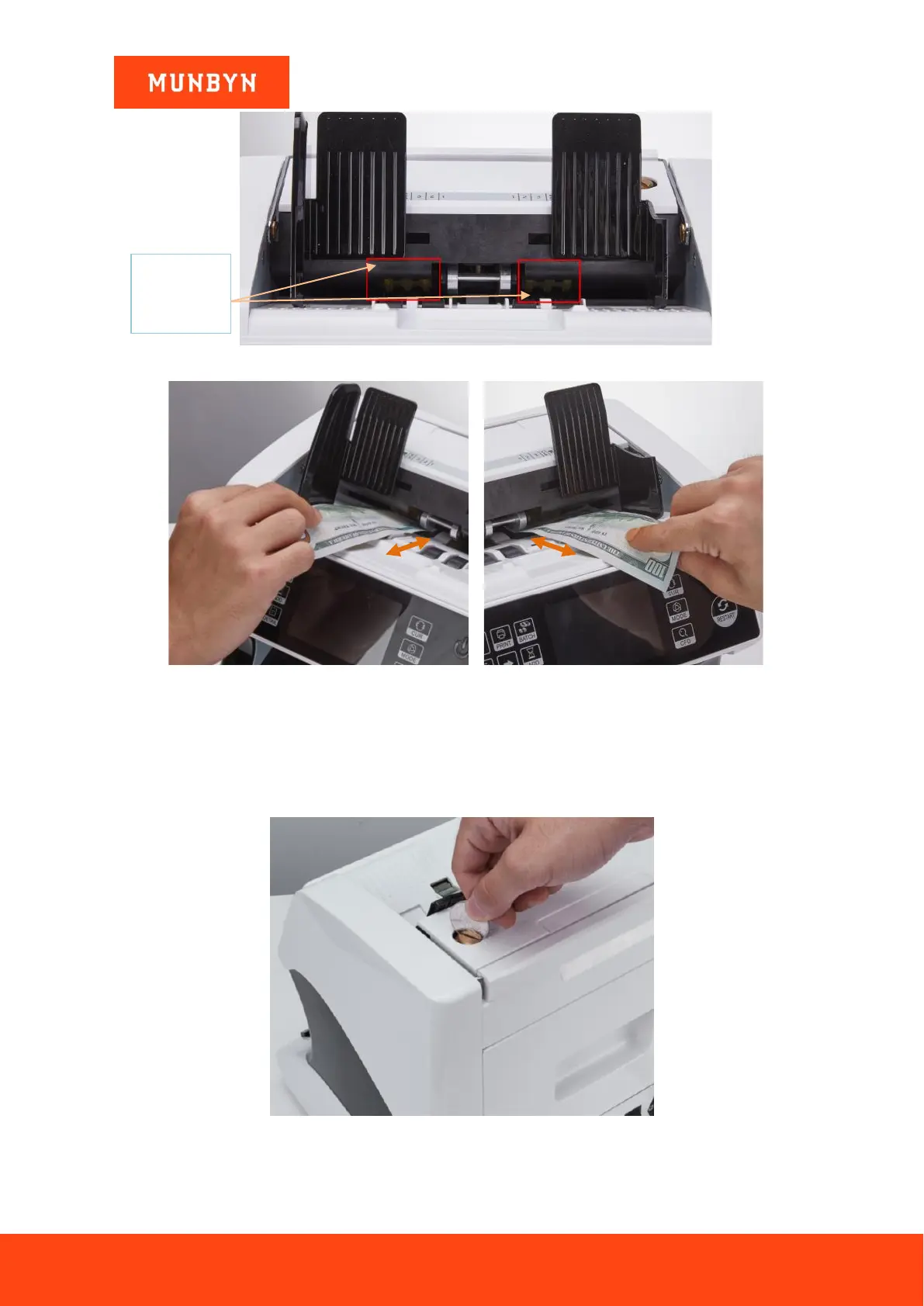
Figure 7-15 The Banknote Feeding Gap
Figure 7-16 One banknote to Check the Gap between the Rollers
3) If the banknote is hard to inserted, that means the feeding gap is too small, please rotate the screw
clockwise until the banknote can be inserted smoothly. If the feeding gap is so large that two or more
banknotes can be inserted to the feeding gap, please rotate the screw counterclockwise until the gap can
just allow one banknote inserted.
4) Use the banknote to check the other sides of the gap between rollers, to make sure the banknote can be
inserted into both sides of the feeding gap smoothly.
Figure 7-17 One Coin to Rotate the Screw
Tips: you can just use one coin to rotate the screw.



 To Next Page