21
Operation
4
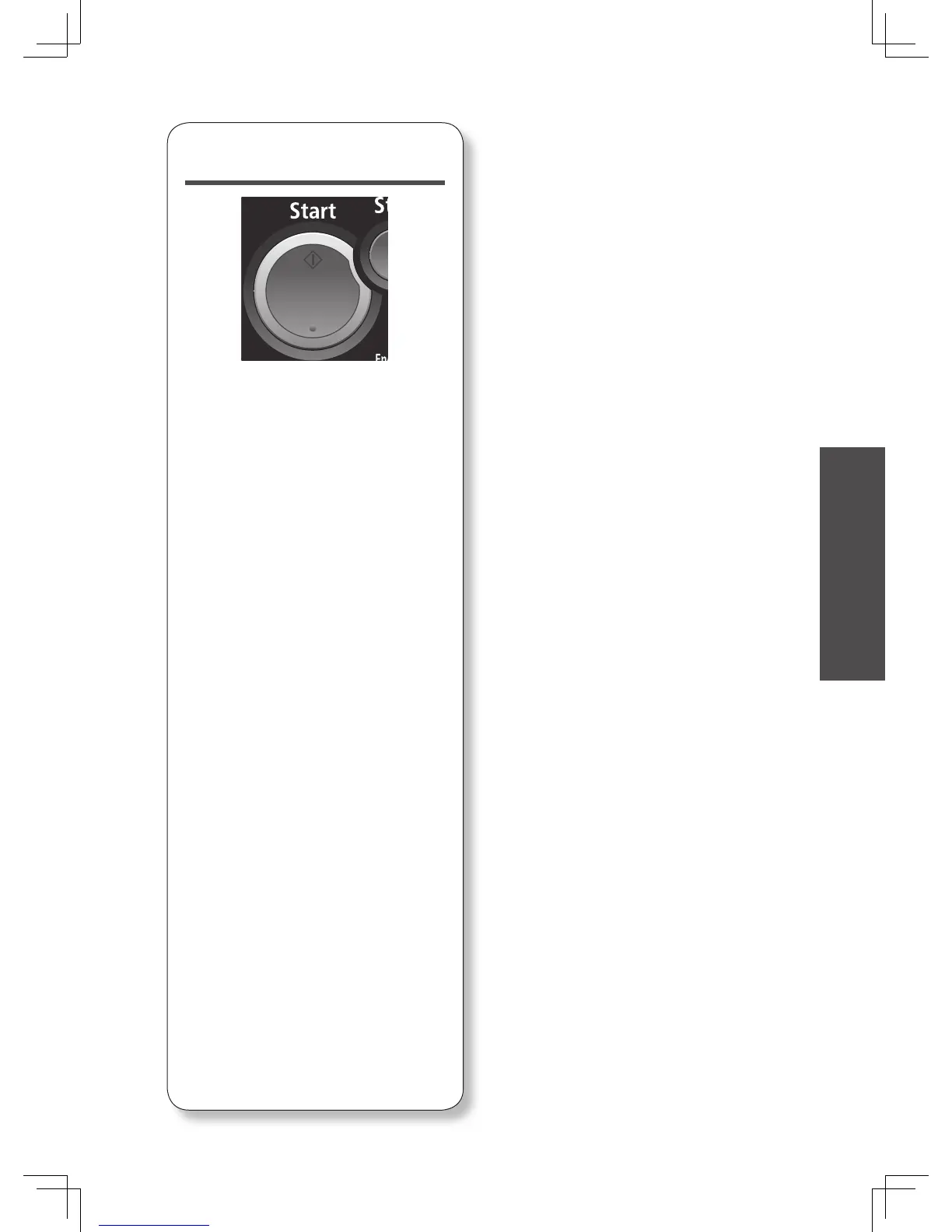
Press <Start>.
• This step is not necessary when you
have selected the destination from
the address book or shortcut.
• If the document was set on the
document glass, “Set next document.”
will be displayed once the scan has
been completed. Press [Complete]
to complete the operation, or set the
next document on the document glass
and press [Next Doc].








 To Next Page