ValueCut User Manual
Installation 2-20
2.8.3 Driver Un-installation
You have to remove previous version driver installed on your PC system completely before
you can install the latest version successfully. Please refer to below steps.
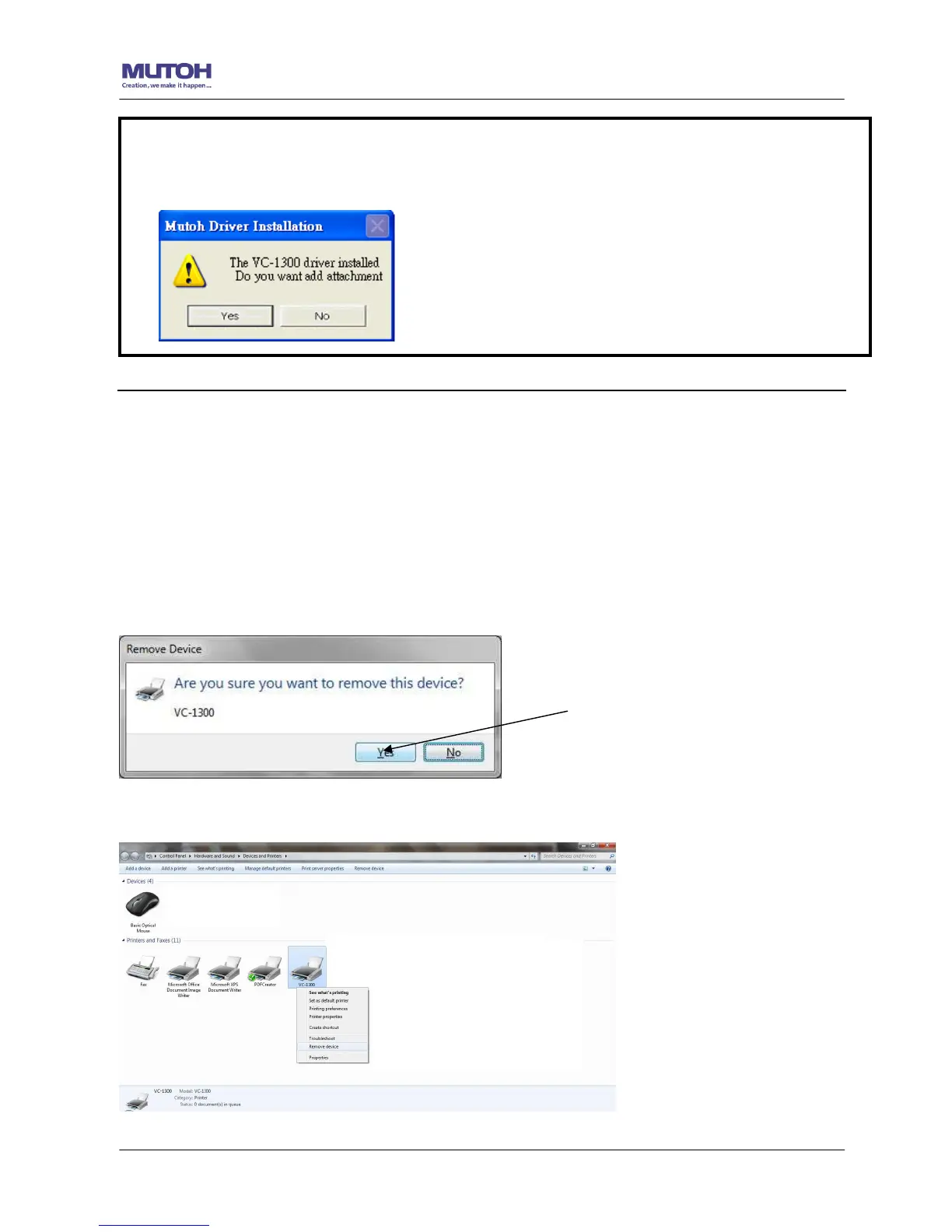
1. Right click on the printer to remove the printer from system Printer page.
2. After remove from the ValueCut unit, right click on any empty space on the page and select
“Server Property”
Note:
(1) If the driver is being installed for a second time, the user will be prompted as to whether a
second copy of the driver installation is required.










 To Next Page