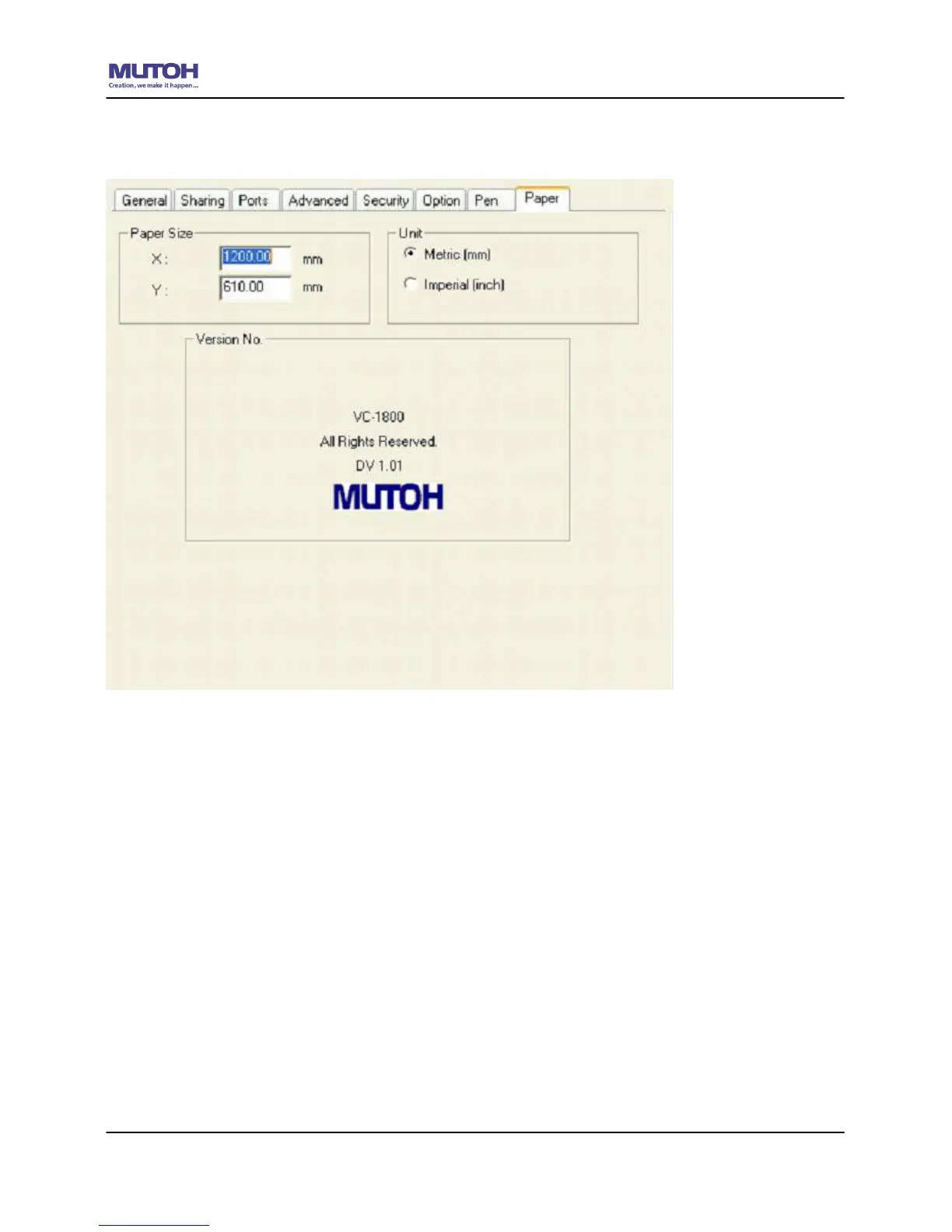
4.7.3 ValueCut Print Driver setting > Paper Page
Paper Size (Paper Page) [DEFAULT SETTING: Y = the width of machine; X will be automatically set to be twice
the length of Y]
The paper size represents your total work area. The X value represents the length and the
Y value represents the width. The paper size should be set as the same as your image so you can get a better
cutting quality.
Unit (Paper Page) [DEFAULT SETTING: Metric (mm)]
Here you can set your preferred measurement standard in which you would like use with the VALUECUT series
print driver. You can choose between metric or imperial standards.










 To Next Page