ValueCut User Manual
Trouble Shooting 7-6
7.4 Software Problems
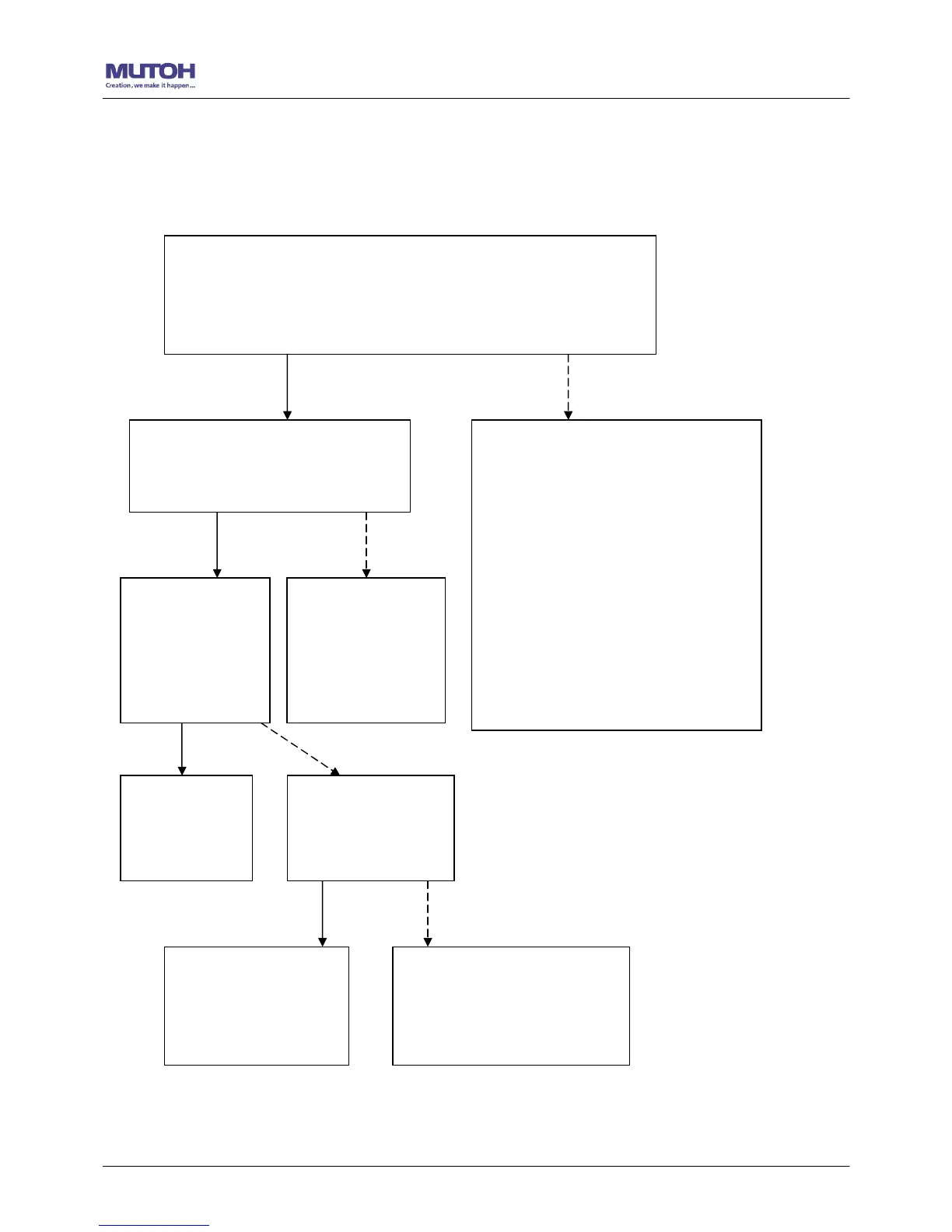
Check the following first:
Does your software package indicate that it will work with
your computer and cutting plotter?
Does your software support HP-GL and HP-GL/2 drivers?
(* check the configuration settings of your software.)
Yes
No
Does the cutting plotter interface
match the requirements of your
software?
Does your
software
recommend
using a different
cable?
Does the software
vendor provide a
sample file?
Most well known cutting softwares
in the world have drivers for our
cutting plotters. If not, use
GL/2 emulation supports and
drivers:
A3 size: HP7475A
A1 size: HP7580A
A0 size: HP Draf Pro Exl or
Refer to Chapter
2 - Connecting
your cutting
plotter.
Yes
No
Try using the
recommende
d cable.
Yes No
Re-power on the
cutting plotter and
try to send the file
again.
Do something about the
error message display on
LCM, or consult your
software vendor.










 To Next Page