36
2 Changing head height
If media is lifted or when printing that use a large amount of ink is conducted, the media rubs against the print head and
becomes dirty. In such a case, it may improve by setting the print head height high.
When the print head height is changed, always conduct image quality adjustment.
Note
• If media is lifted, the lifted part contacts the bottom part of the print head causing the media to become dirty.
• If media containing a lot of ink becomes sodden and lifted, it contacts the bottom part of the print head causing the media to become
dirty.
Steps
[1]
Open the front cover.
[2]
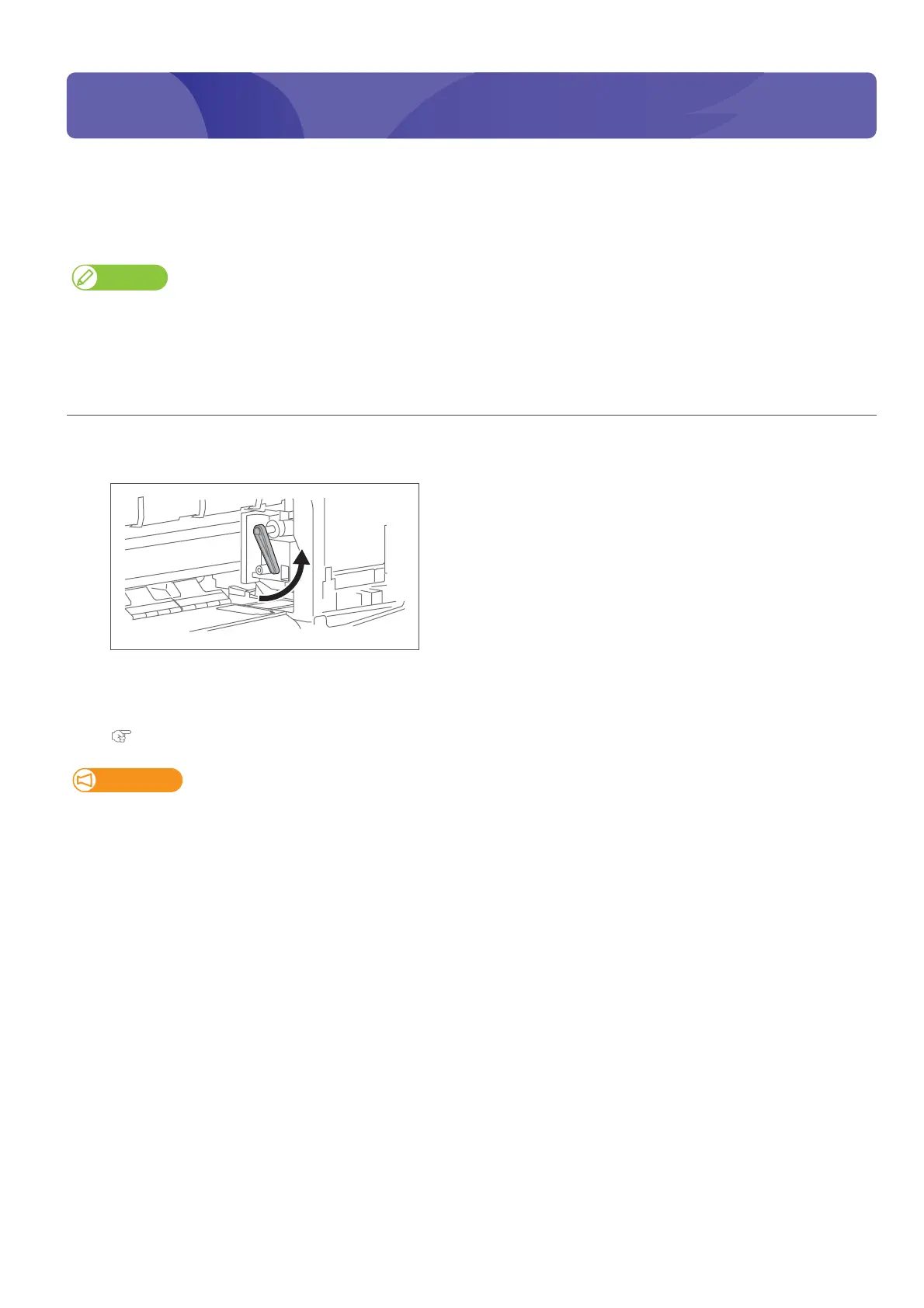
Lift the lever and raise the head height.
[3]
Close the front cover.
[4]
Conduct image quality adjustment.
Adjusting image quality
Important!
Do not change the print head height while printing.
Changing head height















 To Next Page