34 Nozzle check and cleaning
2. Cleaning steps
[1]
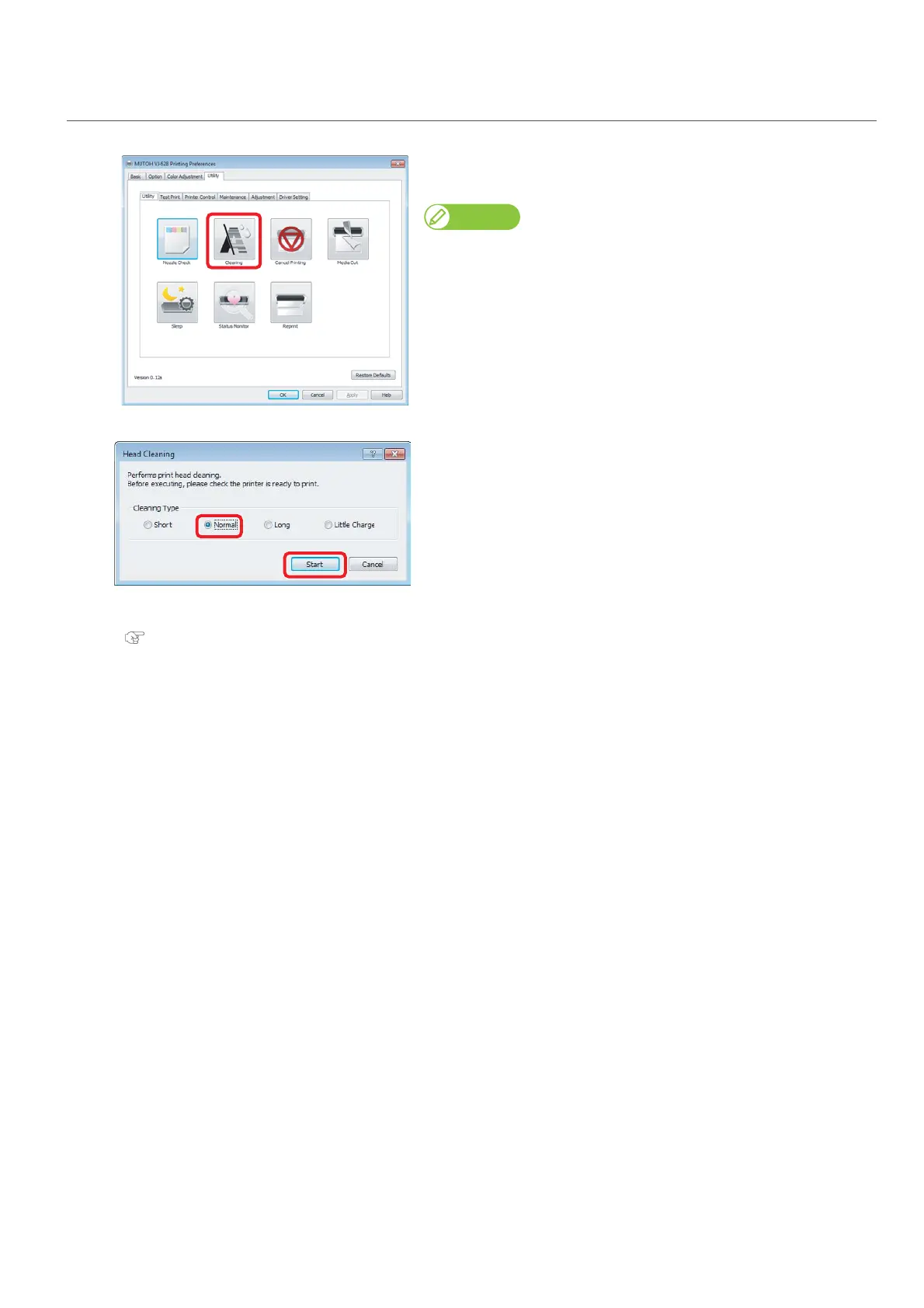
Click [Cleaning] in the [Utility] tab under the [Utility] tab.
• The [Head Cleaning] window opens.
Note
The same can be also done with the remote panel of MSM.
[2]
Select [Normal] and click [Start].
•A cleaning starts.
[3]
Conduct a nozzle check, again.
"Nozzle check steps" on page 32
• If there is still nozzle clog, repeat [Normal] cleaning. Refer to "Head cleaning" on page 58 for [Short], [Long] and [Little
Charge].















 To Next Page