Handling messages/error messages 81
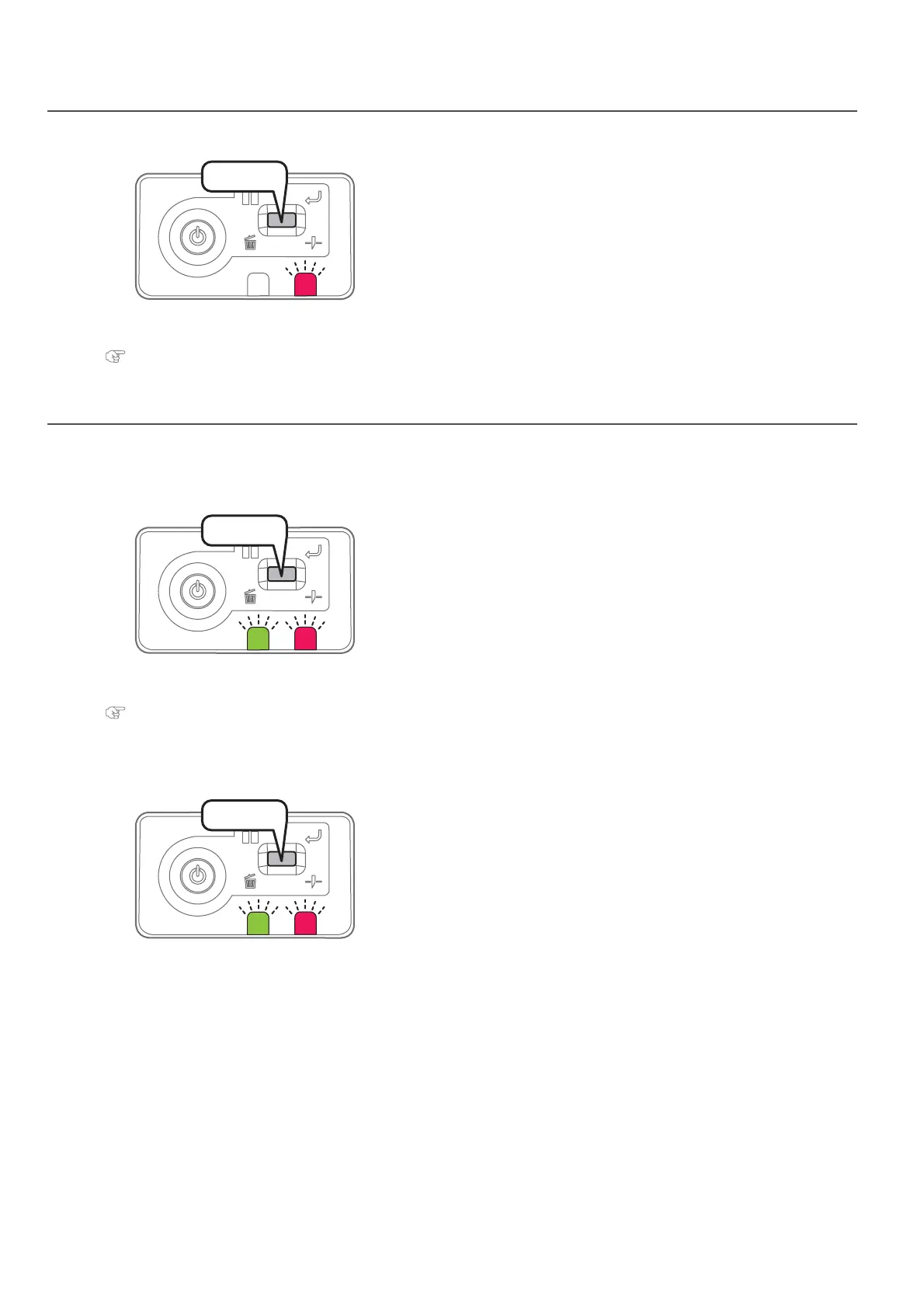
The error LED in the operation panel becomes ON (flashes in warning state), and a buzzer sounds.
When a serious error happens, the data LED and error LED in the operation panel flash simultaneously, and the buzzer sounds
in a fixed interval.
Error display of operation panel
[1]
Short press the operation key on the operation panel, when the
buzzer continues sounding.
•The buzzer stops.
[2]
Check error/warning contents with MSM and handle the error/warning.
"Checking message/error/warning" on page 80
Emergency mode
[1]
Short press the operation key on the operation panel, when the
buzzer continues sounding.
•The buzzer stops.
[2]
Check the serious error contents with MSM.
"Checking failure contents of the emergency mode" on page 82
• After checking it, proceed to step 5.
• When the status monitor cannot be viewed, proceed to step 3.
[3]
When the status monitor cannot be viewed, short press the operation
key on the operation panel again.
• LED flashes and the buzzer sounds in a regular pattern.
The pattern indicates error number.
Press!
Press!
Press!















 To Next Page