Hardware Installation
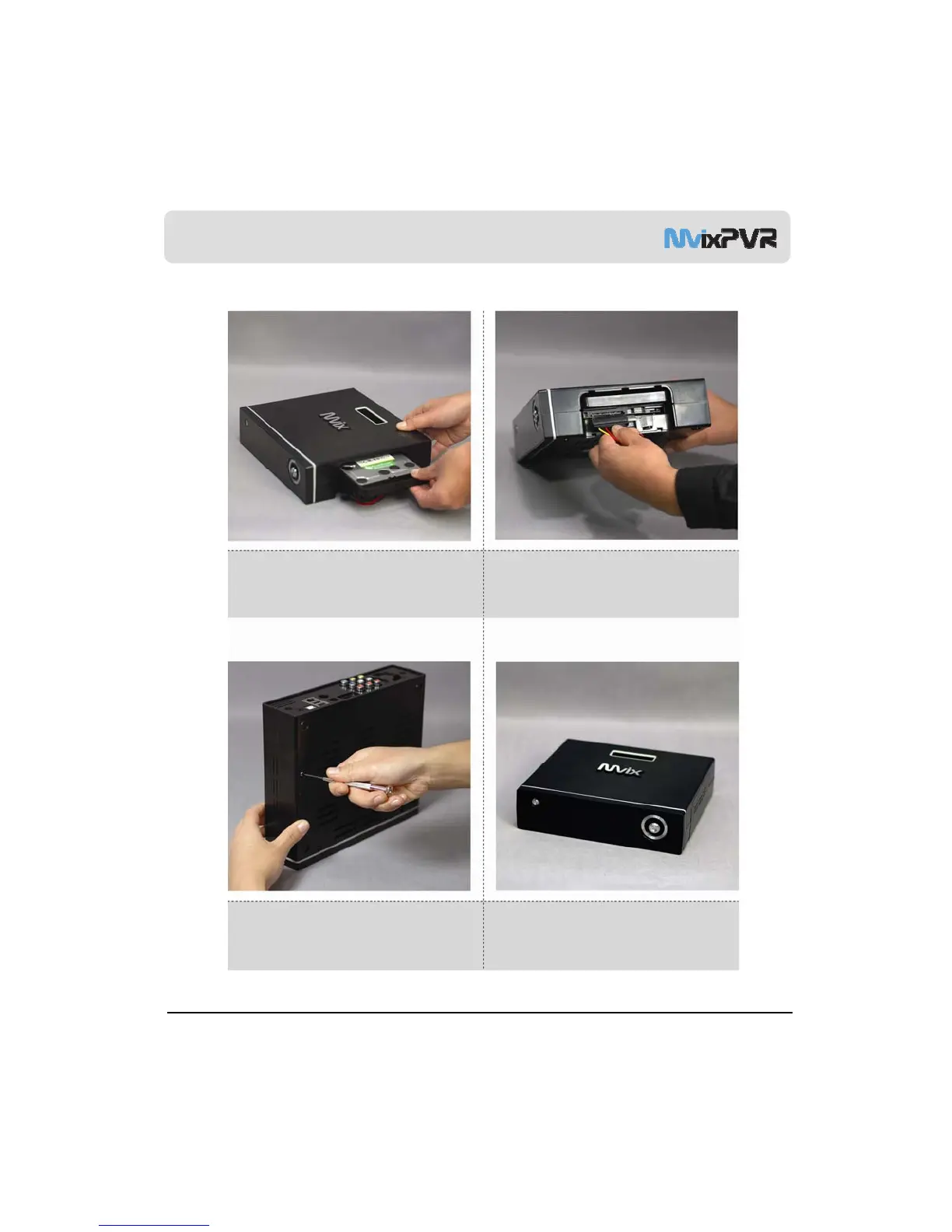
5. As shown above, slowly push the HDD guard
together with the SATA HDD into the main body of
MvixPVR.
6. Install power cable and SATA cable to the
mounted hardware.
MvixUSA
12
7. When hardware mounting is completed, close
the cover and fasten the screw by rotating it in
clockwise direction.
8. Hardware installation of the MvixPVR has been
completed.



 To Next Page