Chapter 3. For Advanced Users
1-2. Delete Timer
Delete Timer
Move to delete menu to find Select Menu in which you can delete the presetting selected from the preset list in
scheduler and menu window where you can delete all preset list Press OK to usethefunction
.
.
1-3. Timer Status Change
Timer Status Chan
e
MvixUSA
40
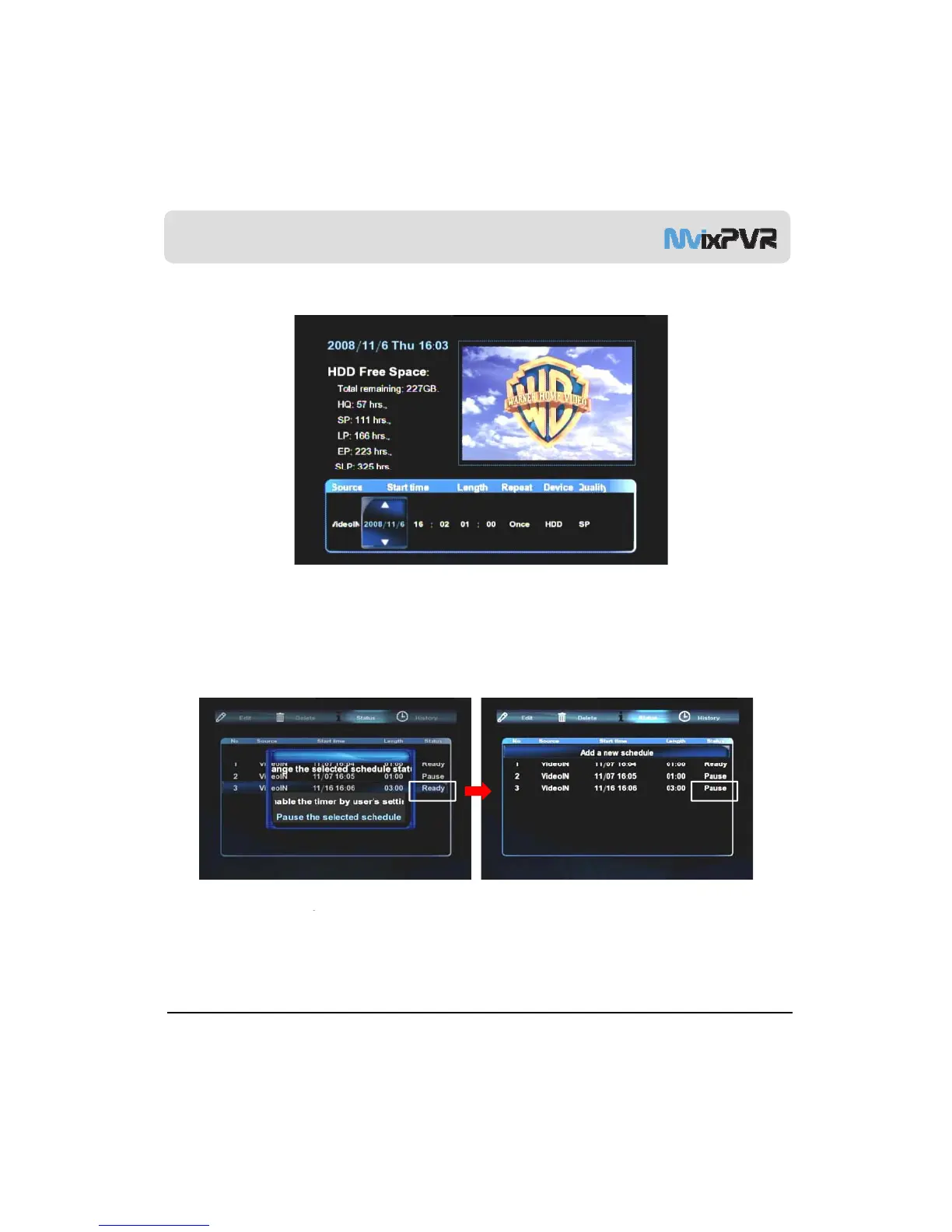
This function is used to temporarily stop the status of using the saved preset recording list or to change the status
back to ‘use’. To change the status of preset recording list, place cursor on the list to change and press OK button
in remote controller. When status change window is displayed, select ‘use timer with user setup/ temporarily stop
the selected schedule’ menu.



 To Next Page