Chapter 1. PVR Setting
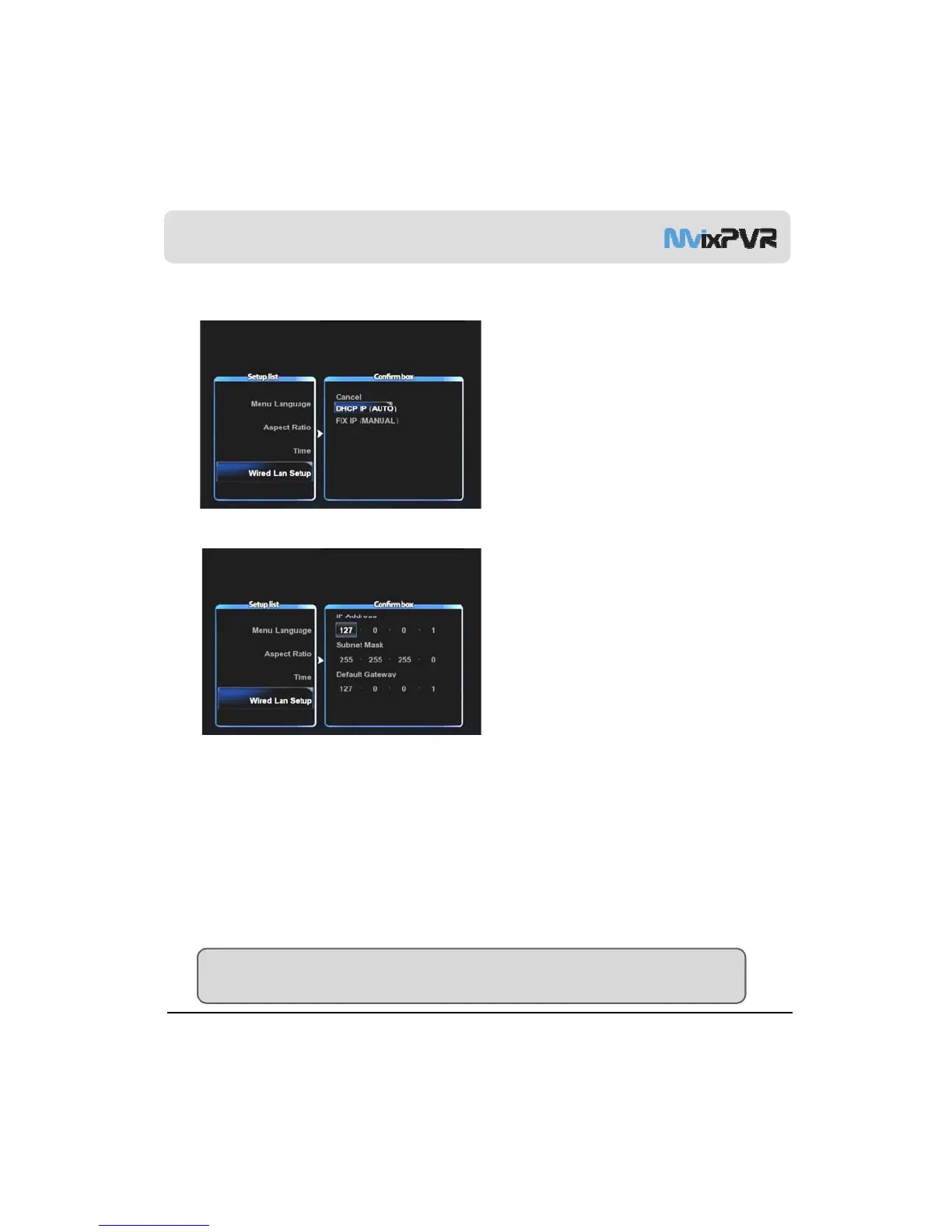
3) Network Setting in Start Wizard
1. Select the method to connect wired LAN to
network. DHCP IP automatically allocates IP
address.
2. To set static IP address and allocated them, make
and save input by using number keys in remote
controller.
MvixUSA
21
Note
Normal operation is not possible if setting the same IP as peripherals. Make sure to enter accurate IP address within IP
bandwidth that can be used in router.



 To Next Page